JPG to DWG
Upload a JPG and get back a DWG you open in AutoCAD like any other drawing: line work on layers, at real size, no tracing.
or drag it here. JPG, PNG, WebP and HEIC all work.
Uploading needs no account. To generate, create a free one.



What's inside the DWG
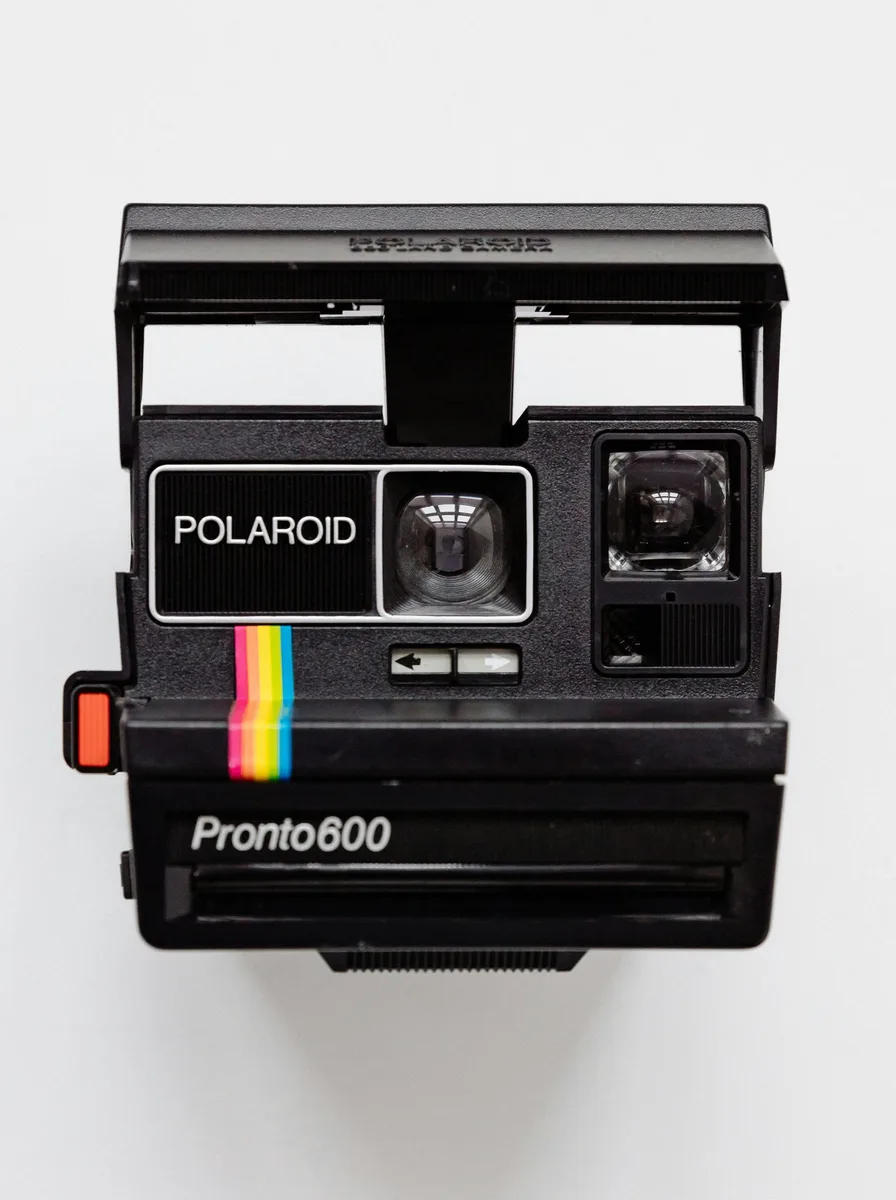
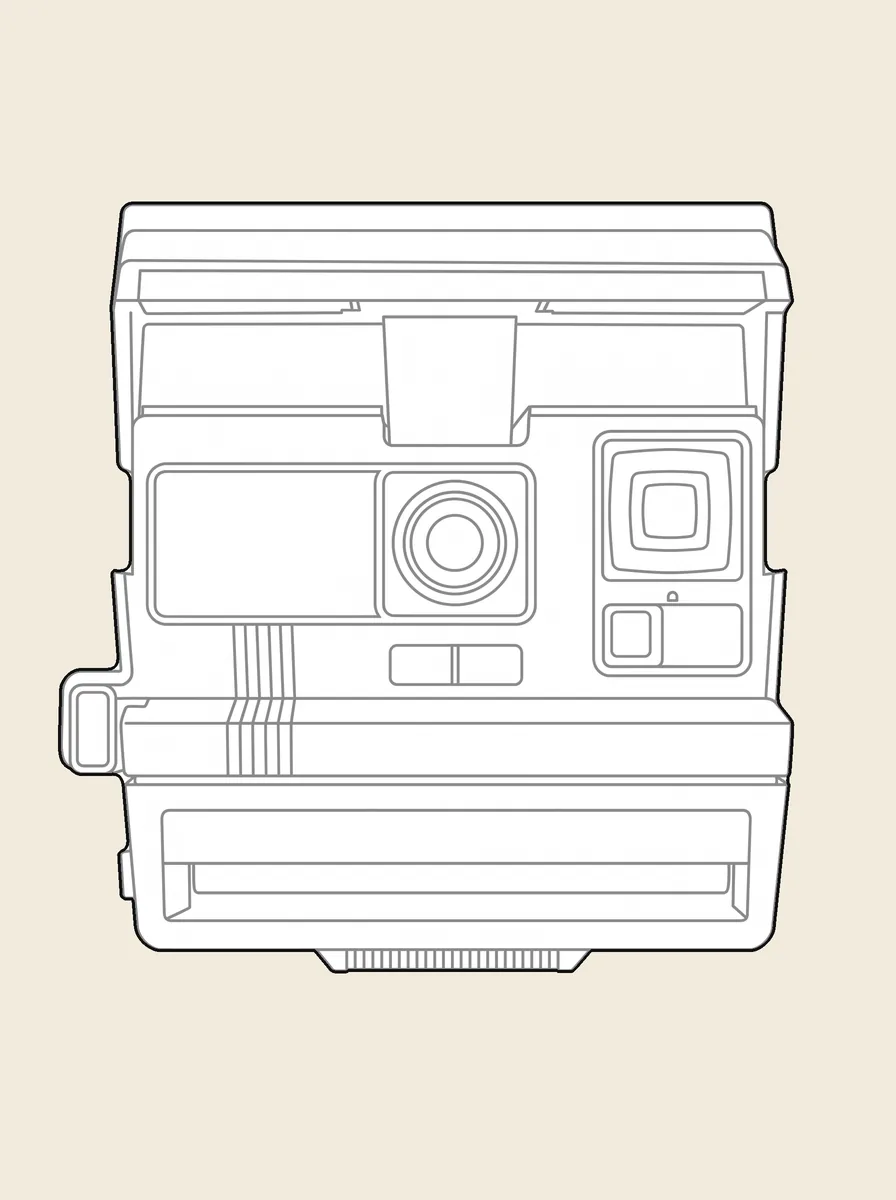
This is the real file of the camera above, the same one you can download here. Three layers, each with one job.
Outer1 closed spline
The outline. One click and you have the whole silhouette, ready to offset or hatch.
Inner360 lines and curves
Every edge and detail inside the outline, on its own layer so you can thin it, grey it or switch it off.
Fill1 solid hatch
A solid fill that hides whatever sits behind the block, like a real object in an elevation.
- Format
- DWG 2000
- Units
- Millimetres
- Size
- 105 × 110 mm
- Curves
- Splines
Free, no account needed. Open it in AutoCAD and check it yourself.
Three ways to turn a JPG into a DWG
All three end in a DWG. What changes is how long it takes and what you find when you open it.
Trace it by hand in AutoCAD
- Time
- An hour or more per object
- What you open
- Clean lines, if you have the patience
- Layers
- The ones you make
- Scale
- Whatever you measure
An automatic vectorizer
- Time
- Seconds
- What you open
- Thousands of short segments, shadows and texture included
- Layers
- Usually one
- Scale
- Pixels, so you rescale it
pic2CAD
- Time
- About a minute
- What you open
- A clean drawing: outline, inner lines and fill
- Layers
- Three, already named
- Scale
- Real millimetres in Orthographic view
Opens in
- AutoCAD
- BricsCAD
- DraftSight
- ZWCAD
- Revit
- ArchiCAD
- Rhino
Any program that reads DWG 2000 or newer, which is every CAD program from the last 25 years.
How it works
Upload a picture
Any picture works: one you shoot yourself, a reference from a client, or a sketch you already have.
pic2CAD draws the line art
The picture becomes a clean line drawing in about a minute. Generating uses 1 credit, and you get it back if the drawing fails.
Download PNG, SVG, DXF and DWG
Every format, every time; the DWG is under the + button in My drawings. Downloading is always free, however many times you need the file.
How pic2CAD helps
AutoCAD can attach a JPG, but only as a picture behind your drawing: you can't snap to it, offset it or hatch it. To get real lines you trace it with polylines, one curve at a time.
pic2CAD redraws the picture as line work and saves it as a DWG you open like any other drawing. Once it's generated, the DWG is under the + button in My drawings, next to PDF and EPS, with the same access as the DXF.
Ideal for
- AutoCAD users who need a block from a picture and don't want to convert a DXF by hand
- Architecture students whose school or studio asks for every file in DWG
- Interior designers placing a client's own sofa, lamp or plant in a plan
- Anyone handed a JPG who has to send a DWG back
Frequently asked questions
Your JPG, as a DWG.
Upload it, click what you want drawn and take the DWG from the + button in My drawings. About a minute.
or drag it here. JPG, PNG, WebP and HEIC all work.
Uploading needs no account. To generate, create a free one.