Convierte una imagen en un DXF que tu cortadora puede usar ya
Trazados vectoriales cerrados e inequívocos, sin redibujar nada a mano: las líneas exteriores e interiores ya separadas en capas.
Pruébalo con tu propia imagen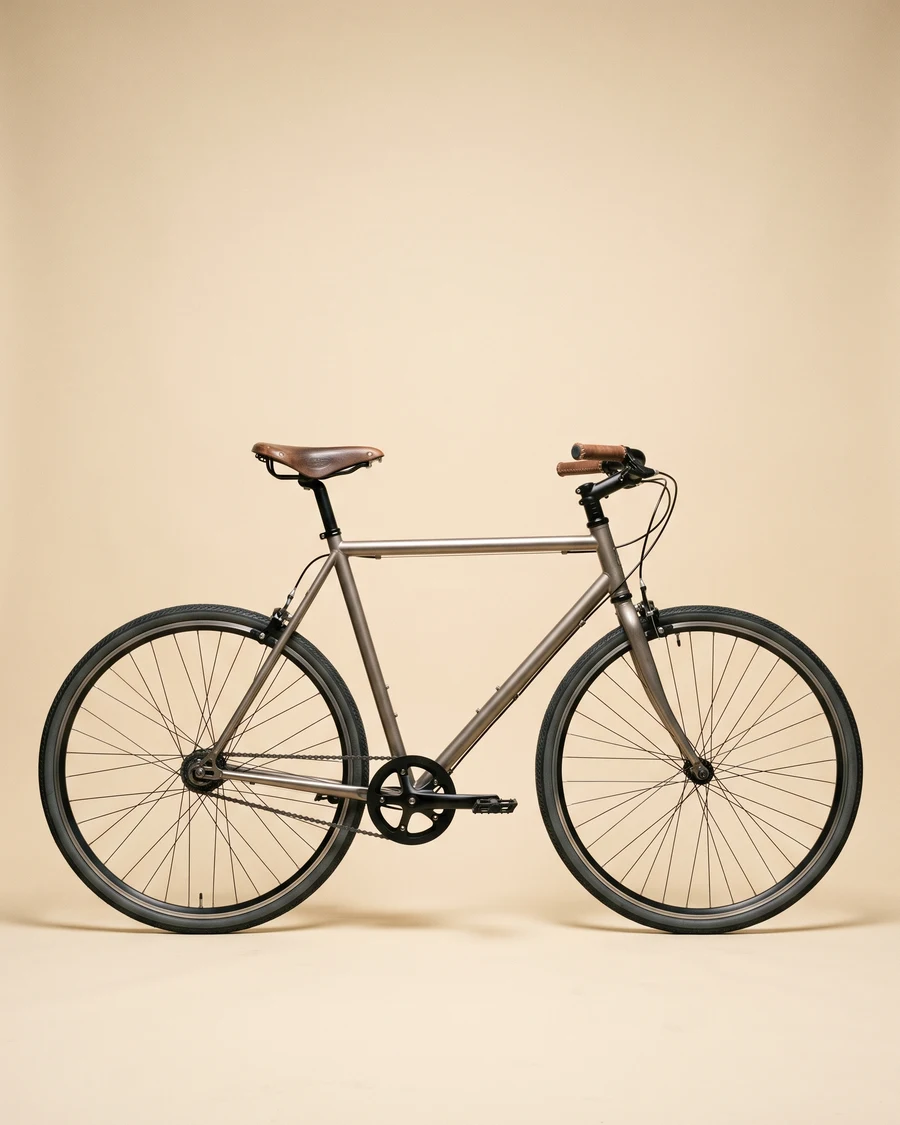
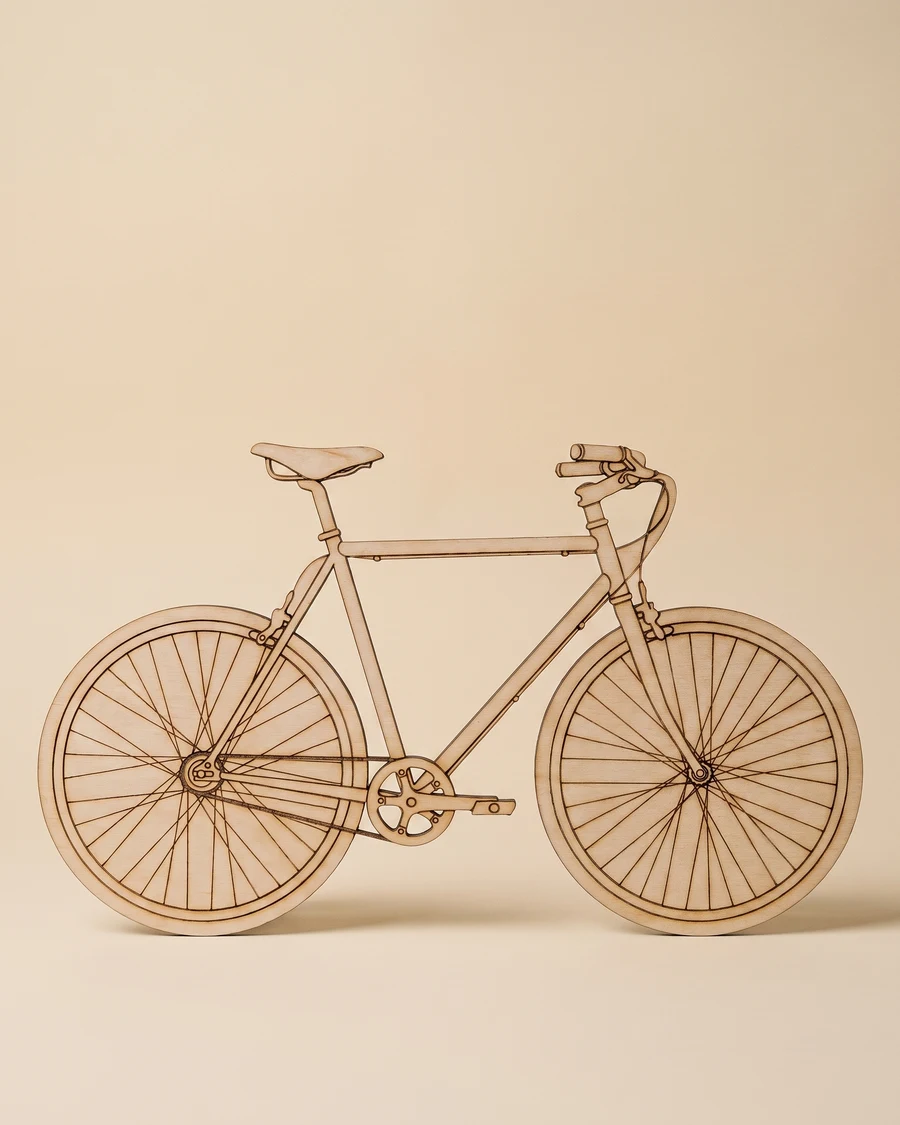
Cómo funciona
Sube una imagen
Vale cualquier imagen: una que hagas tú, una referencia de un cliente o un boceto que ya tengas.
pic2CAD dibuja la línea
La imagen se convierte en un dibujo de línea limpio en cerca de un minuto. Generar gasta 1 crédito, y si el dibujo falla se devuelve.
Descarga PNG, SVG, DXF y DWG
Todos los formatos, siempre; el DWG, en el botón + de Mis dibujos. Descargar es gratis, las veces que hagan falta.
Cómo ayuda pic2CAD
Calcar una imagen en trazados vectoriales limpios a mano es lento, y una línea ambigua (trazados abiertos, trazos que se solapan) puede estropear un corte o atascar un láser. La mayoría de herramientas de imagen a vector dejan esa limpieza en tus manos.
pic2CAD exporta trazados vectoriales cerrados e inequívocos como un DXF, con las líneas exteriores e interiores ya separadas en capas, así que las pasadas de corte y grabado están a un clic. El mismo archivo también se abre como SVG si tu software prefiere ese formato.
Ideal para
- Rotulación, pictogramas y paneles decorativos cortados en láser o plotter
- Regalos o prototipos únicos a partir de una imagen, sin redibujarla en un editor vectorial
- Aficionados y makerspaces que cortan contrachapado, metacrilato o cartón
- Series donde las líneas de corte y grabado tienen que vivir en capas separadas