JPG or photo to DXF
Upload a picture and get back a DXF you can actually open and cut, not a raster trace that needs redrawing.
Try it with your own picture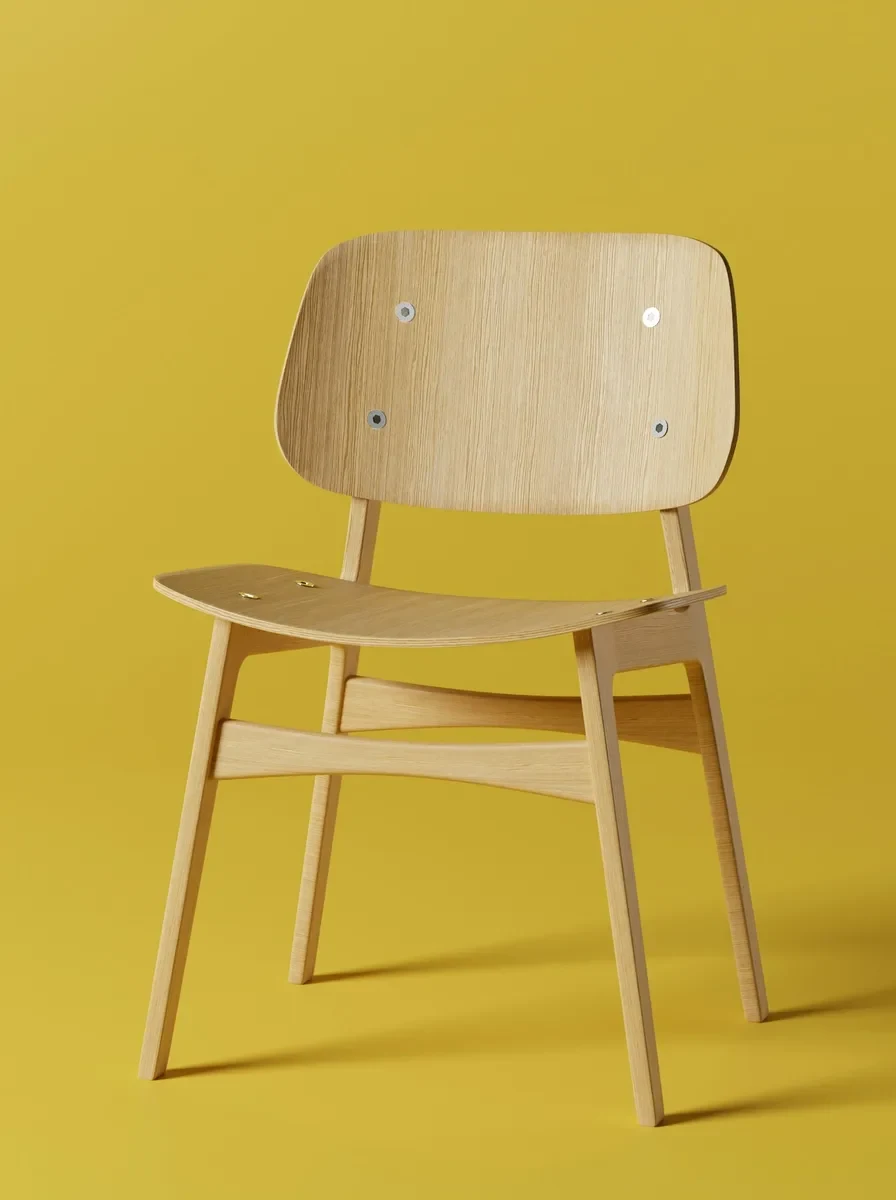
How it works
Upload a picture
Any picture works: one you shoot yourself, a reference from a client, or a sketch you already have.
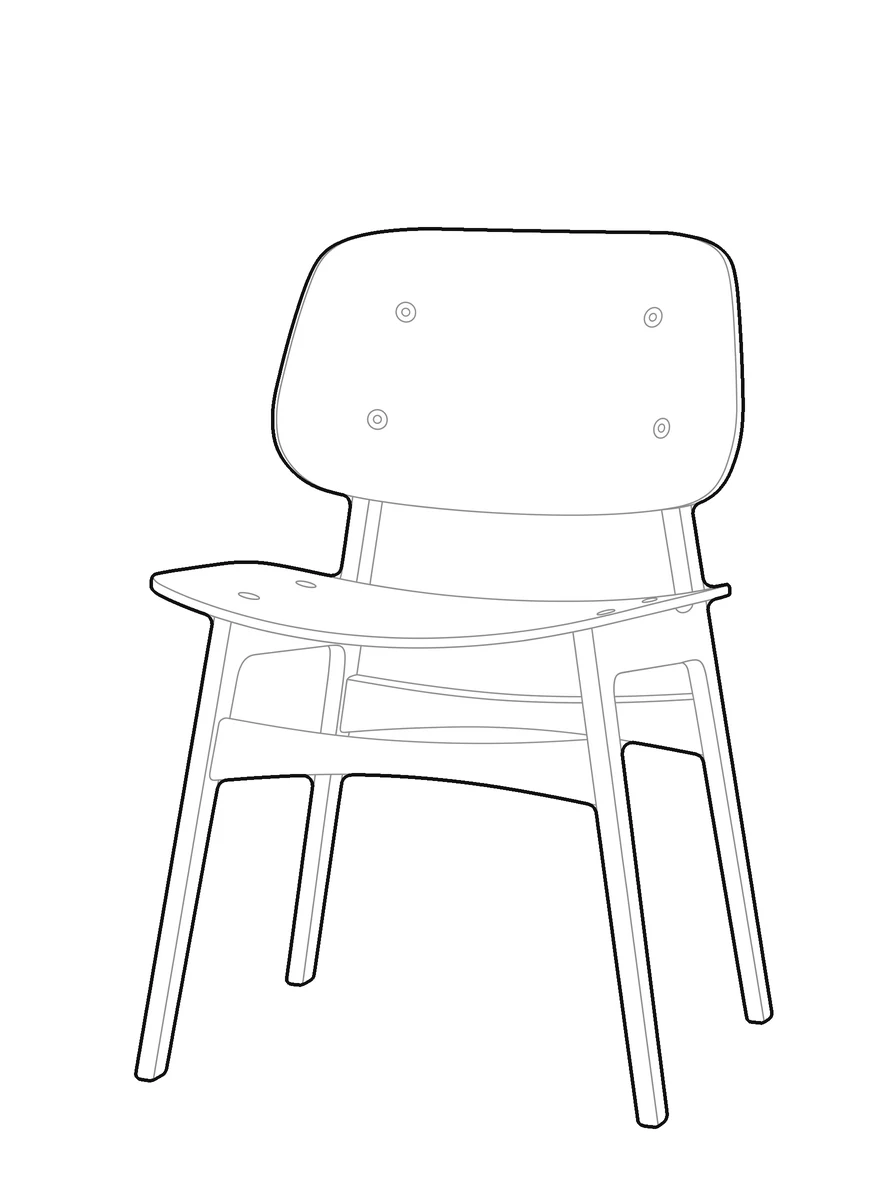
pic2CAD draws the line art
The picture becomes a clean line drawing in about a minute. Generating uses 1 credit, and you get it back if the drawing fails.
Download PNG, SVG, DXF and DWG
Every format, every time; the DWG is under the + button in My drawings. Downloading is always free, however many times you need the file.
How pic2CAD helps
A picture is not a drawing your CAD software can use. To cut it, draft with it or drop it into a plan, someone still has to trace it into vector lines by hand, layer by layer.
pic2CAD traces the picture for you and writes a DXF with Outer, Inner and Fill on separate layers, drawn with splines instead of jagged polylines, with millimetres as the unit. It opens straight in AutoCAD or Rhino, and just as easily in laser software like LightBurn.
Ideal for
- Laser and router operators who need closed, unambiguous cut paths
- Architecture students who need a DXF block for a plan or a board, fast
- Anyone drafting who does not want to trace a picture by hand
- Sign and stencil makers cutting from a reference picture