Convierte una imagen en el arte de línea que si no tu digitalizador tendría que bocetar a mano
pic2CAD no exporta DST ni PES, pero te da la base vectorial limpia de la que parte un digitalizador de bordado.
Pruébalo con tu propia imagen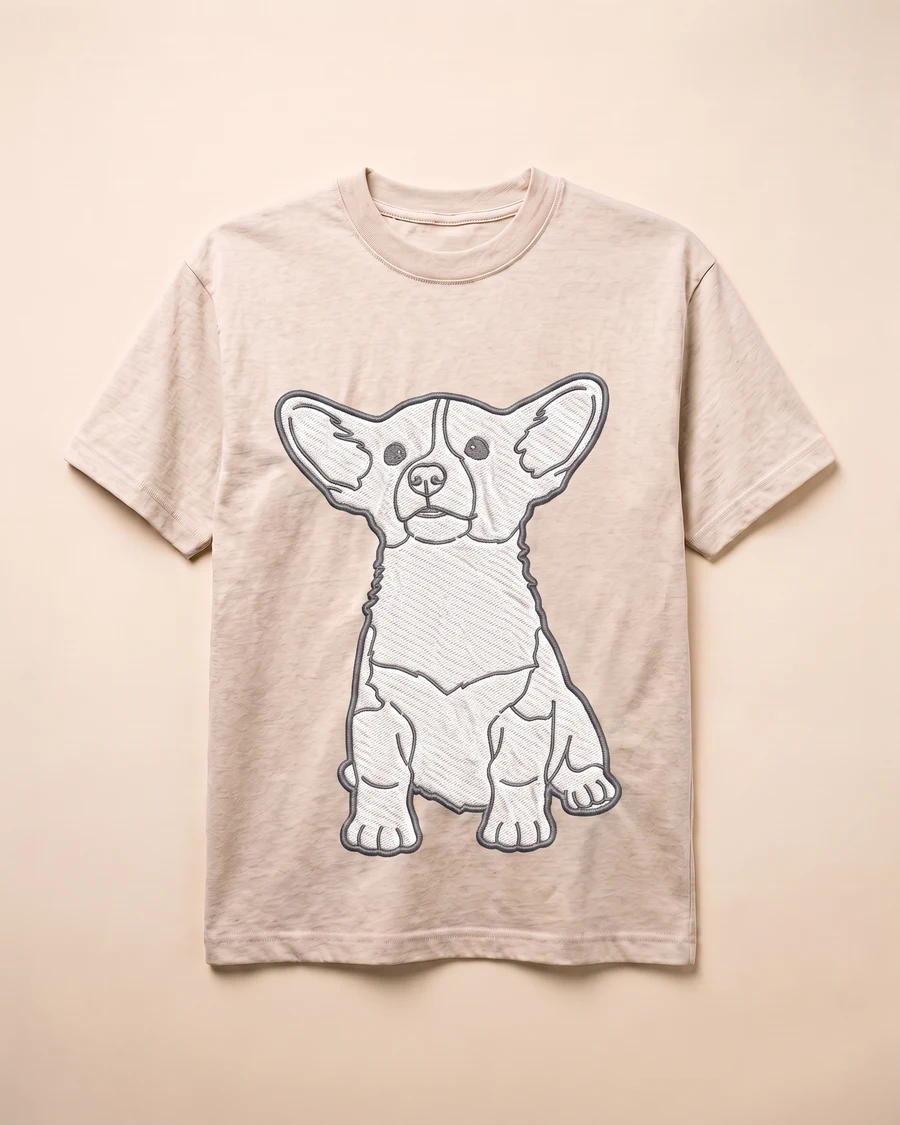
Cómo funciona
Sube una imagen
Vale cualquier imagen: una que hagas tú, una referencia de un cliente o un boceto que ya tengas.
pic2CAD dibuja la línea
La imagen se convierte en un dibujo de línea limpio en cerca de un minuto. Generar gasta 1 crédito, y si el dibujo falla se devuelve.
Descarga PNG, SVG, DXF y DWG
Todos los formatos, siempre; el DWG, en el botón + de Mis dibujos. Descargar es gratis, las veces que hagan falta.
Cómo ayuda pic2CAD
Un digitalizador de bordado necesita un arte vectorial limpio del que partir, y bocetar esa base a mano desde una imagen de referencia lleva tiempo antes incluso de empezar a digitalizar de verdad. Una imagen borrosa o un boceto tosco normalmente no basta.
pic2CAD convierte una imagen en un dibujo de línea SVG limpio que tu digitalizador puede pasar a puntada. El mismo archivo sirve también como separación de color de línea para serigrafía o como archivo de corte para vinilo textil, si el diseño acaba ahí en vez de en bordado.
Ideal para
- Talleres pequeños que convierten la imagen de un cliente en un diseño listo para bordar
- Digitalizadores que quieren una base vectorial limpia en vez de bocetarla a mano
- Bordado puntual o de tirada corta, donde un servicio completo de digitalización aún no compensa
- Diseños que también necesitan una versión de serigrafía o vinilo textil a partir del mismo arte