2D Library
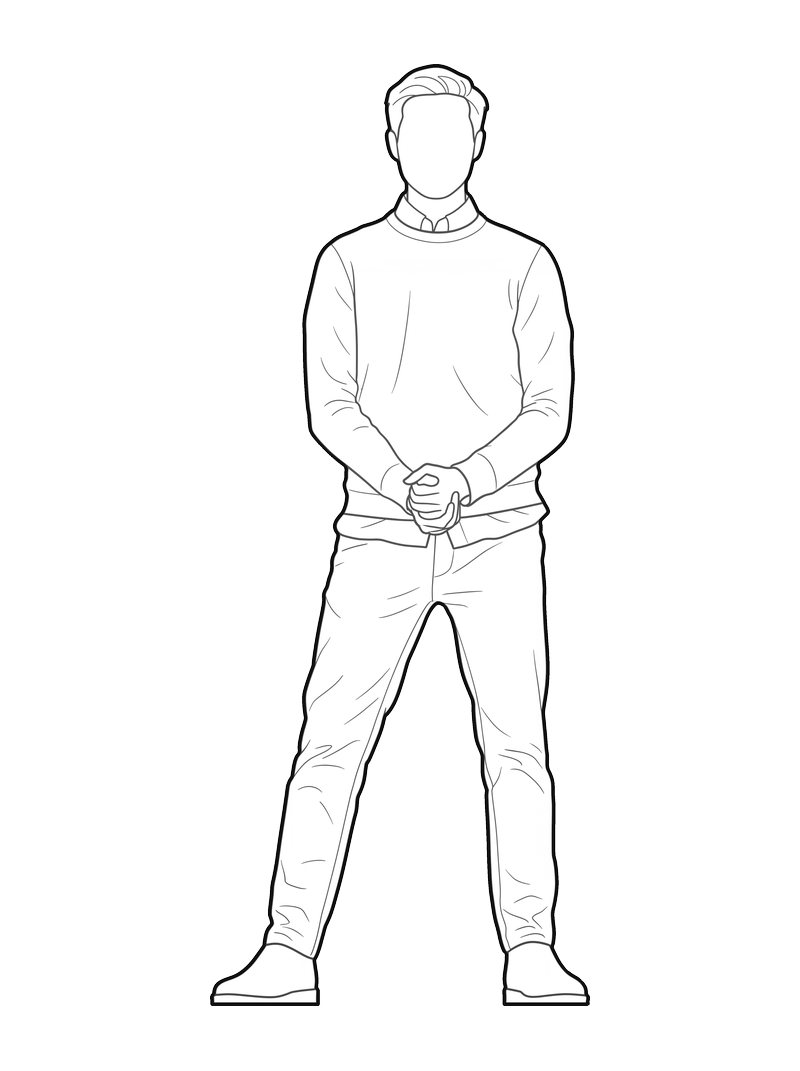
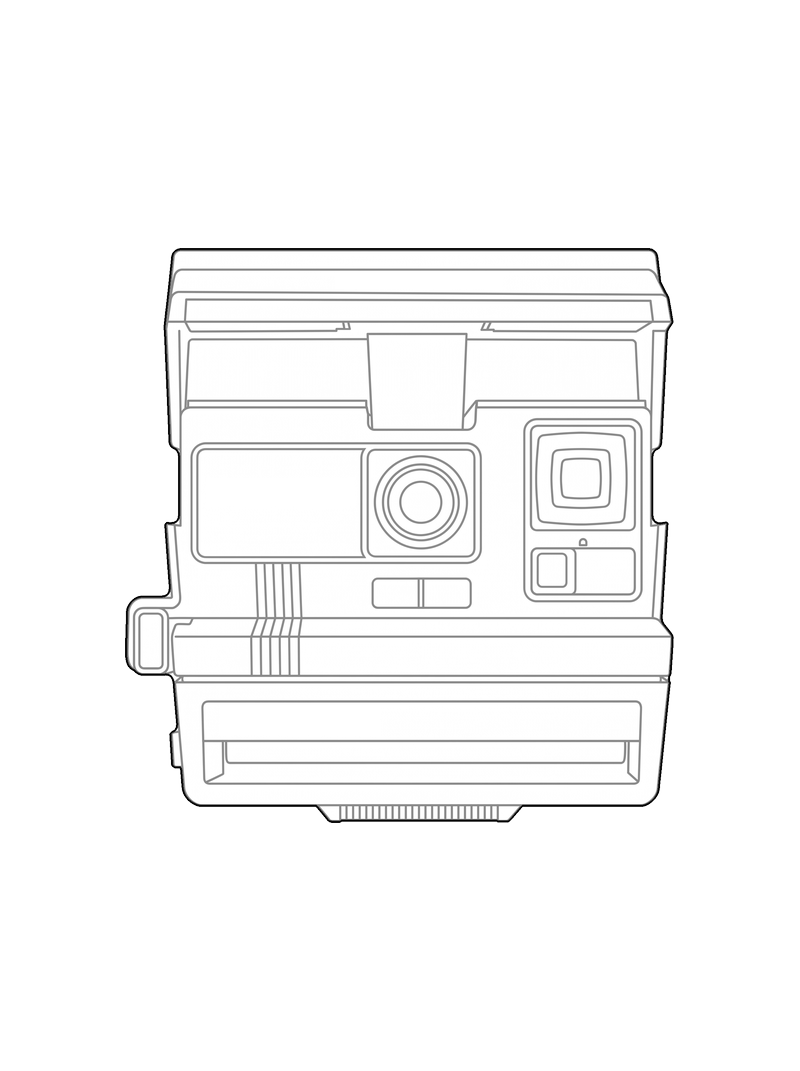
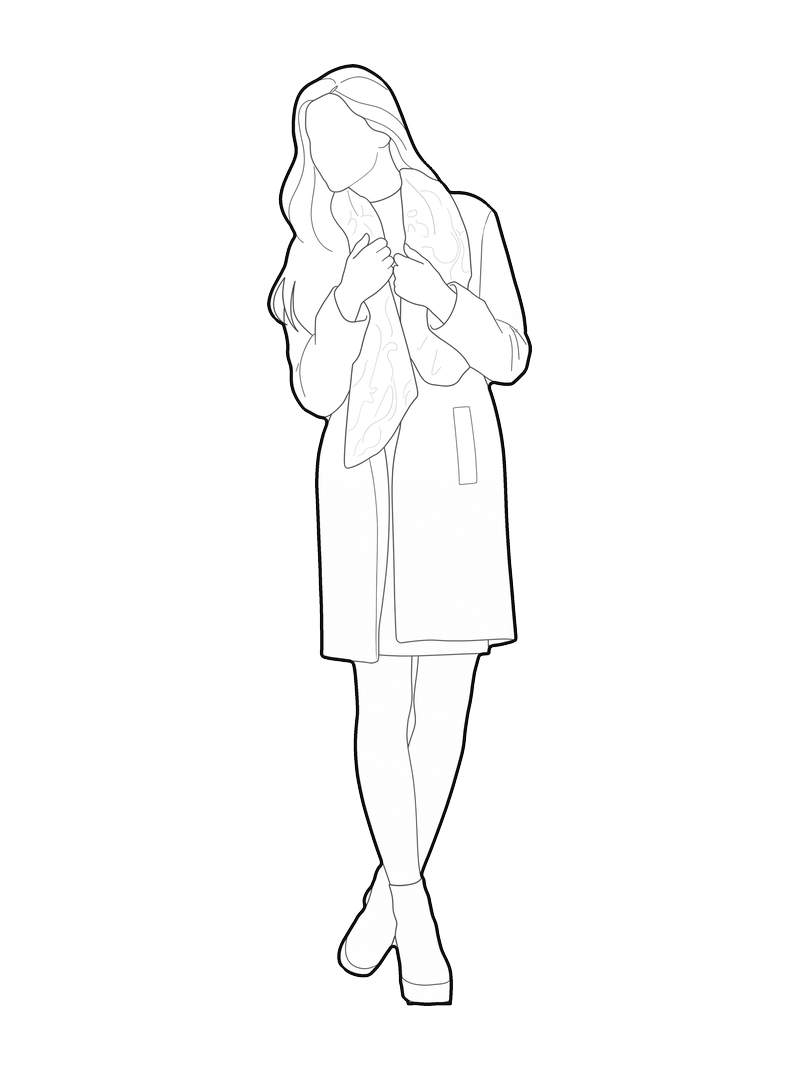
Real pictures turned into pic2CAD line-art blocks, straight out of the tool, no retouching. Blocks by the pic2CAD team and by the people who use it, all in one place.
100+ blocks made by creators like you
Got a block of your own? Share it with everyone in the 2D Library. Share one
Categories
Orthographic views
Sort
Free.
All of them.
Always.
If a block saves you an afternoon of drawing, you can support the Library.
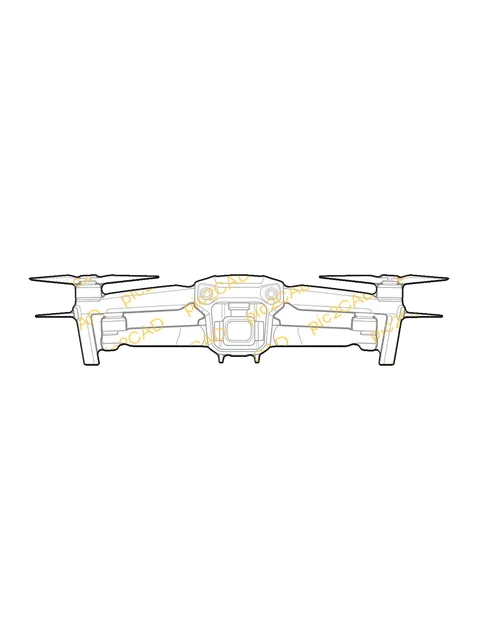
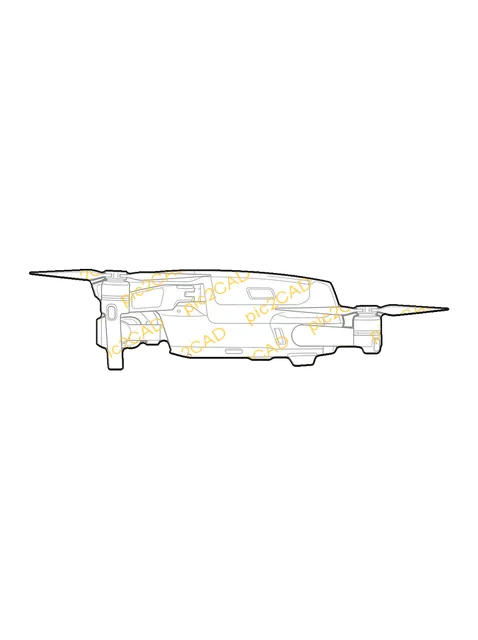
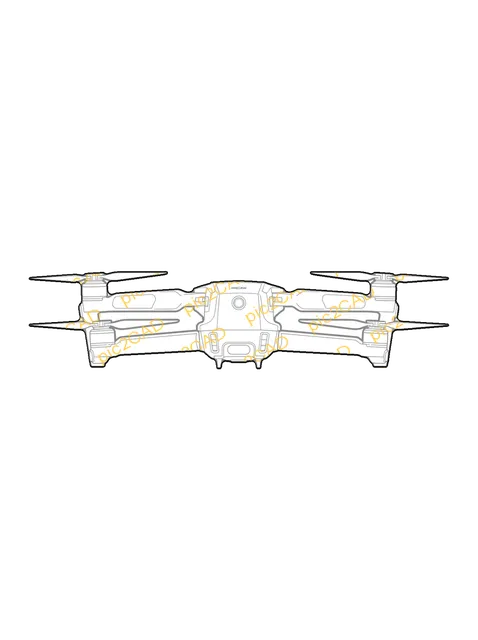
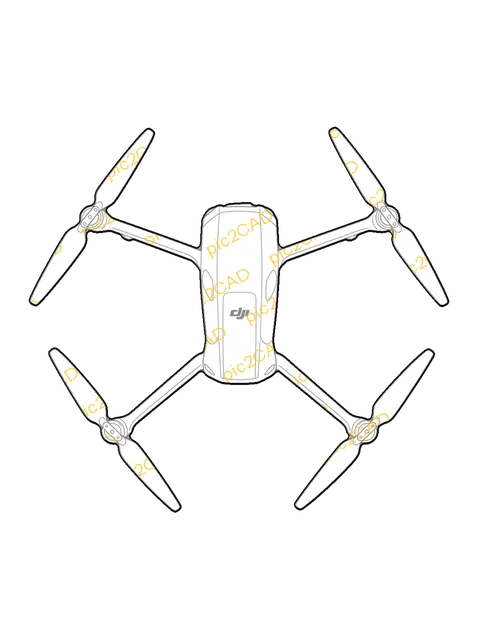
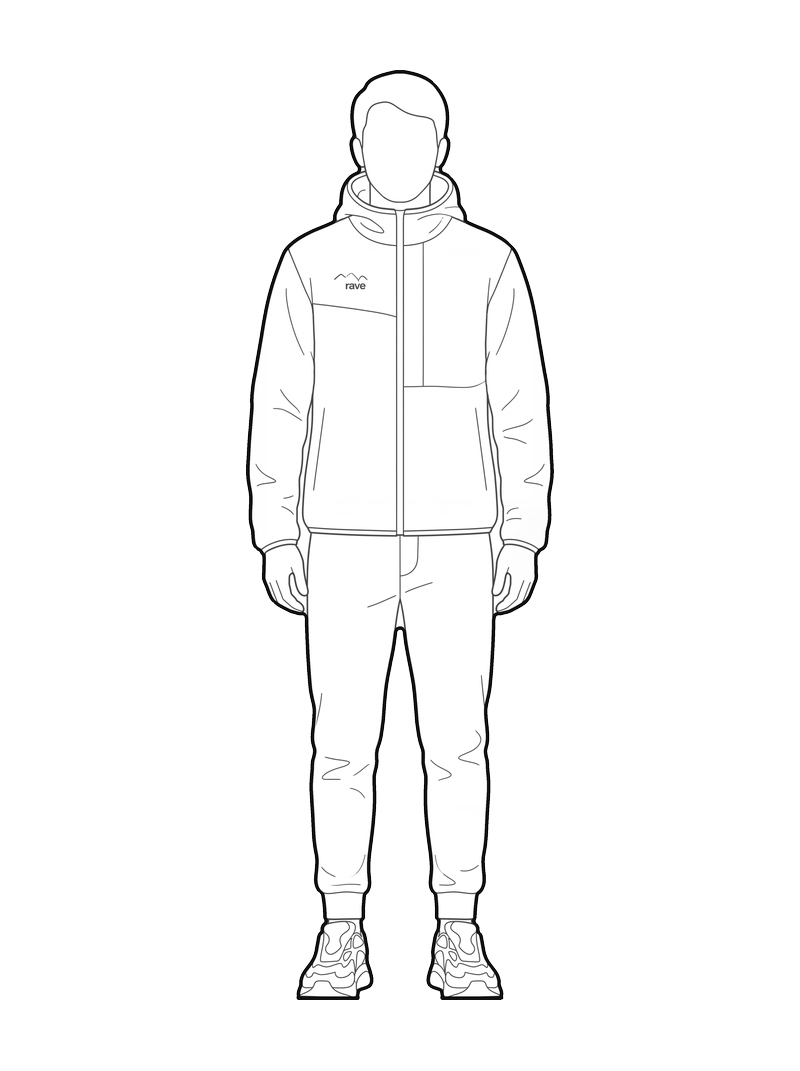


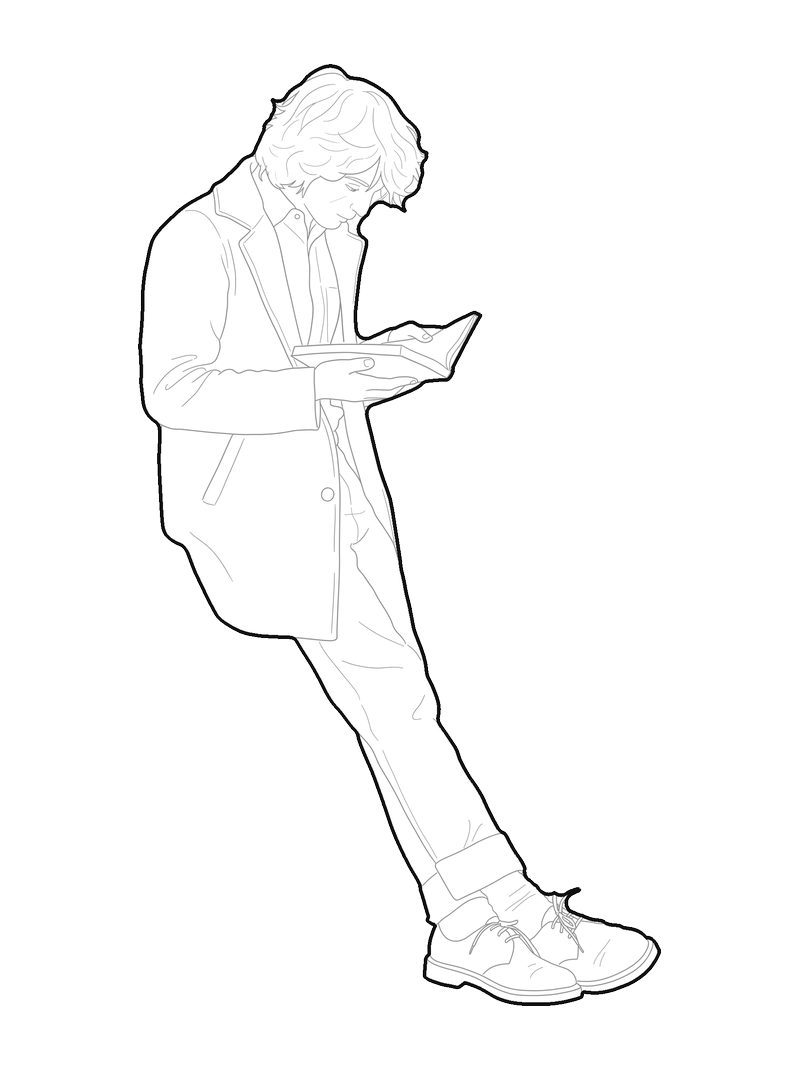

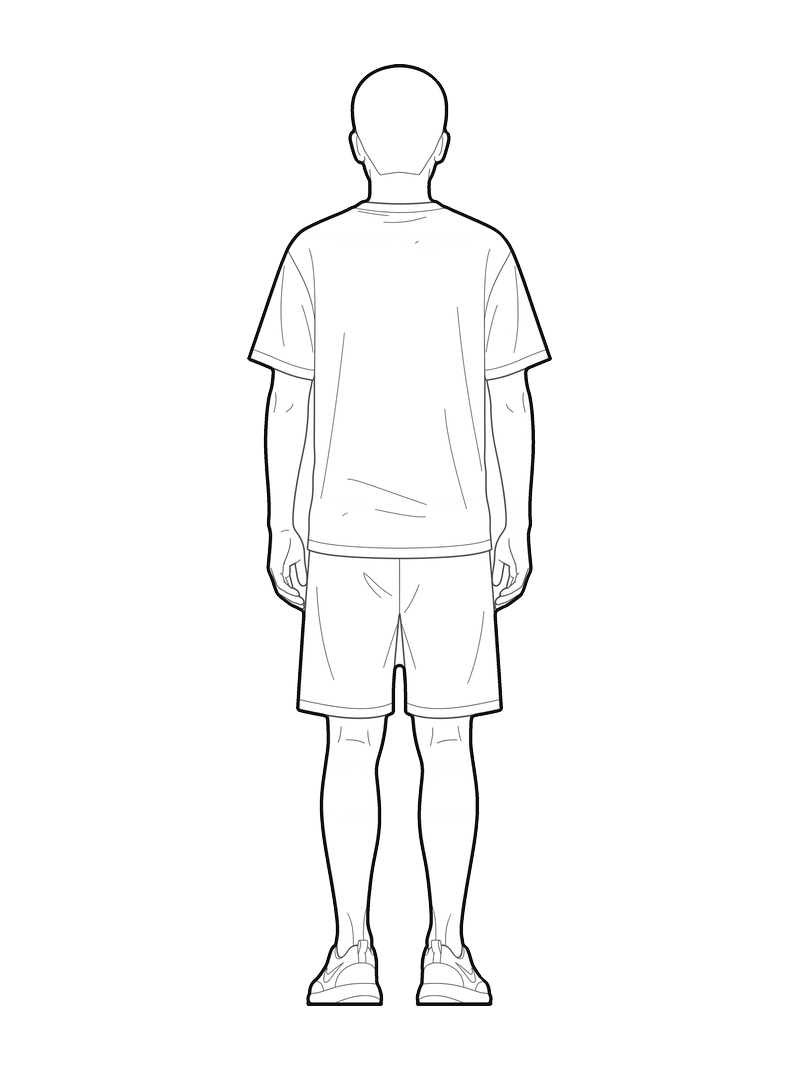


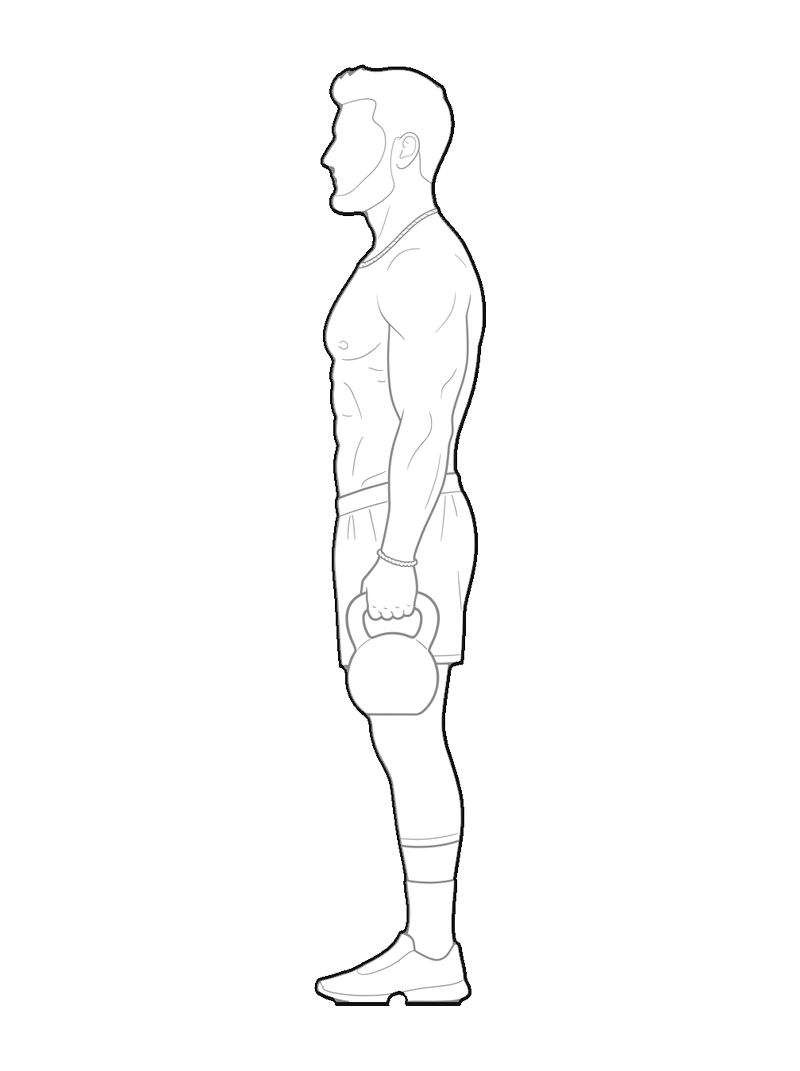
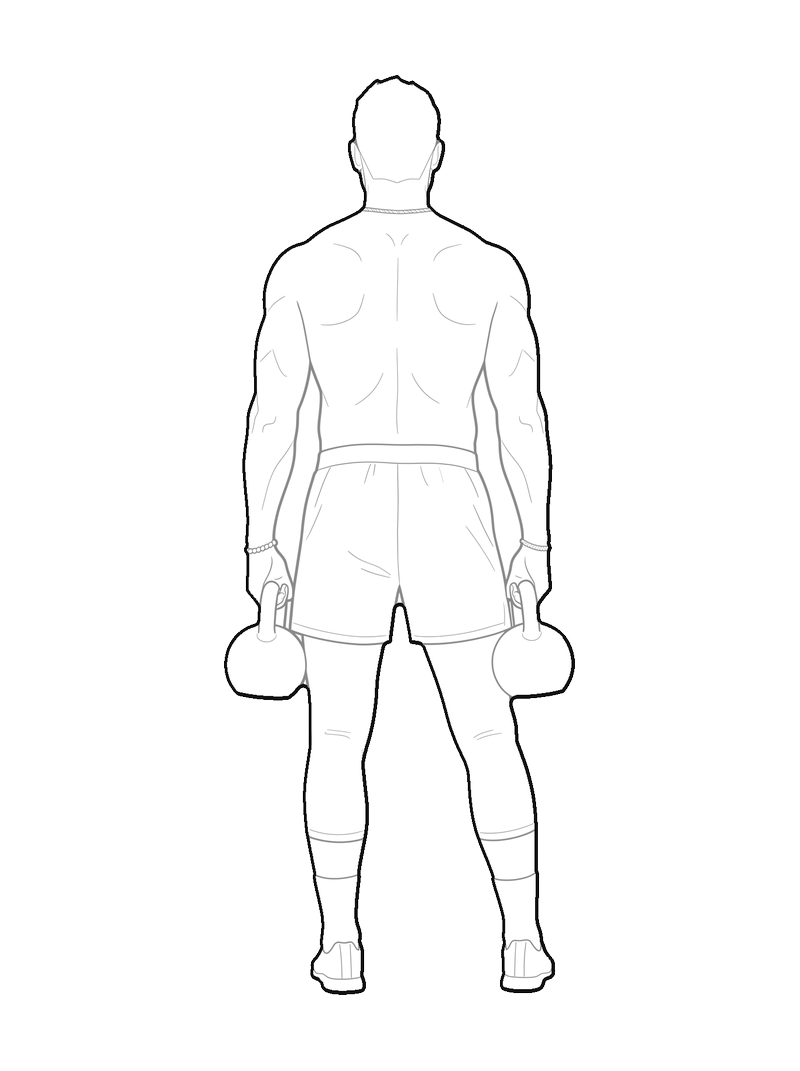
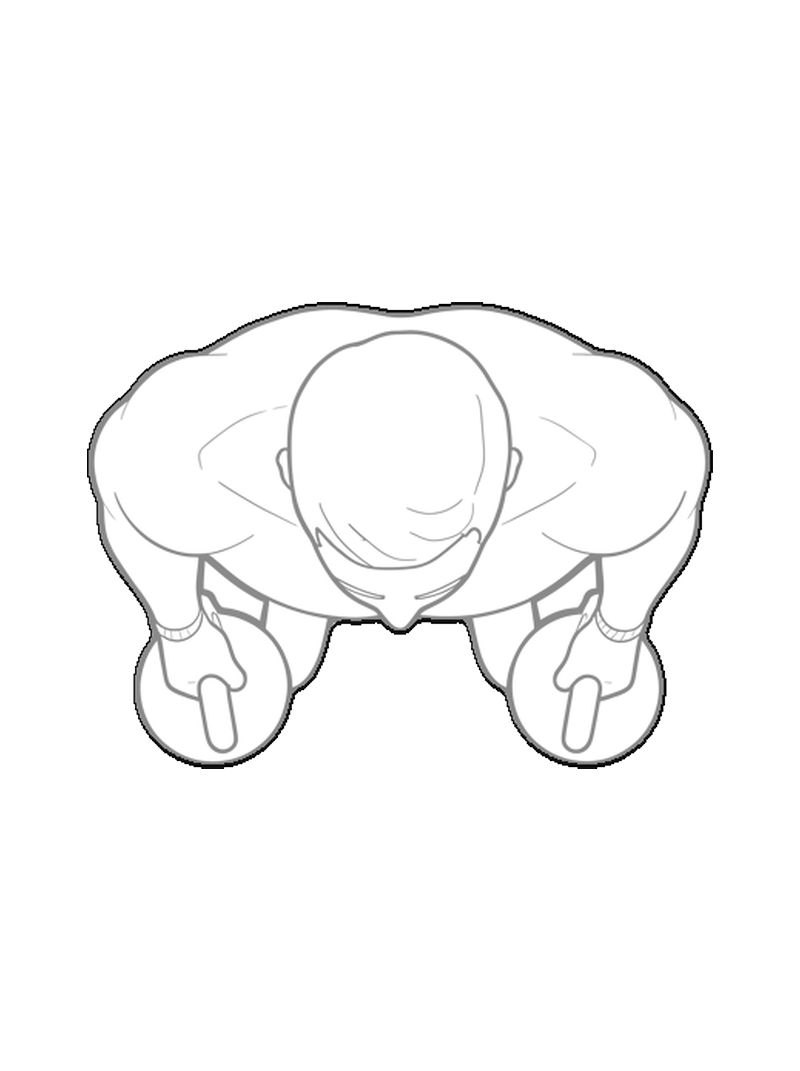

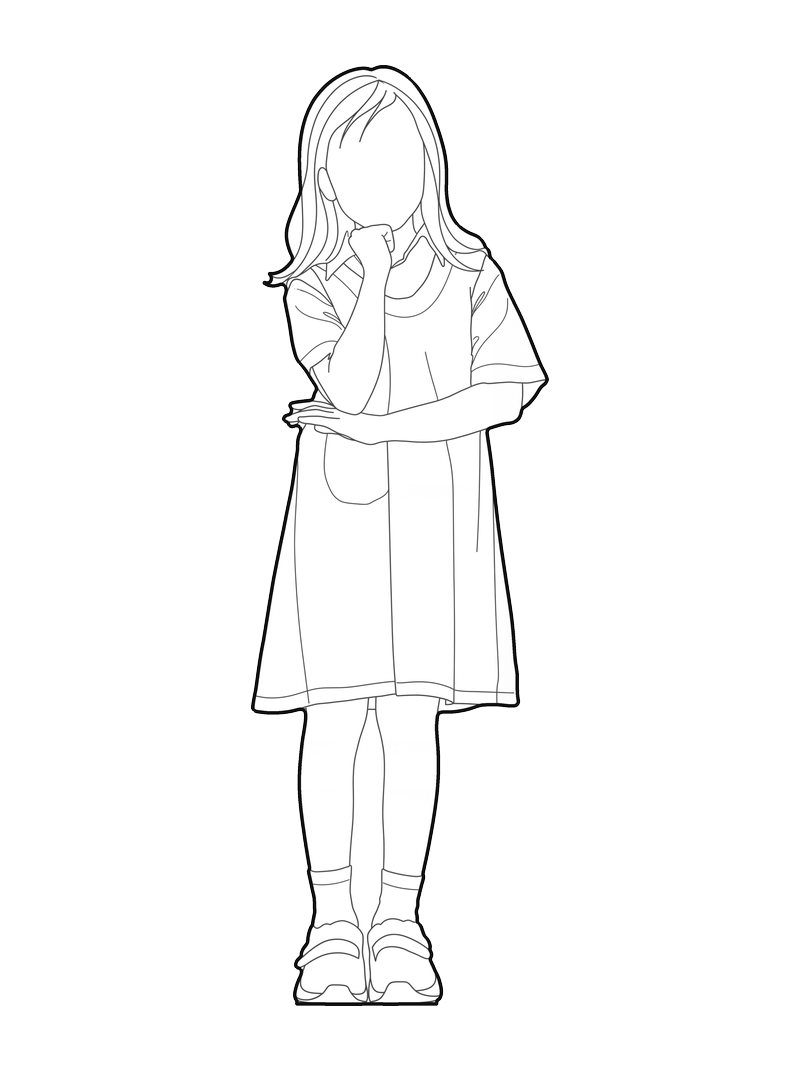


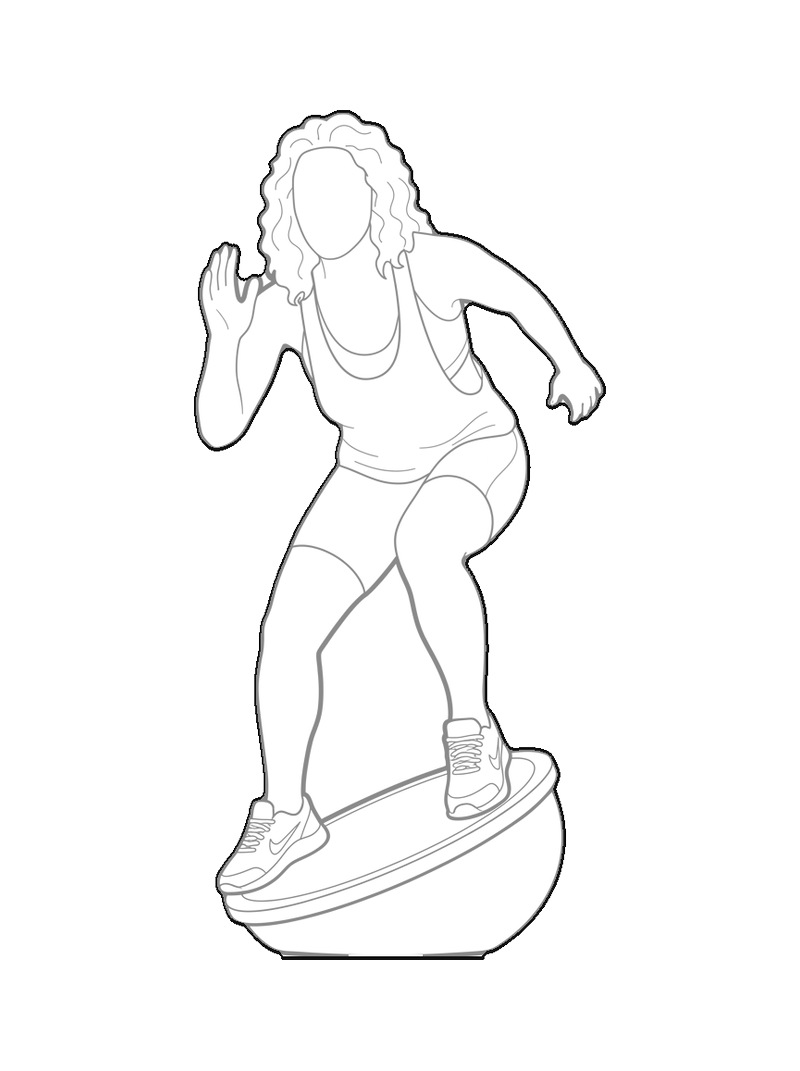
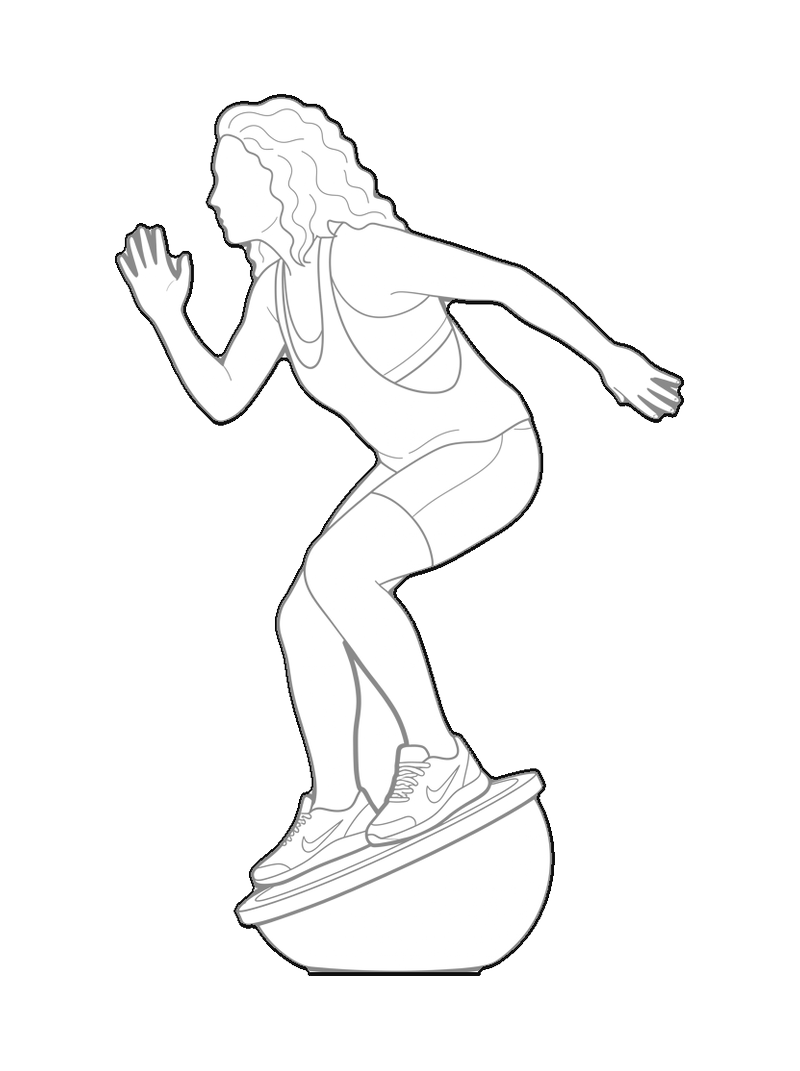
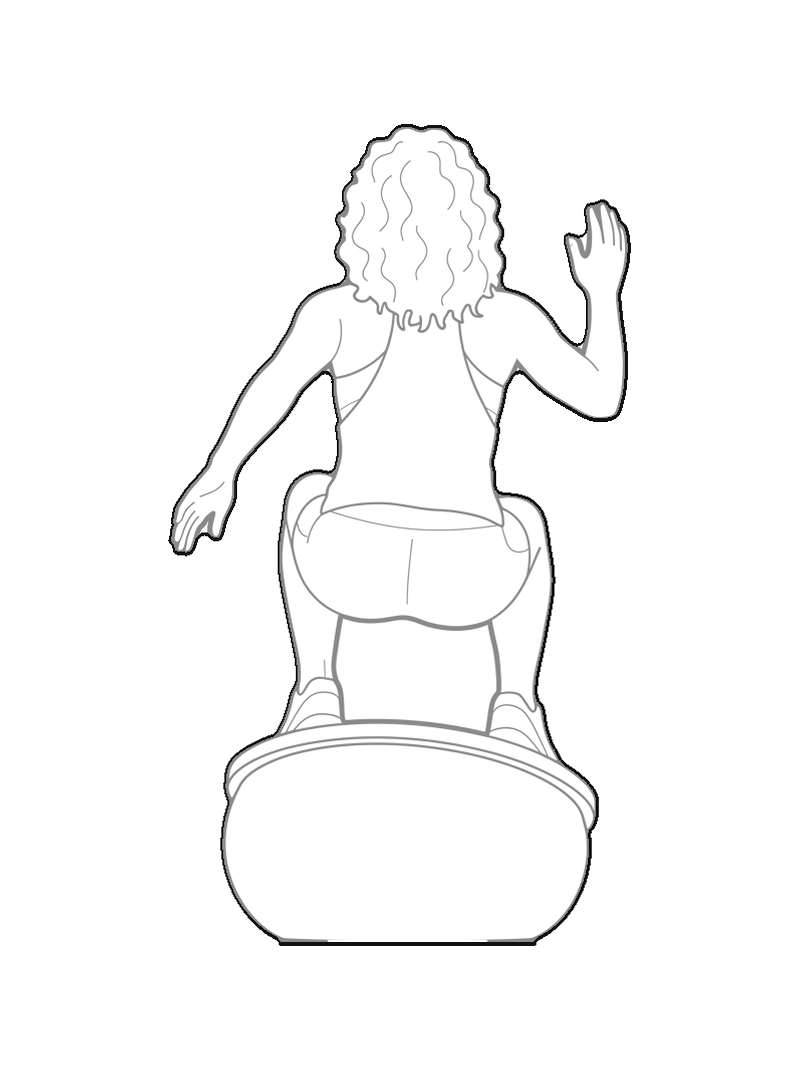
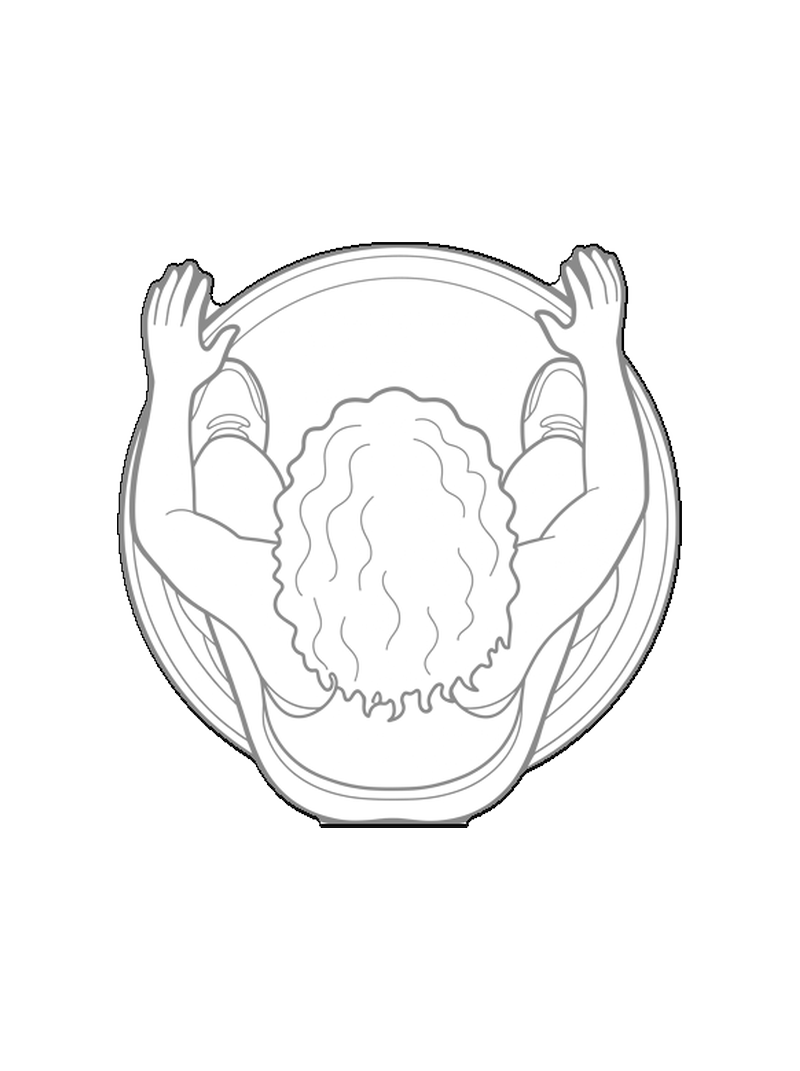


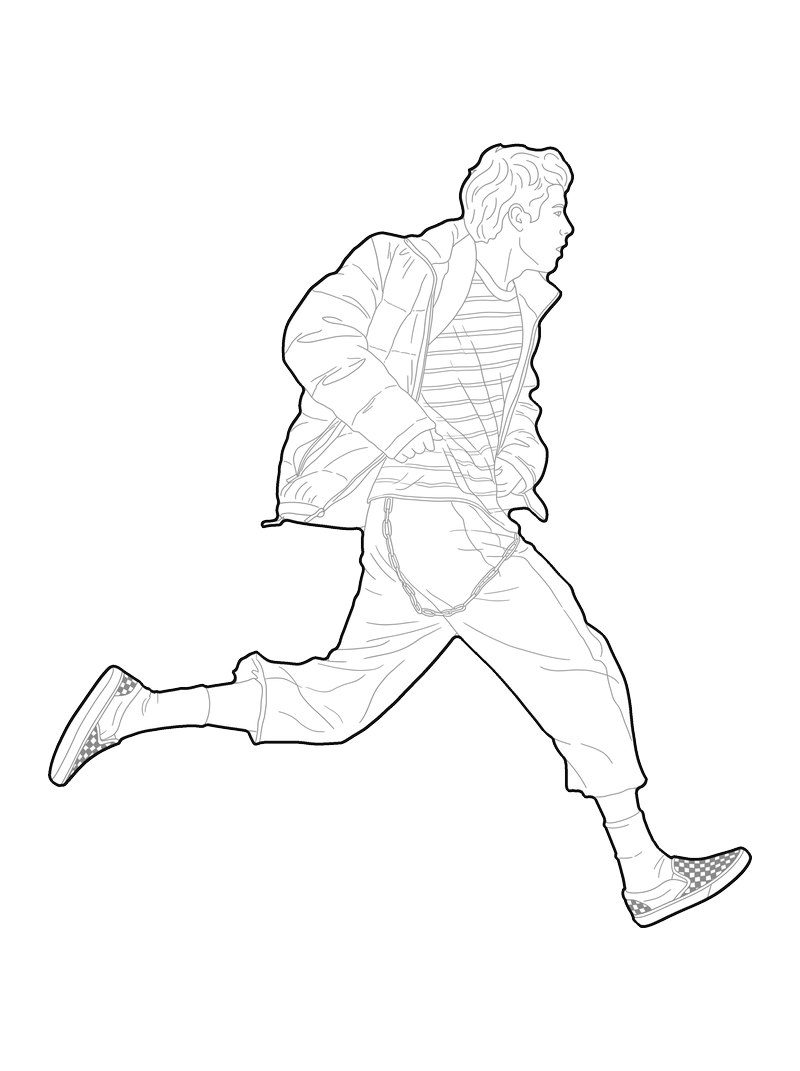
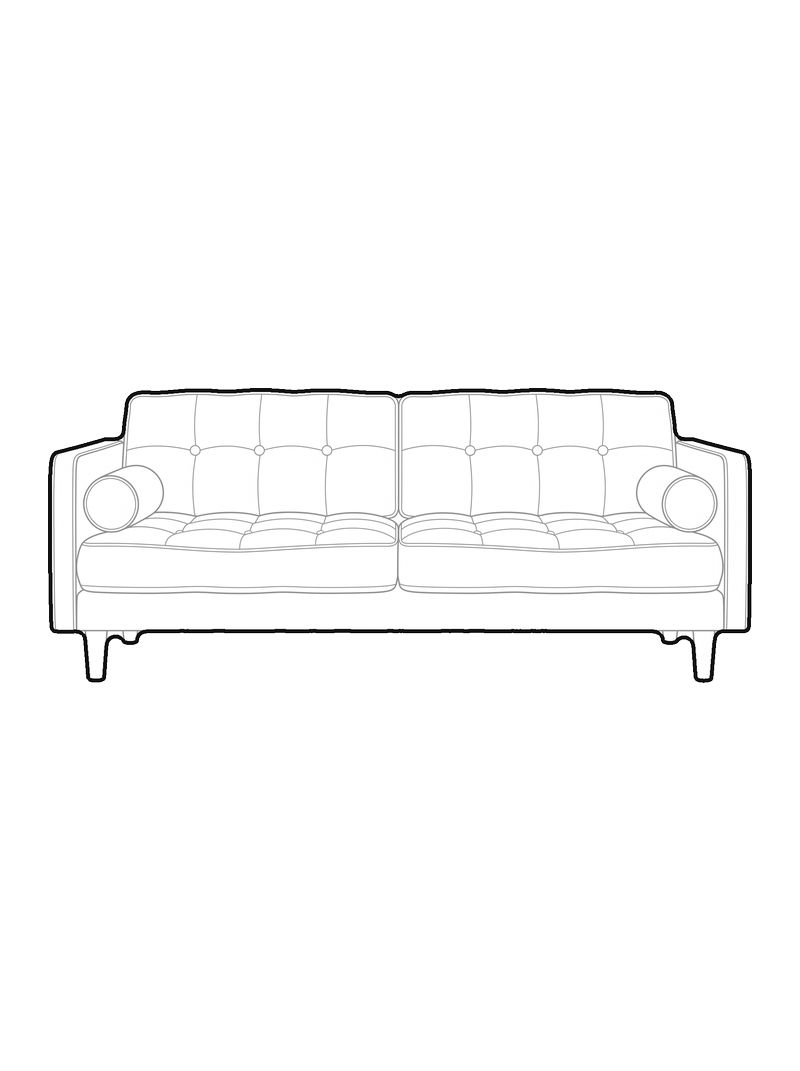
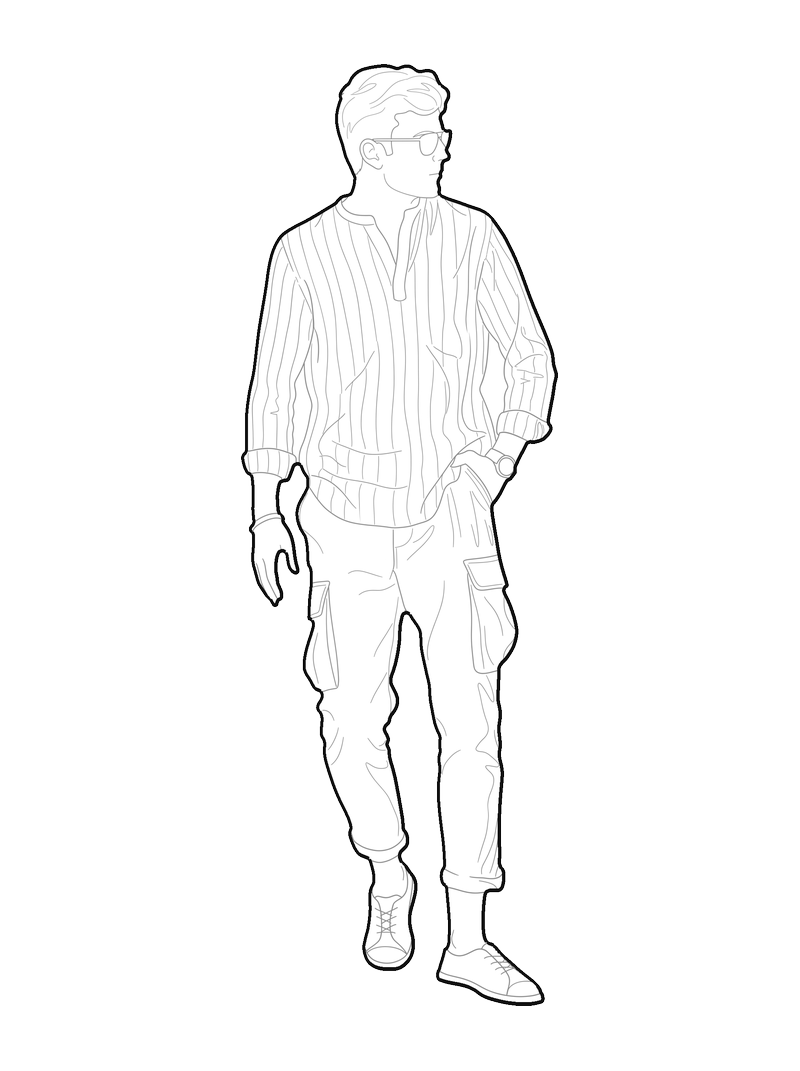


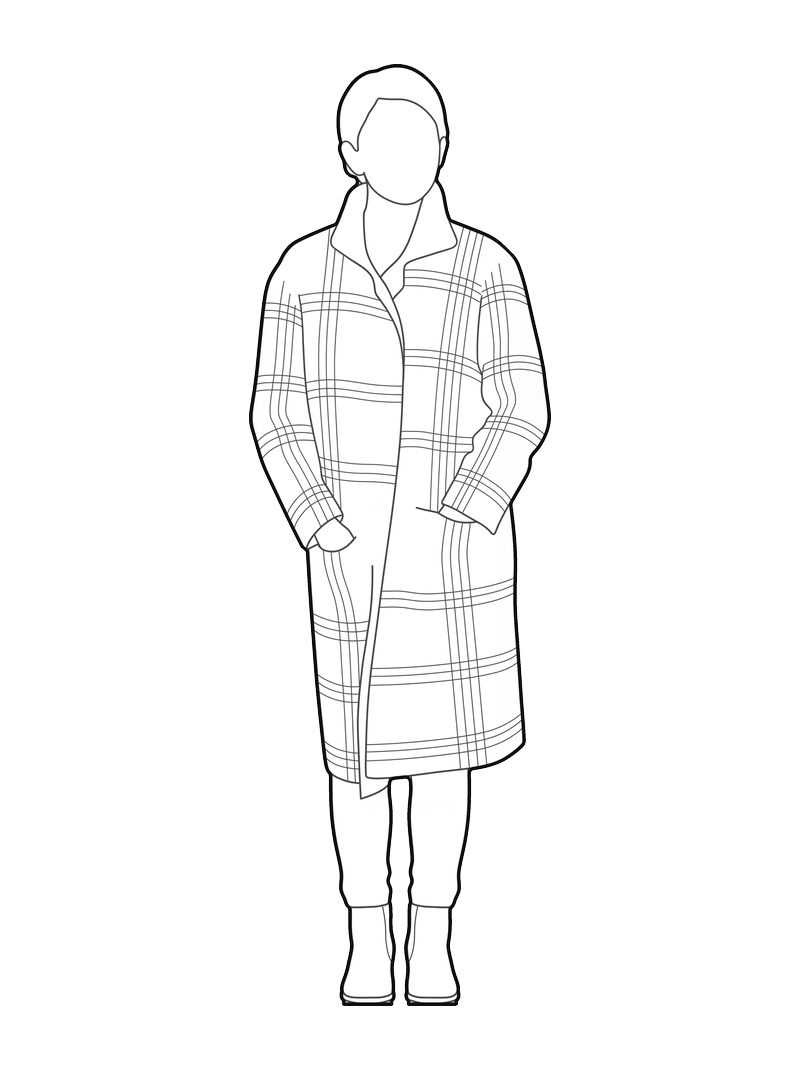
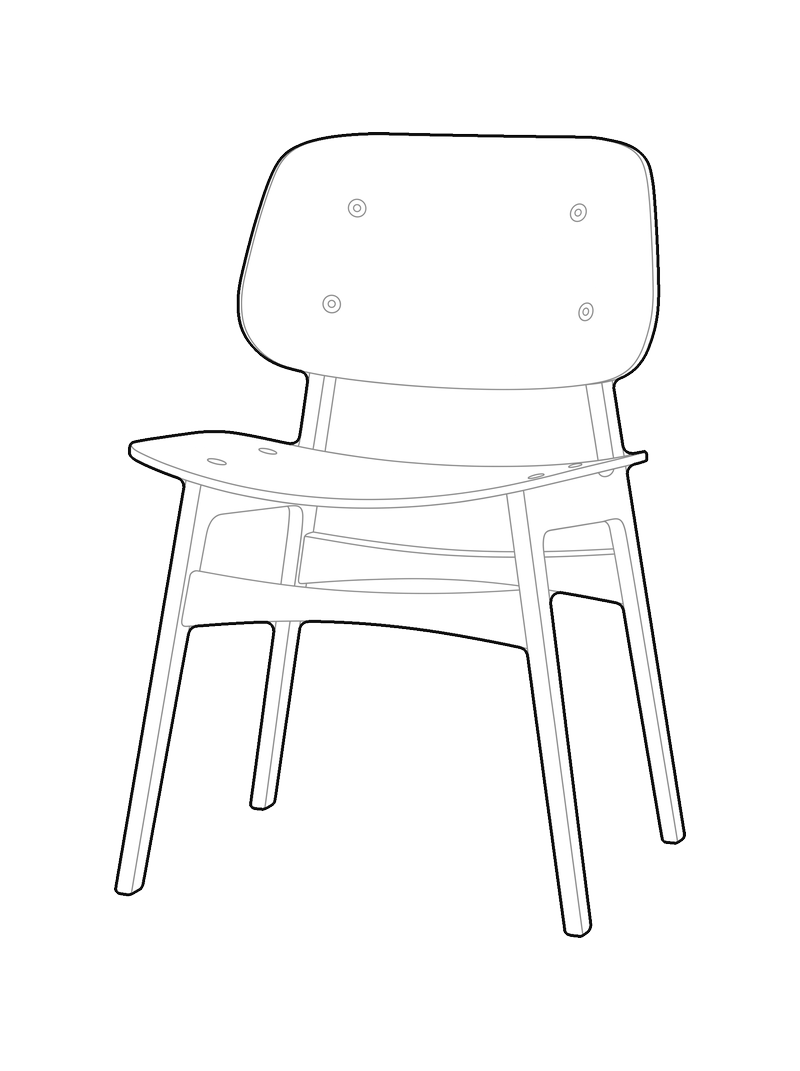
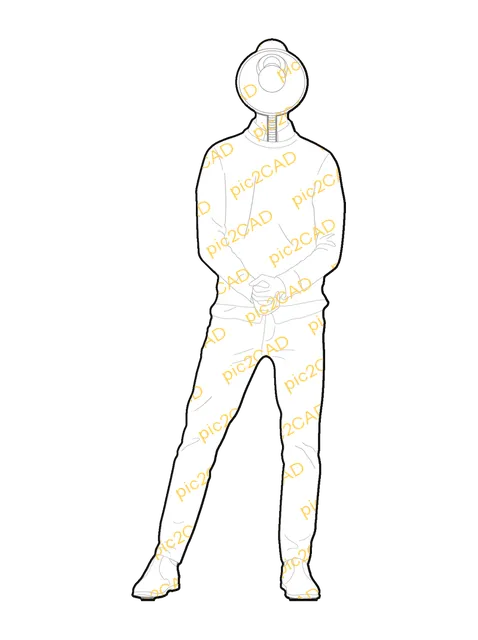
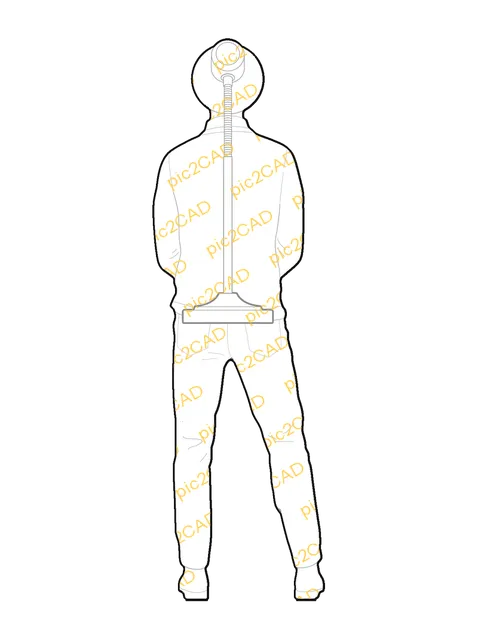


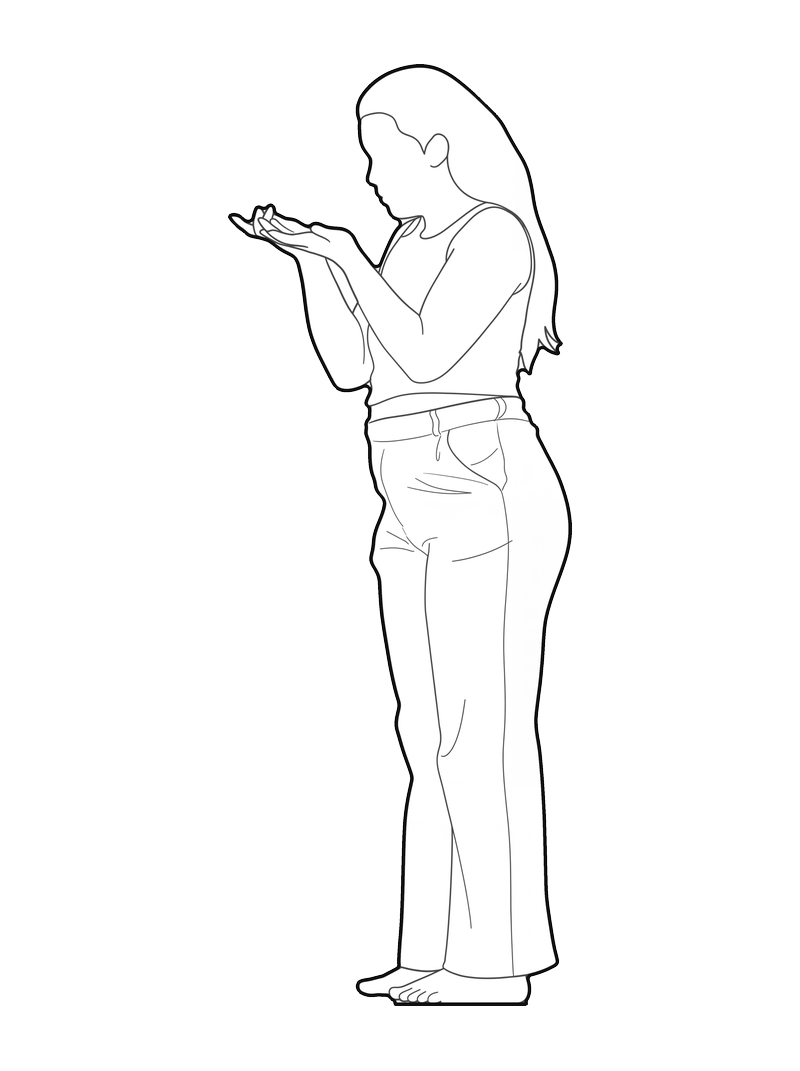


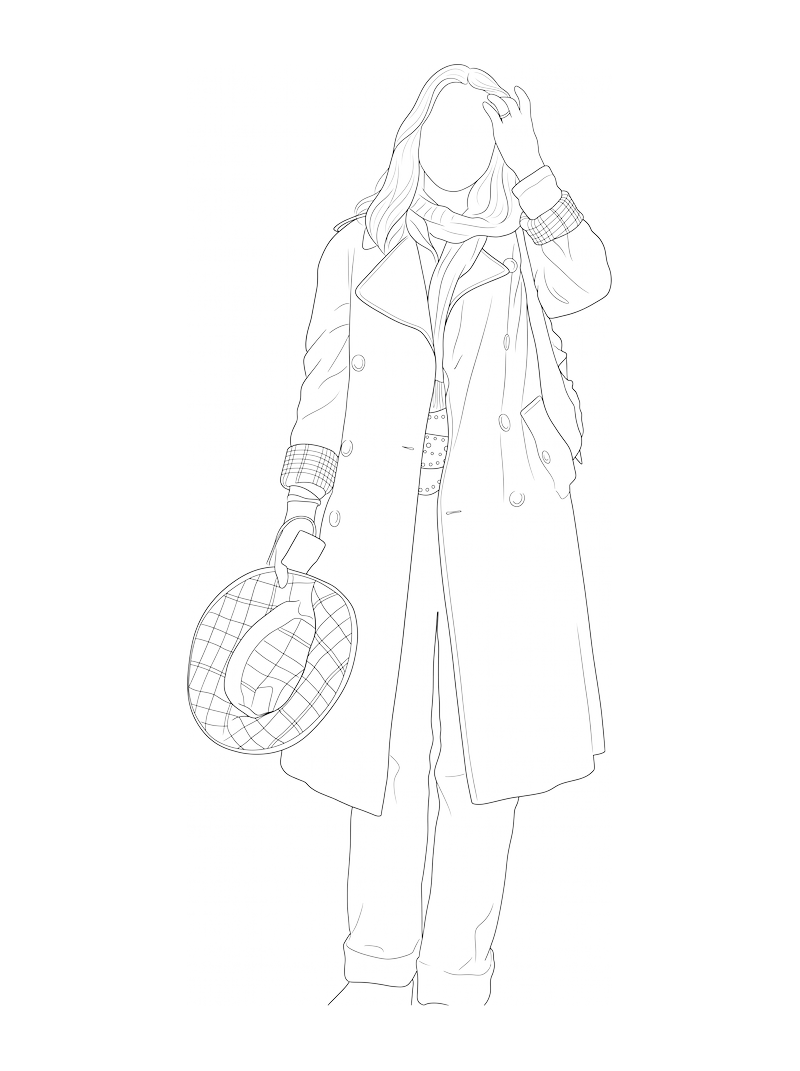


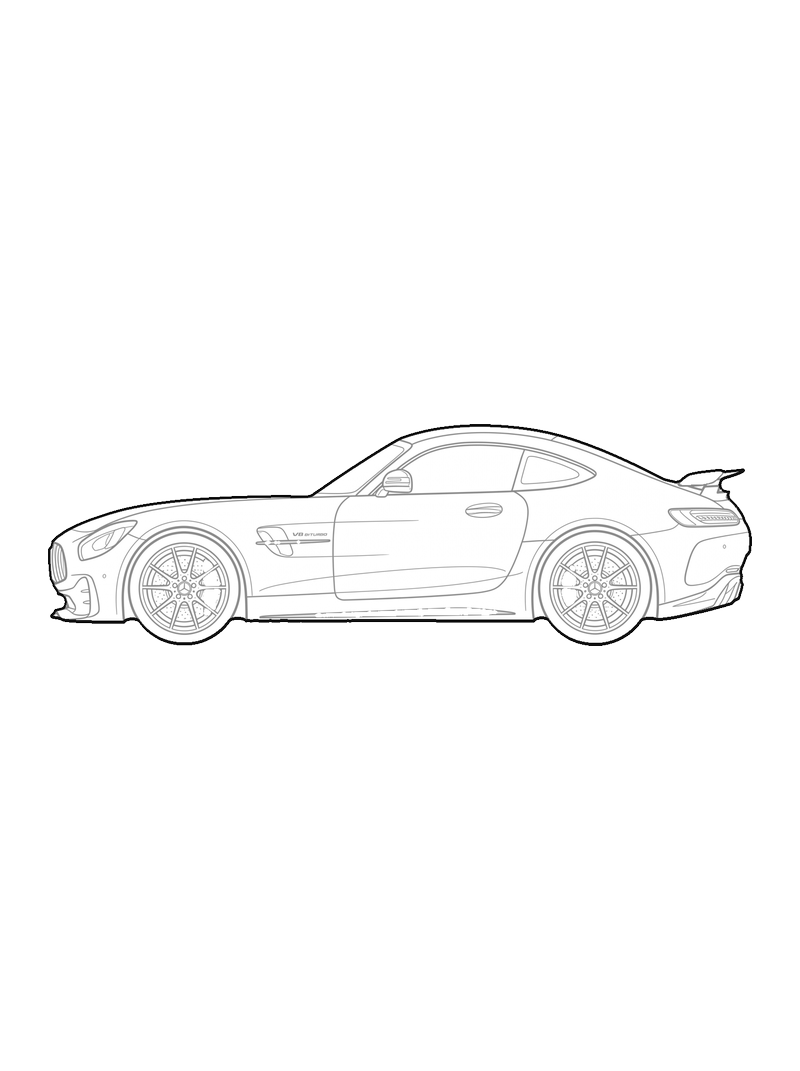


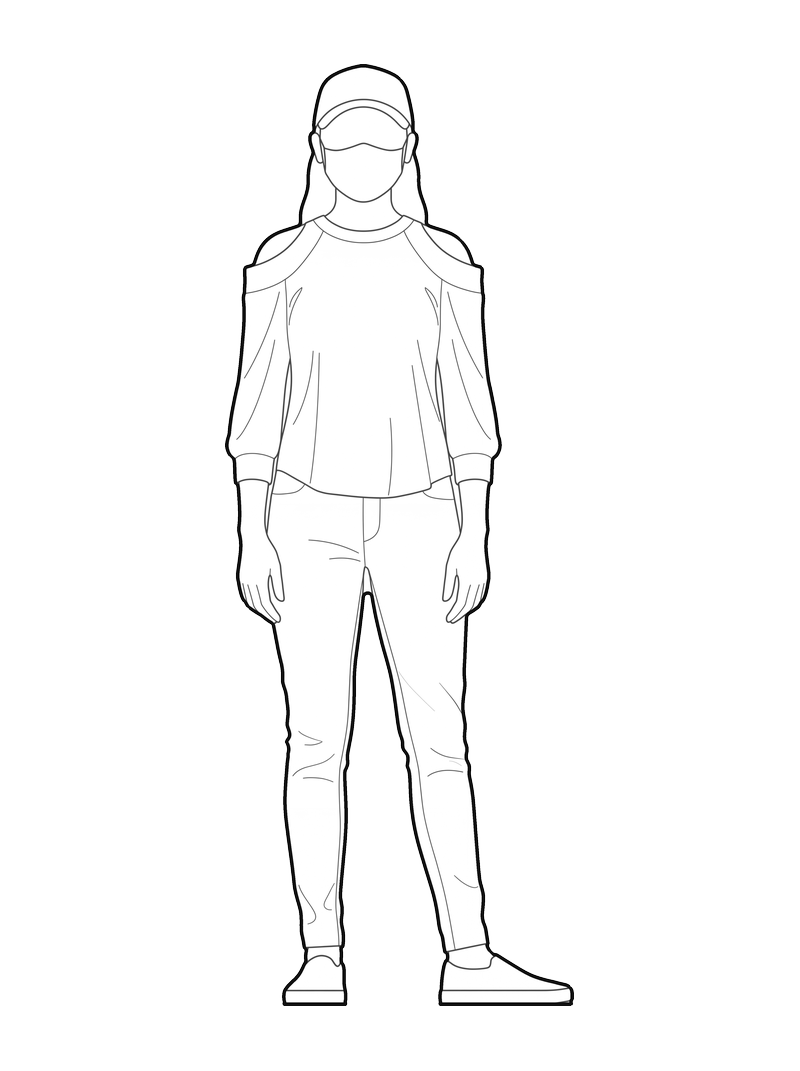


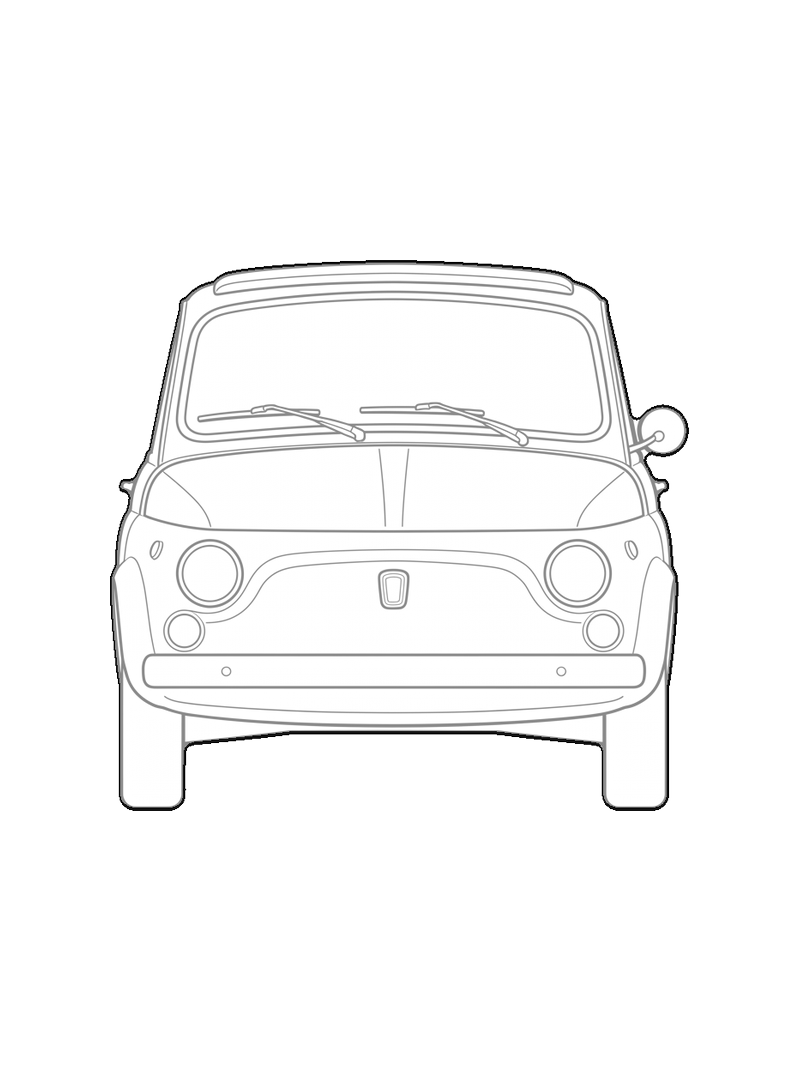
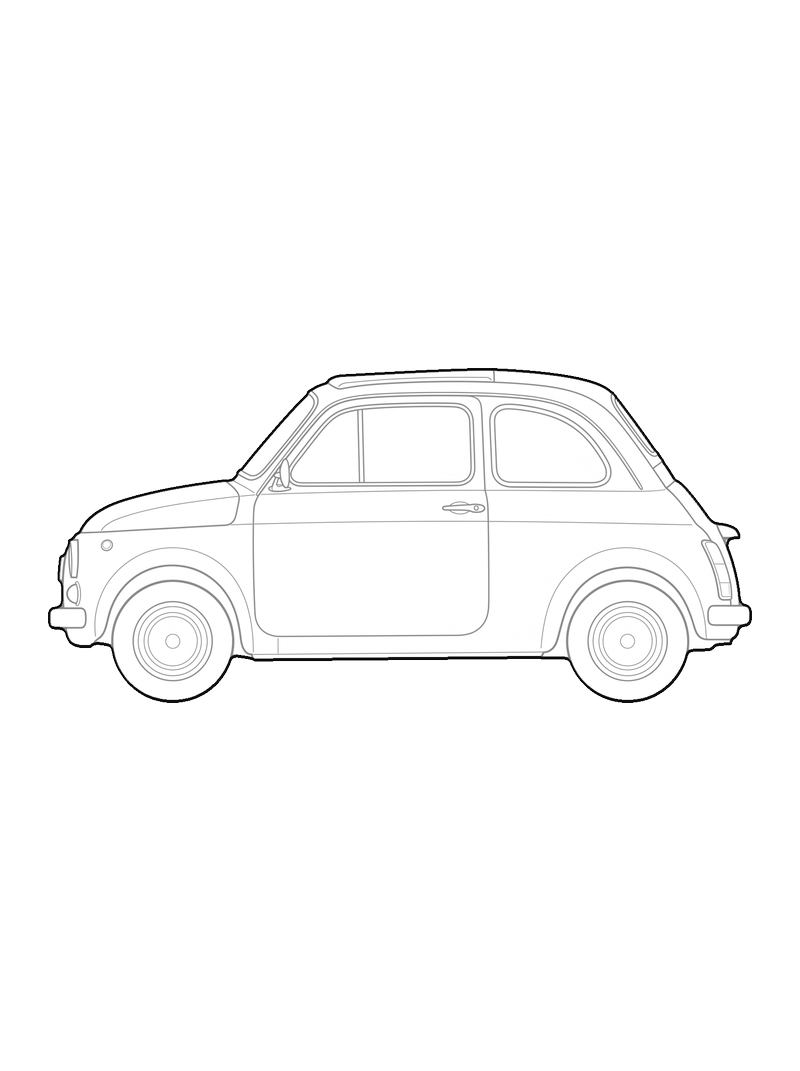
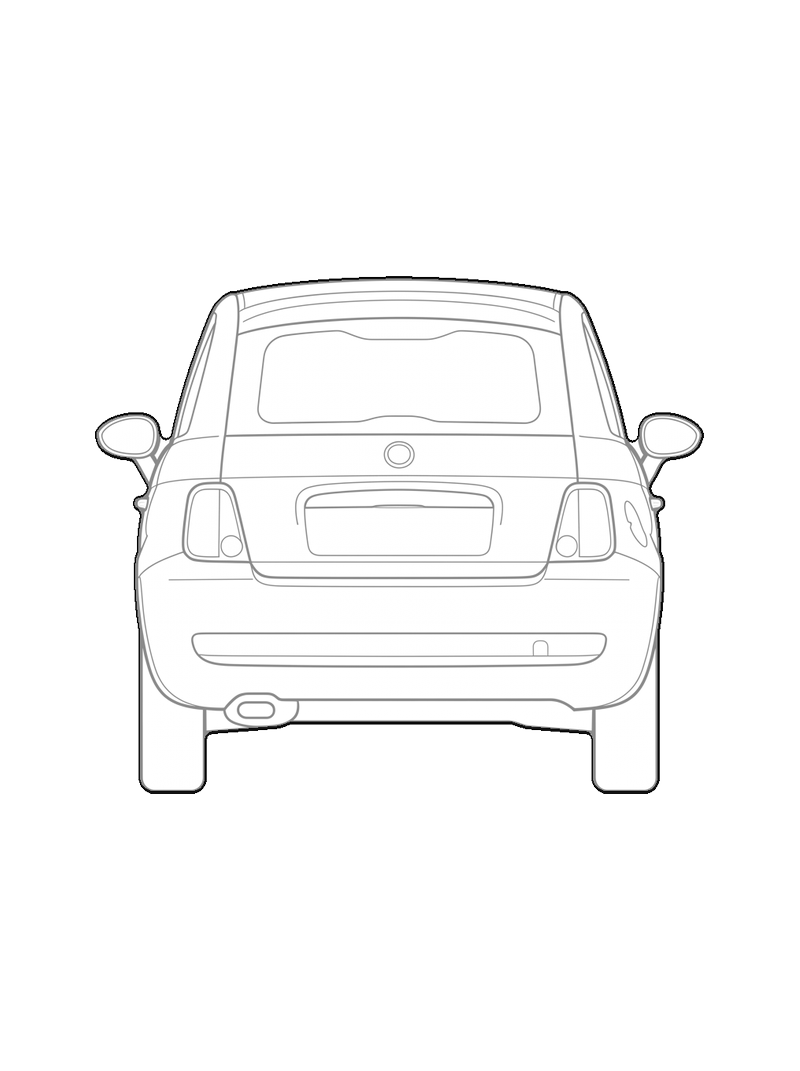
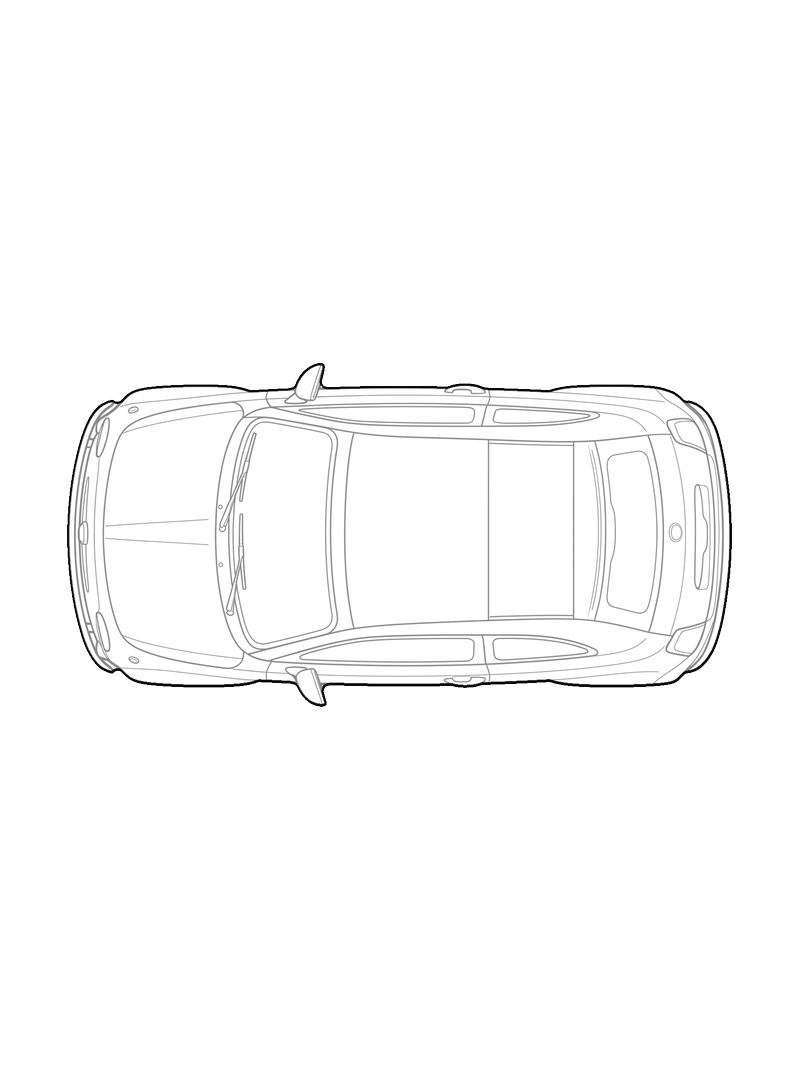


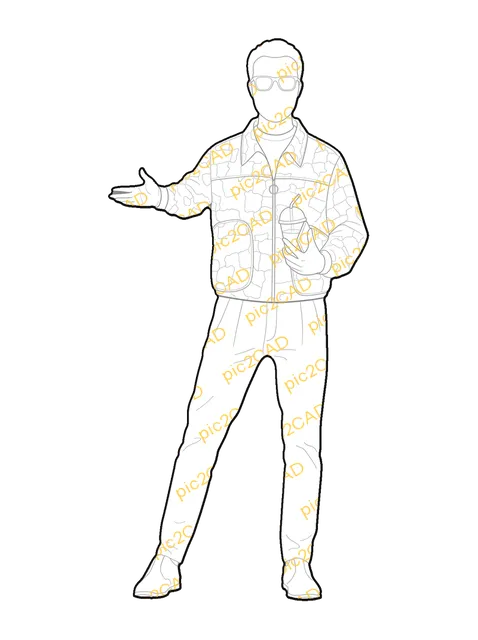
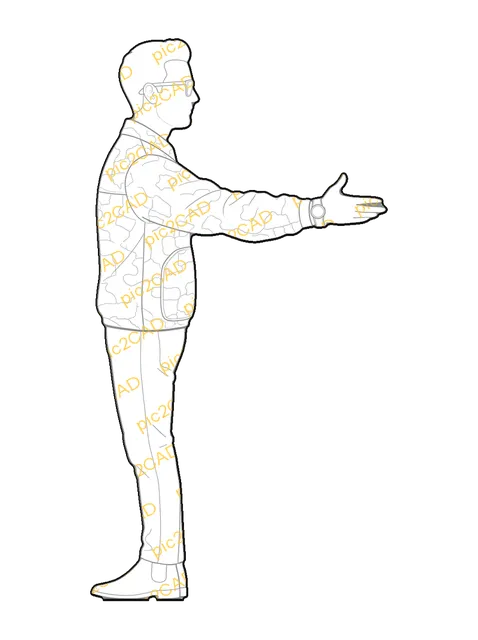
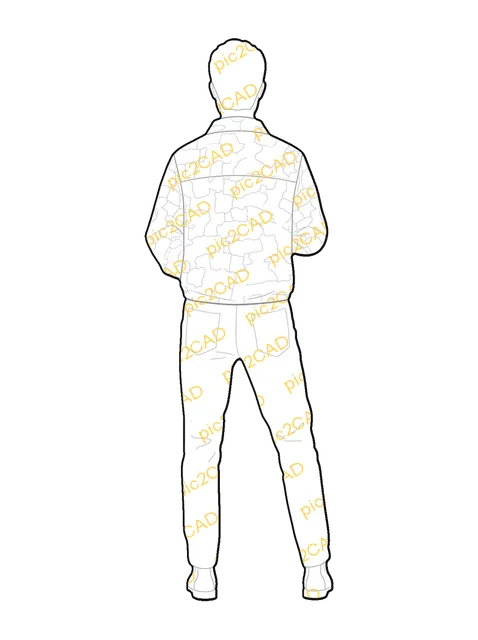
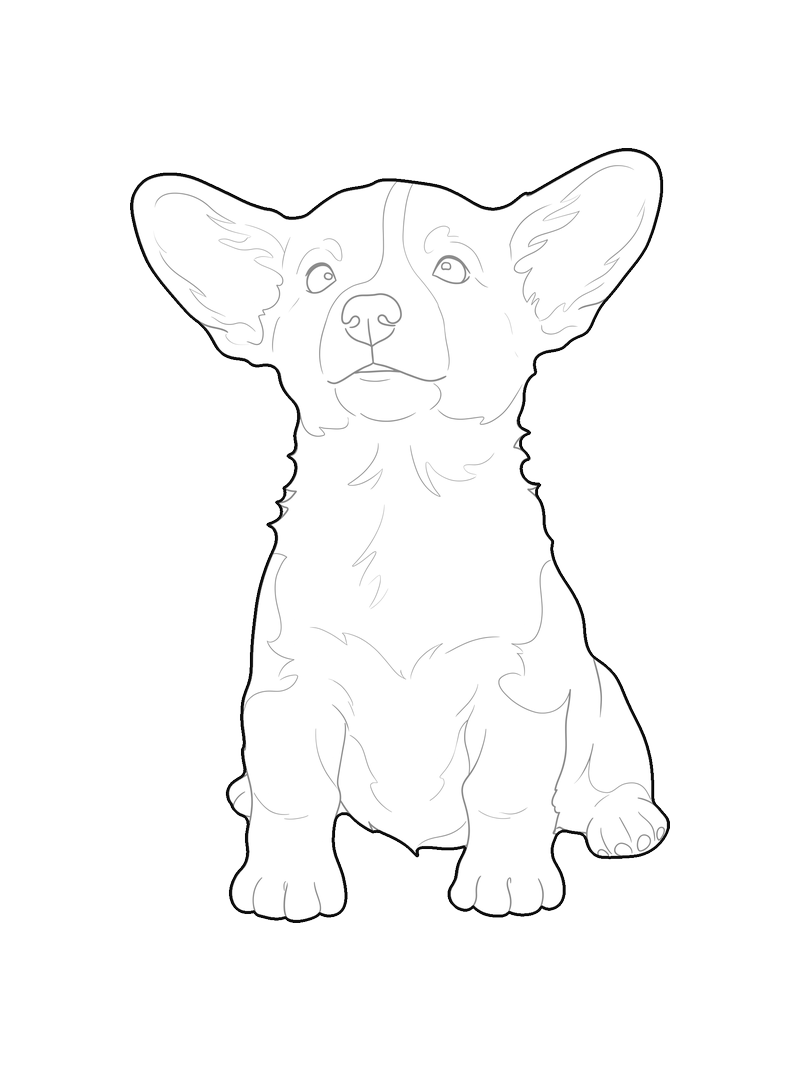
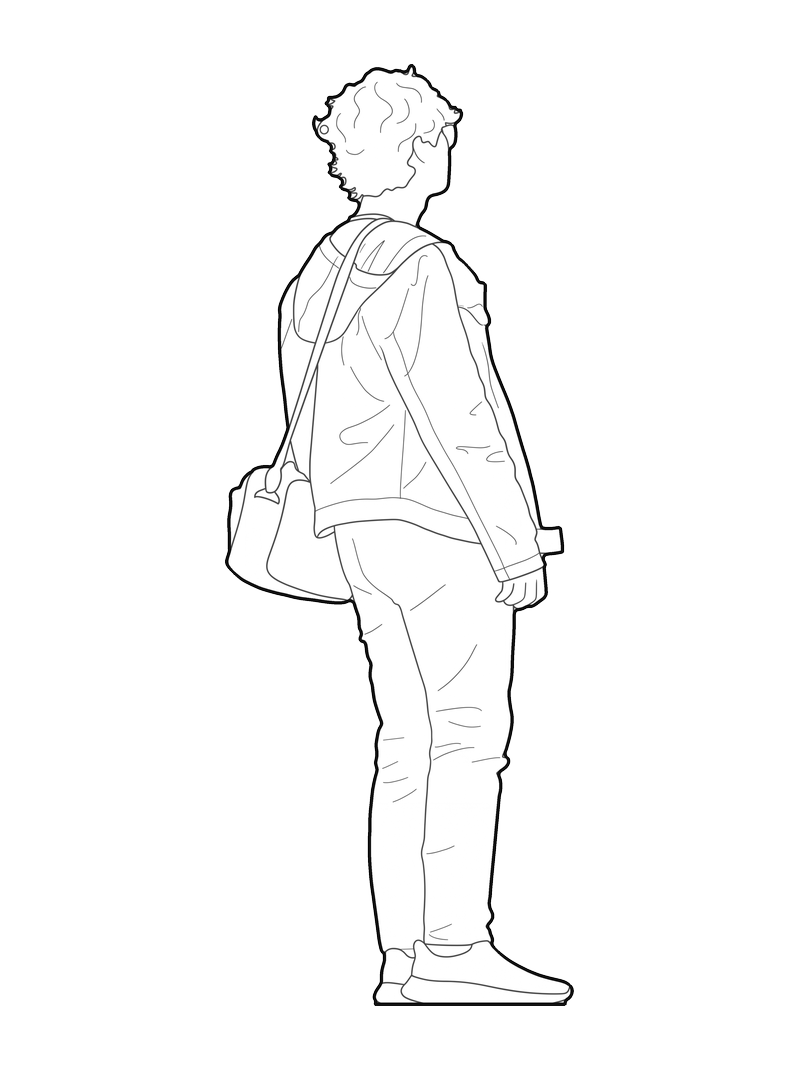
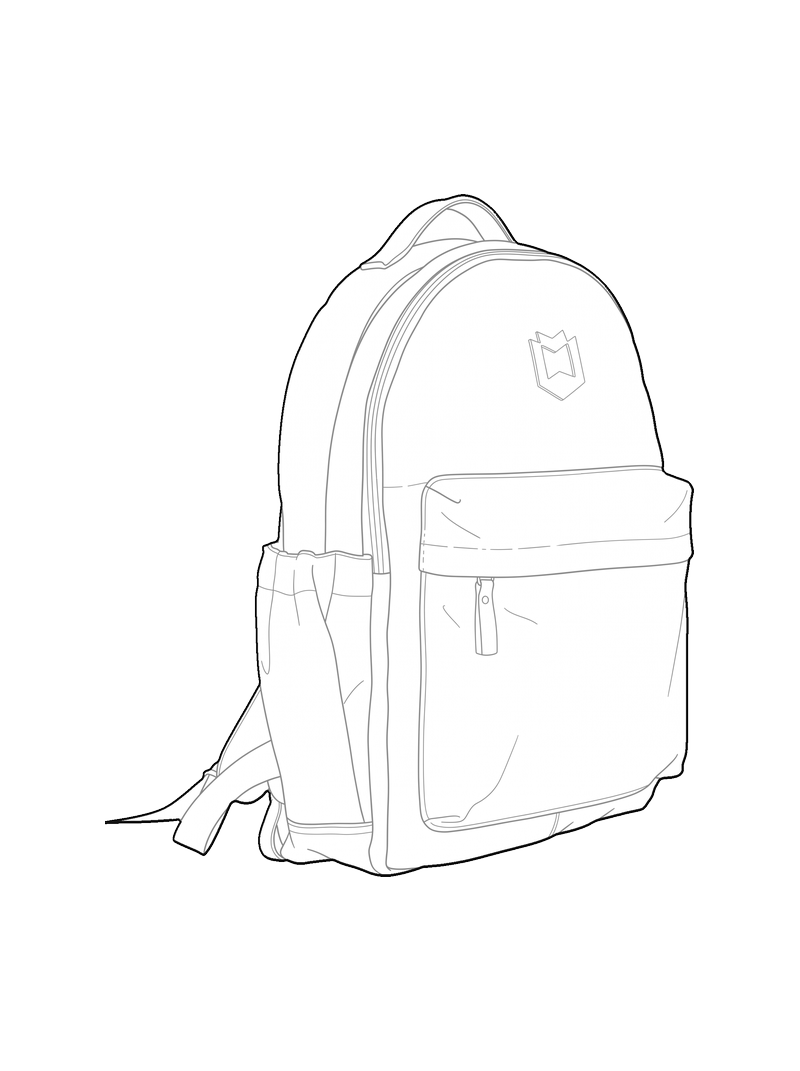


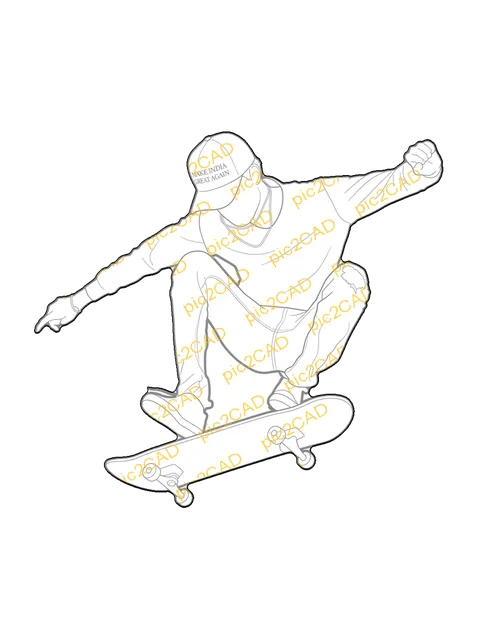
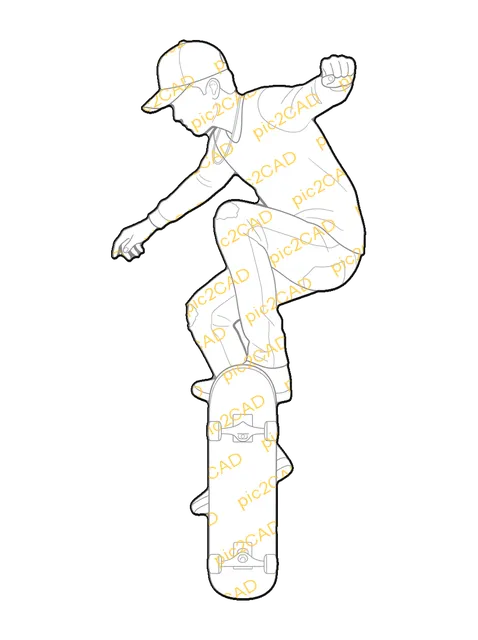
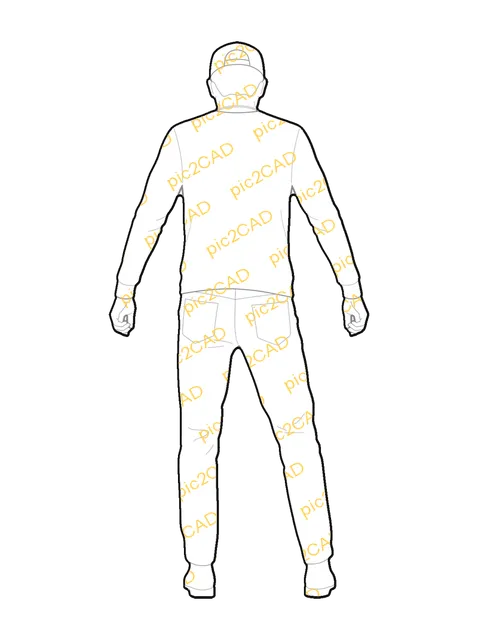
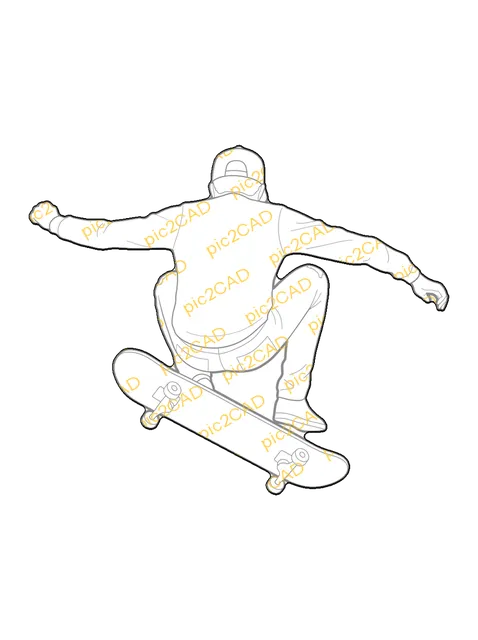

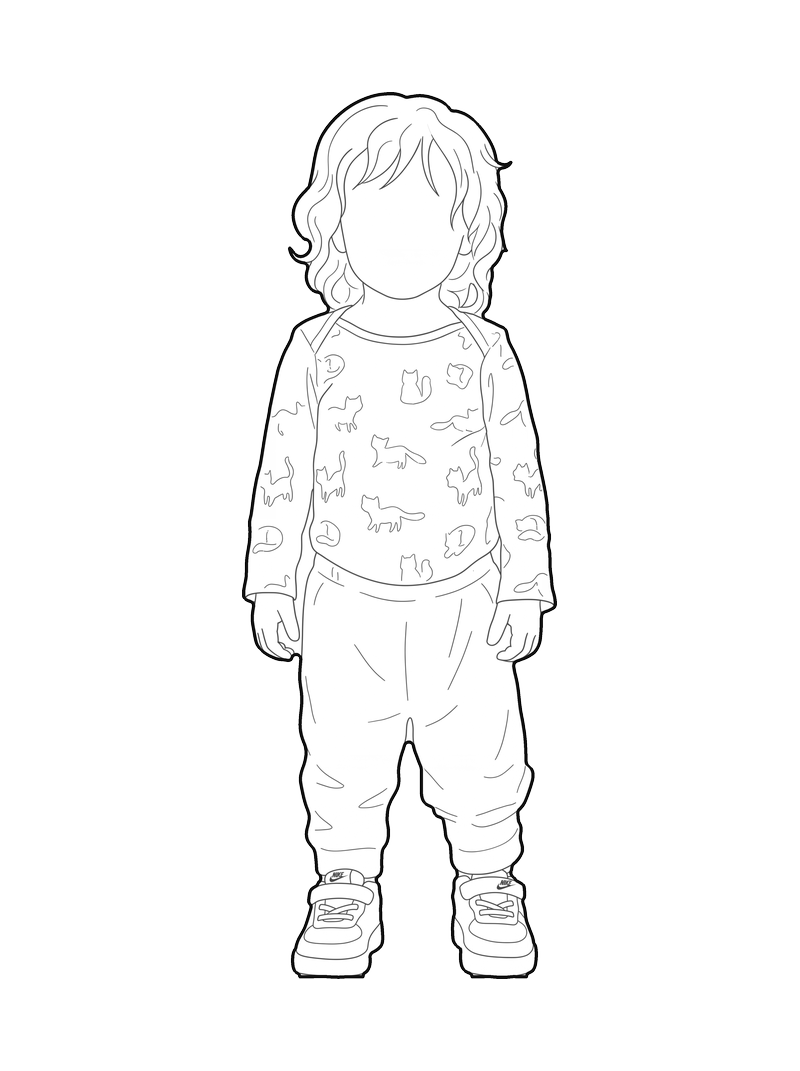
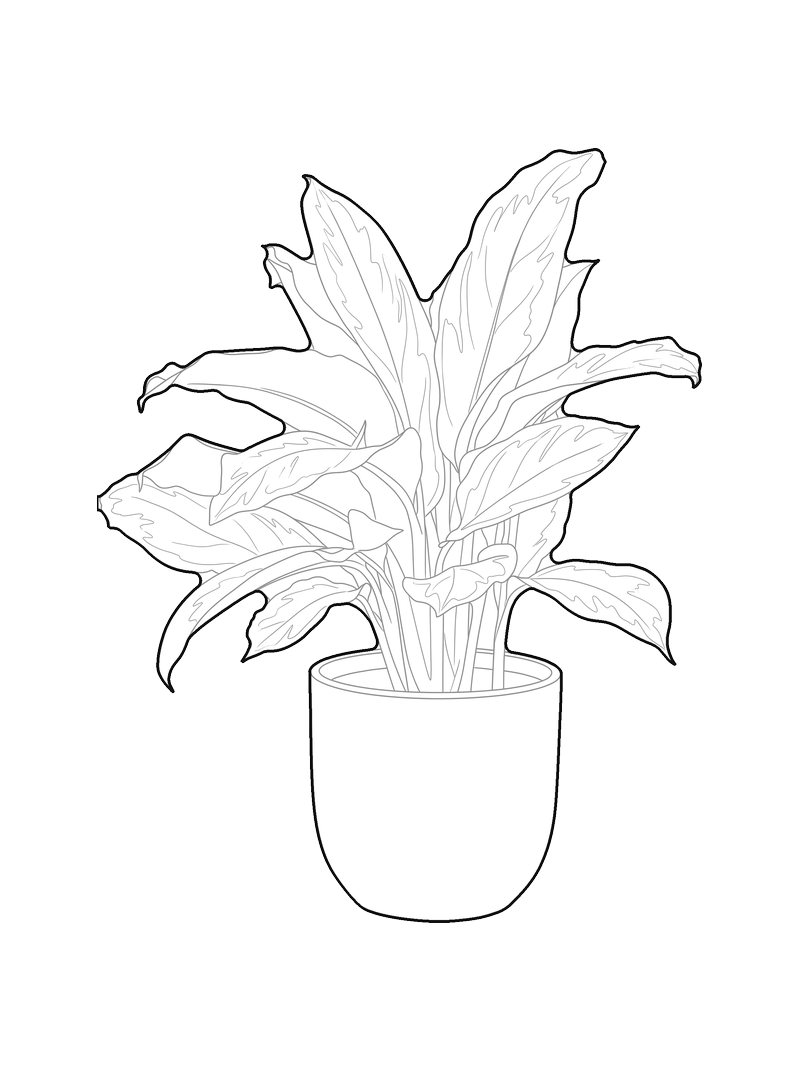

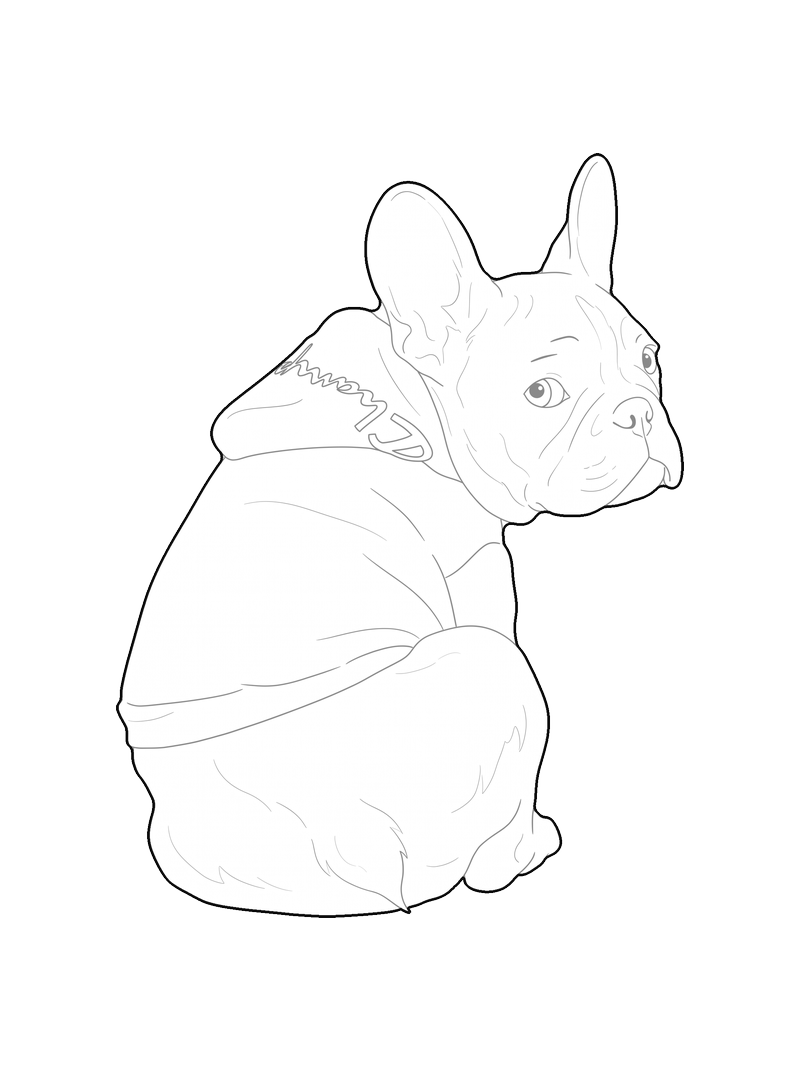


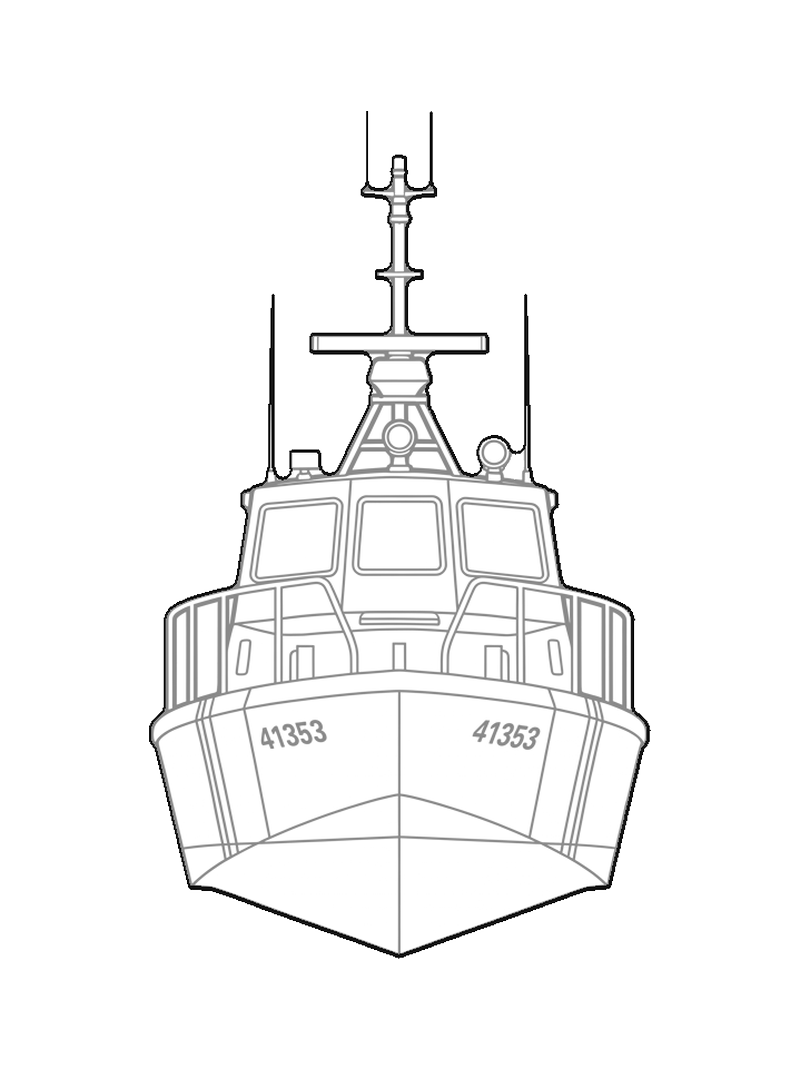


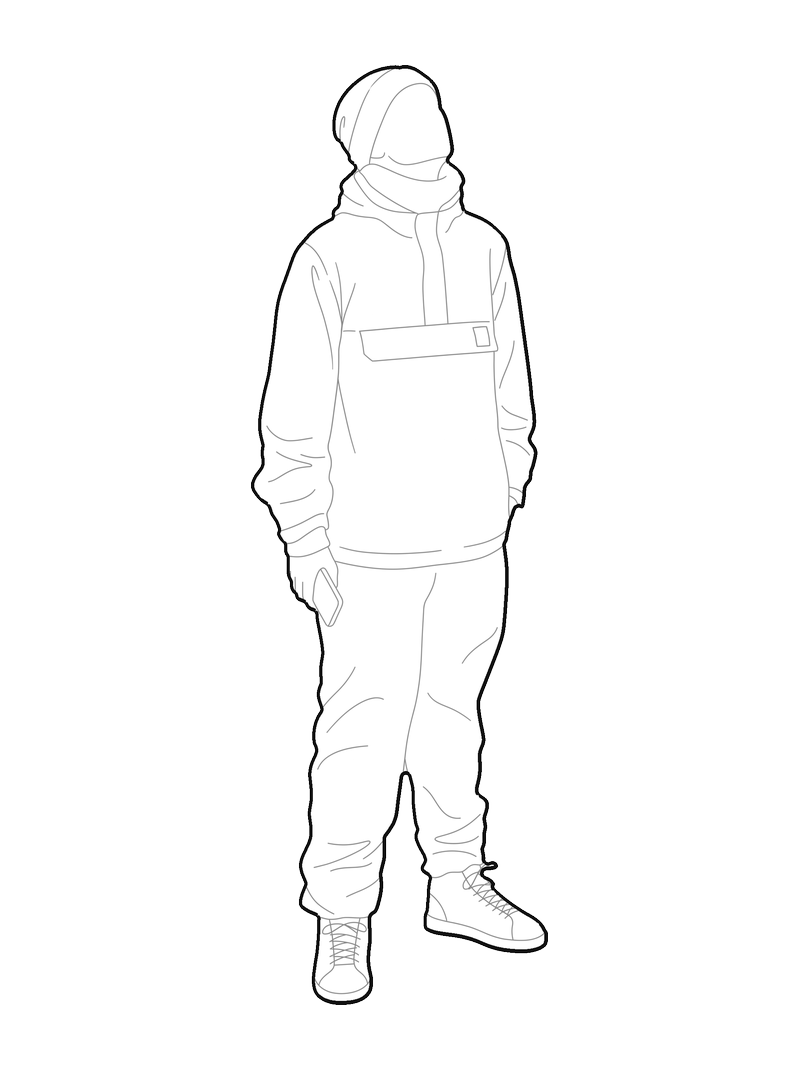


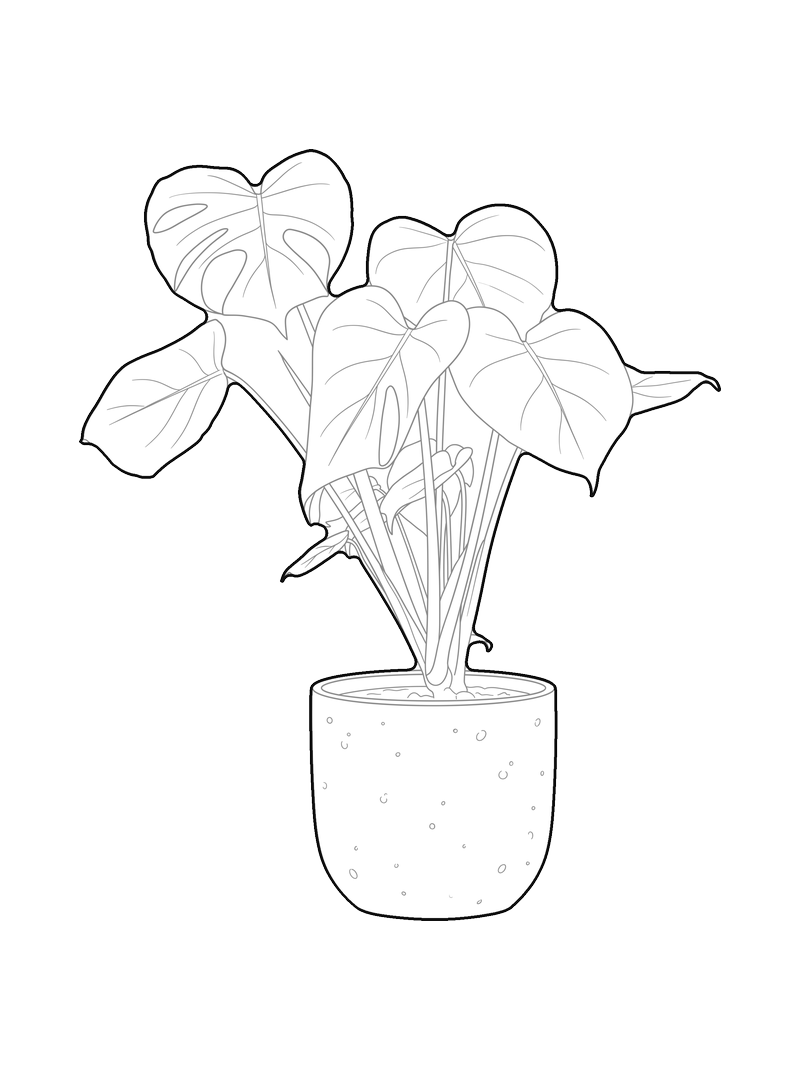
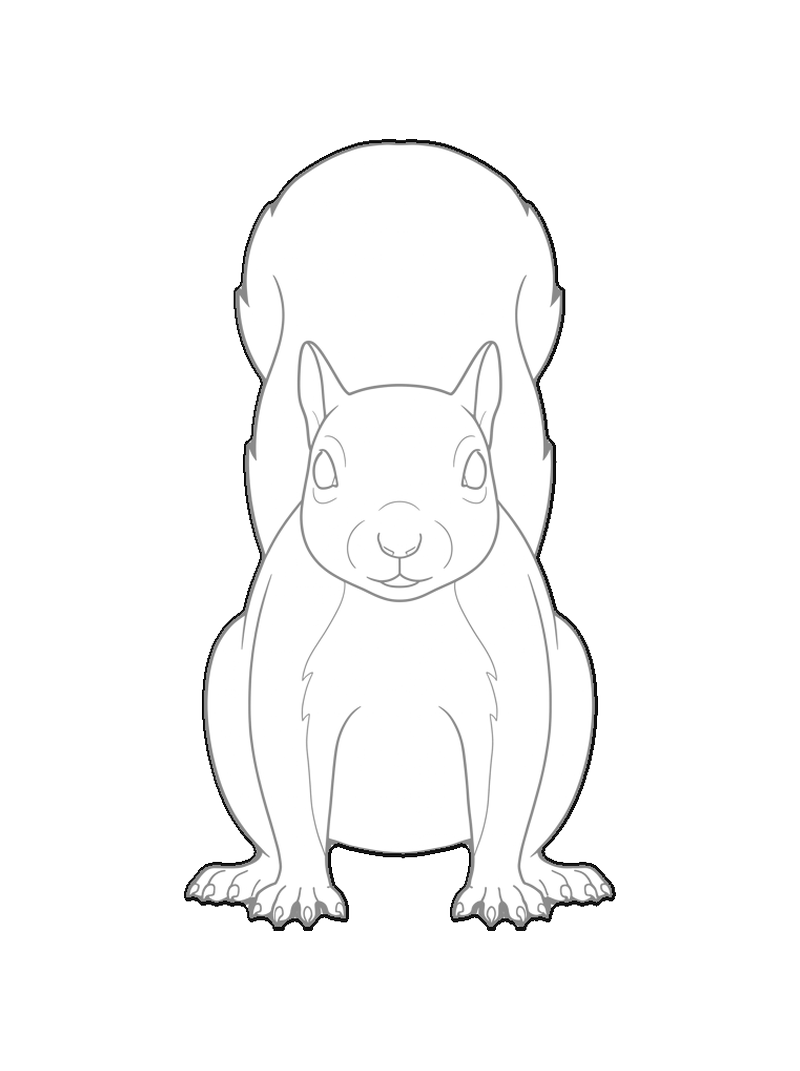
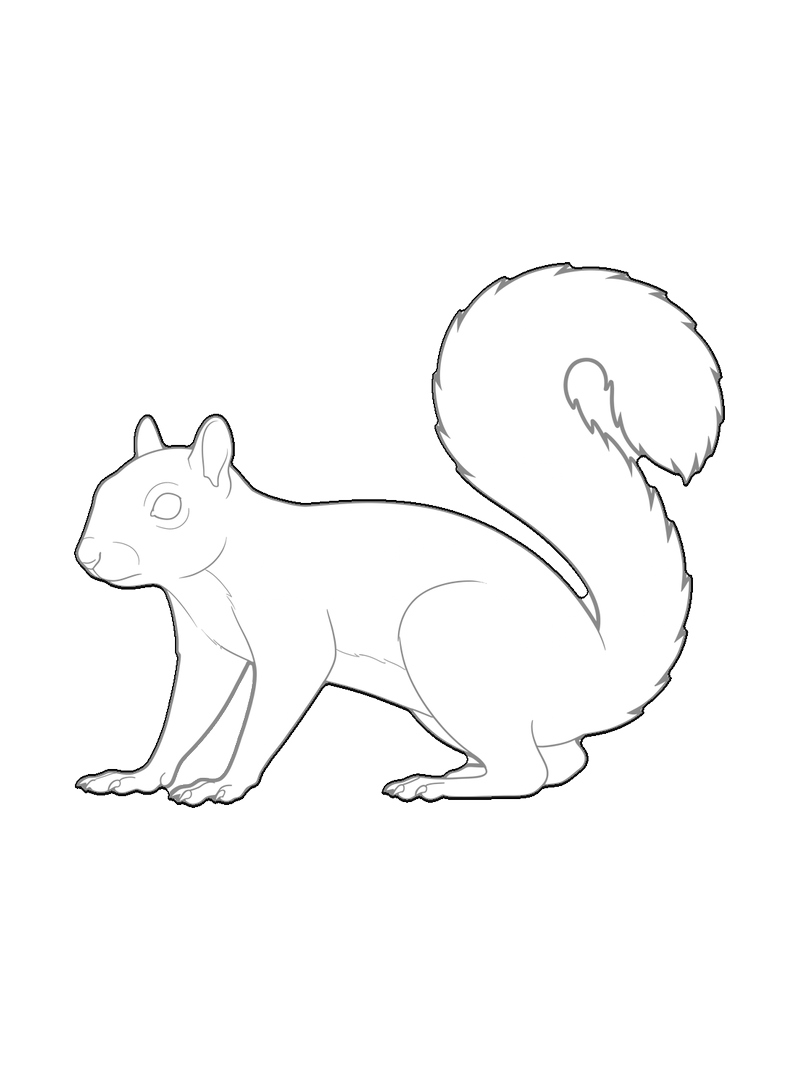
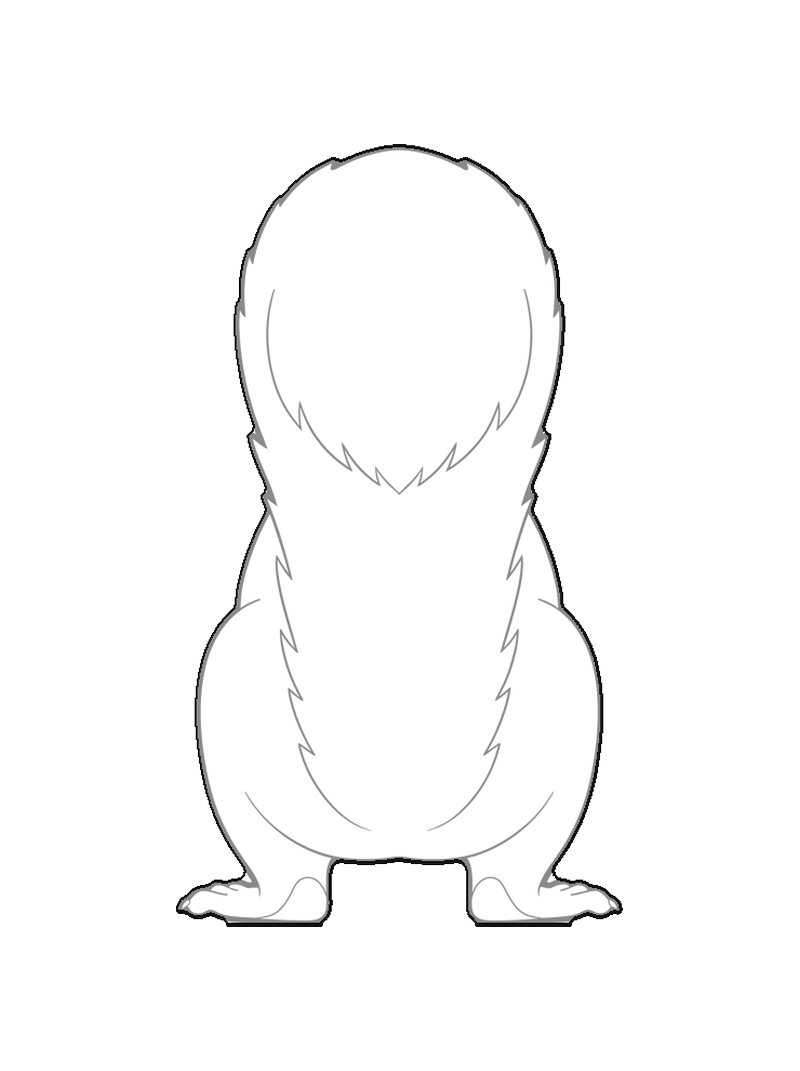
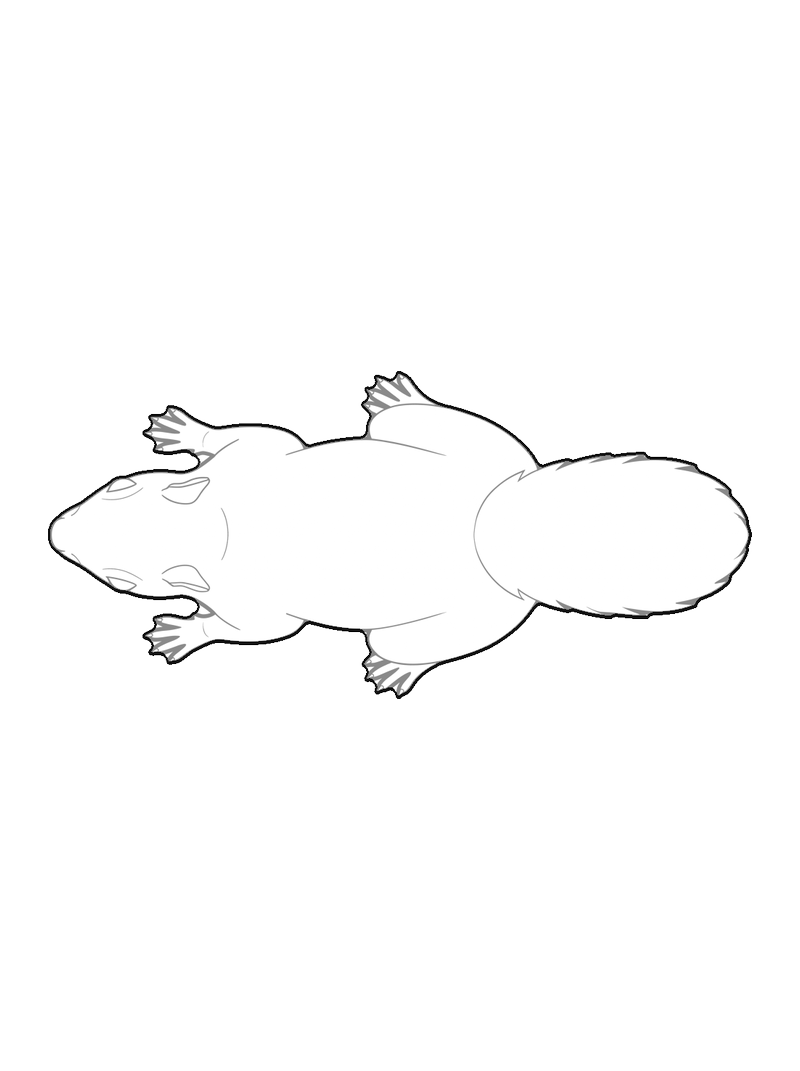


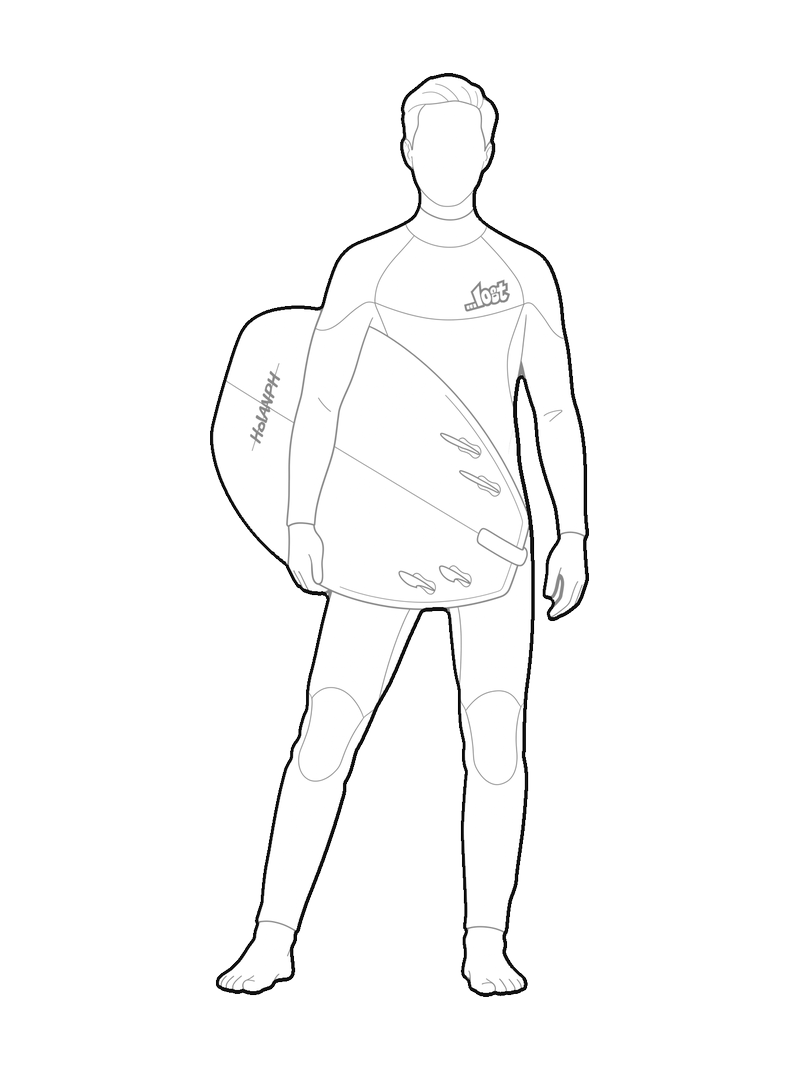

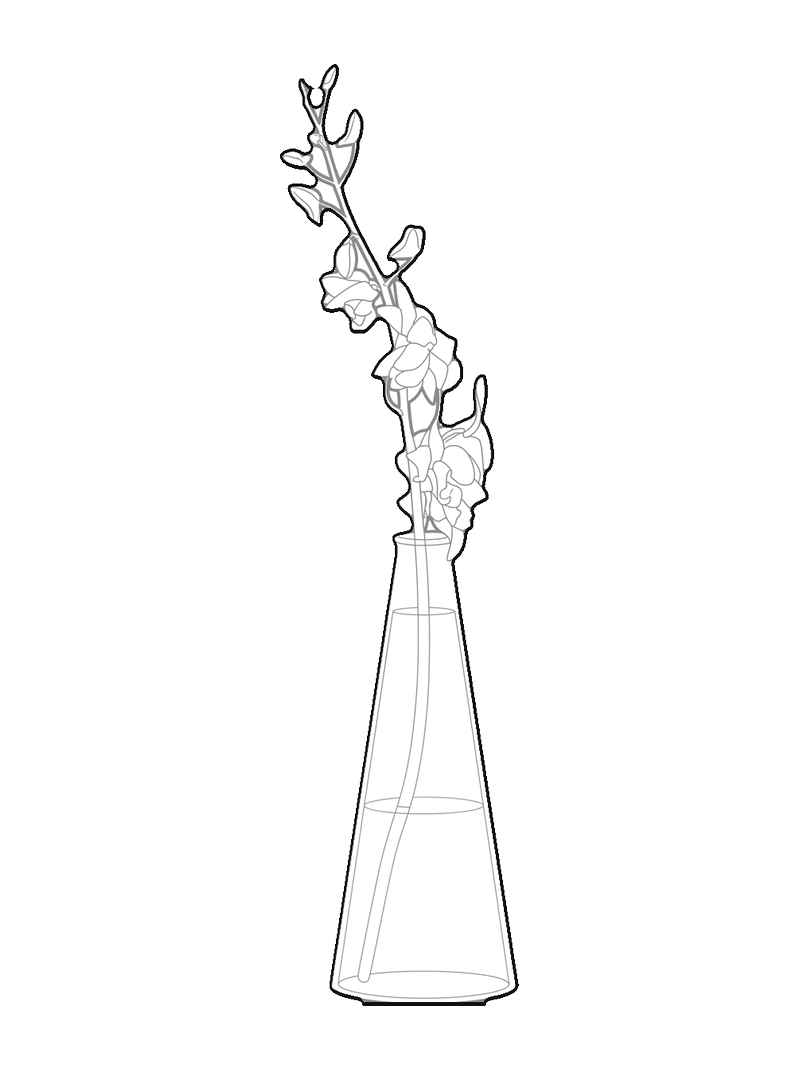


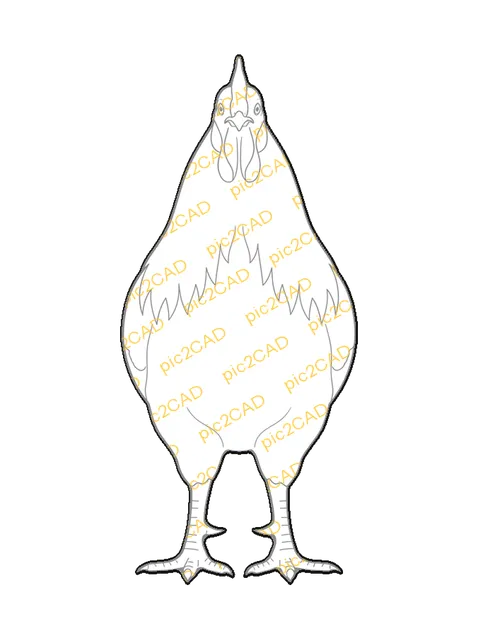


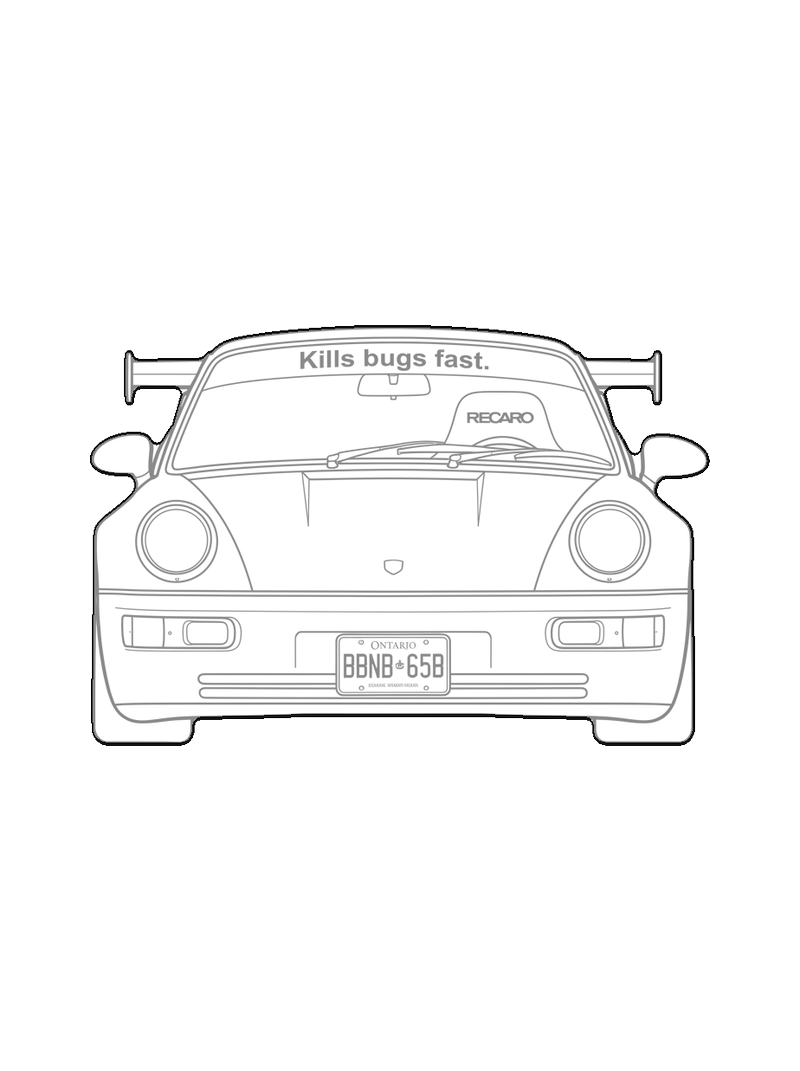

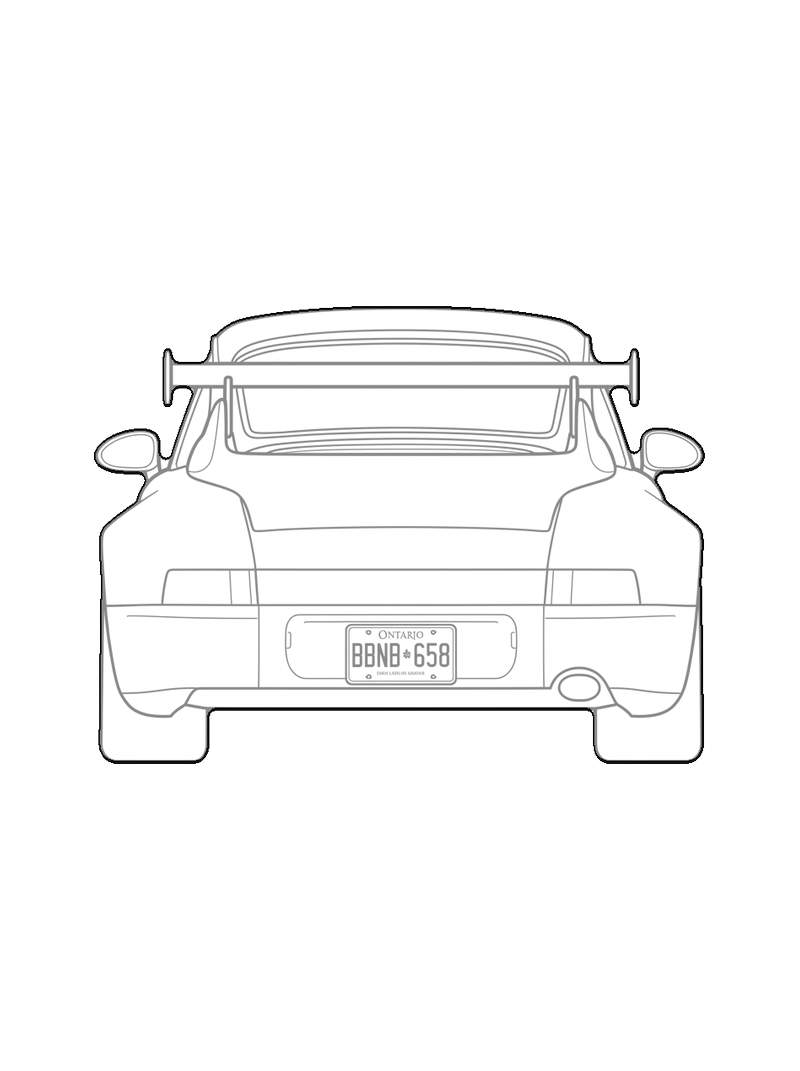

Every block here is a picture turned into clean CAD line art: DXF in millimetres, SVG for laser work, PNG for a board. Drop one into a plan at 1:50 or 1:100 and rescale it in AutoCAD, Rhino, ArchiCAD or SketchUp without redrawing a single line. Turn your own picture into a block and it can live here too.
Frequently asked questions
Yes. Download the DXF, place it in your drawing at true scale and it behaves like any other block: move it, rotate it, put it on its own layer.
Both use the same file formats and the same line quality. House blocks are made and checked by pic2CAD; community blocks are shared by other users after we review them.
Yes. Every block in the 2D Library, ours and the ones shared by other people, is free to download in PNG, SVG and DXF, with no watermark. You can download up to 15 without an account; after that, a free account lets you keep going. The only thing you pay for on pic2CAD is turning your own pictures into blocks.
Yes. From your account you can share any block you made on pic2CAD. We review each one before it goes into the 2D Library, and from then on anyone can download it for free.