People to CAD block
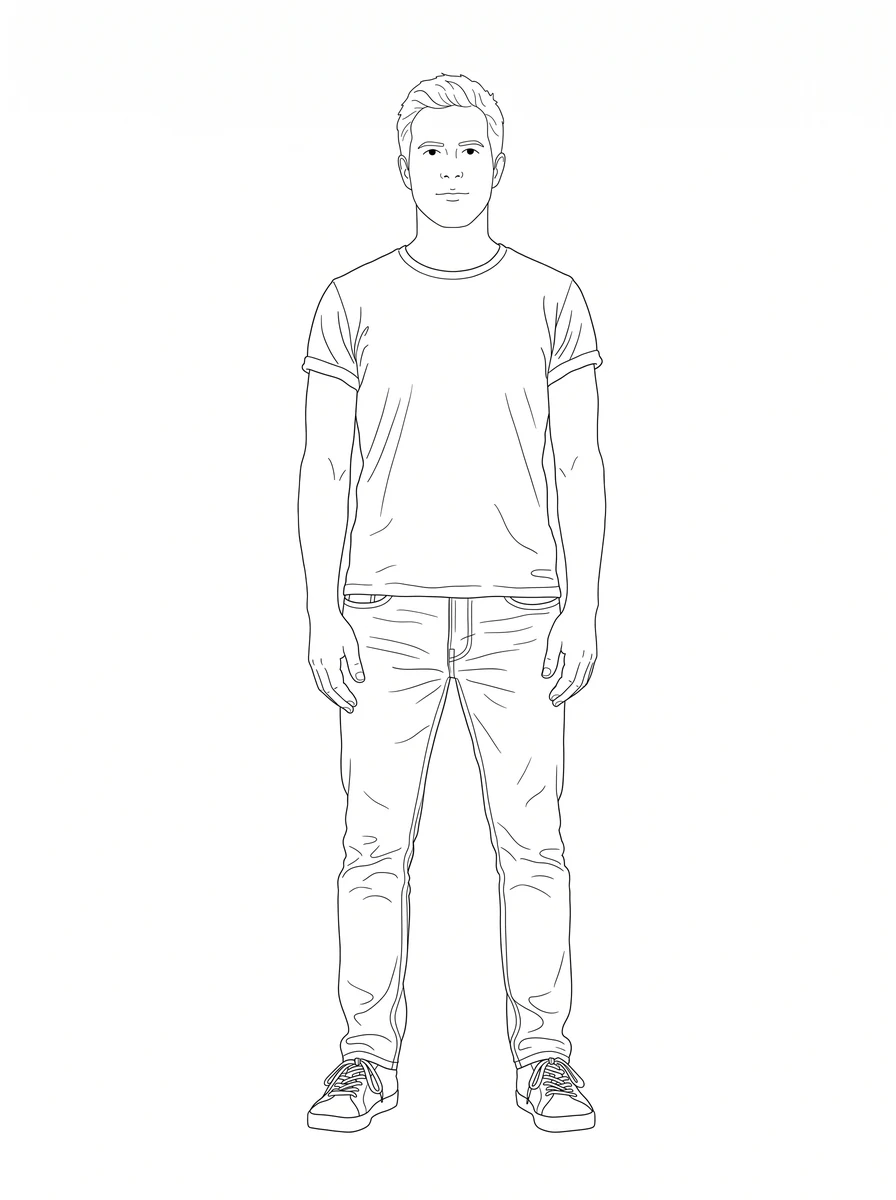
Draw your own architectural entourage: your team, your clients or the people from a site picture, instead of borrowing a stranger from a block library.
Try it with your own picture
How it works
Upload a picture
Any picture works: one you shoot yourself, a reference from a client, or a sketch you already have.
pic2CAD draws the line art
The picture becomes a clean line drawing in about a minute. Generating uses 1 credit, and you get it back if the drawing fails.
Download PNG, SVG, DXF and DWG
Every format, every time; the DWG is under the + button in My drawings. Downloading is always free, however many times you need the file.
How pic2CAD helps
Every elevation figure library has the same handful of poses everyone else already uses. A board full of the same stock people stops looking like your project.
pic2CAD draws the person straight from your picture: click who you want drawn, set the real height in Orthographic view, or get a known 1 metre reference block in Select a subject mode. It arrives as a DXF with the feet on the floor line, ready to scale to any height you need in a plan, a section or an elevation.
Ideal for
- Architecture students who need their own entourage for a plan, a section or a board
- Studios drawing their site team or their regular clients into a plan
- Anyone tired of the same recognisable stock figures everyone else uses
- Presentations and competition boards that need a real scale reference