Image to CAD
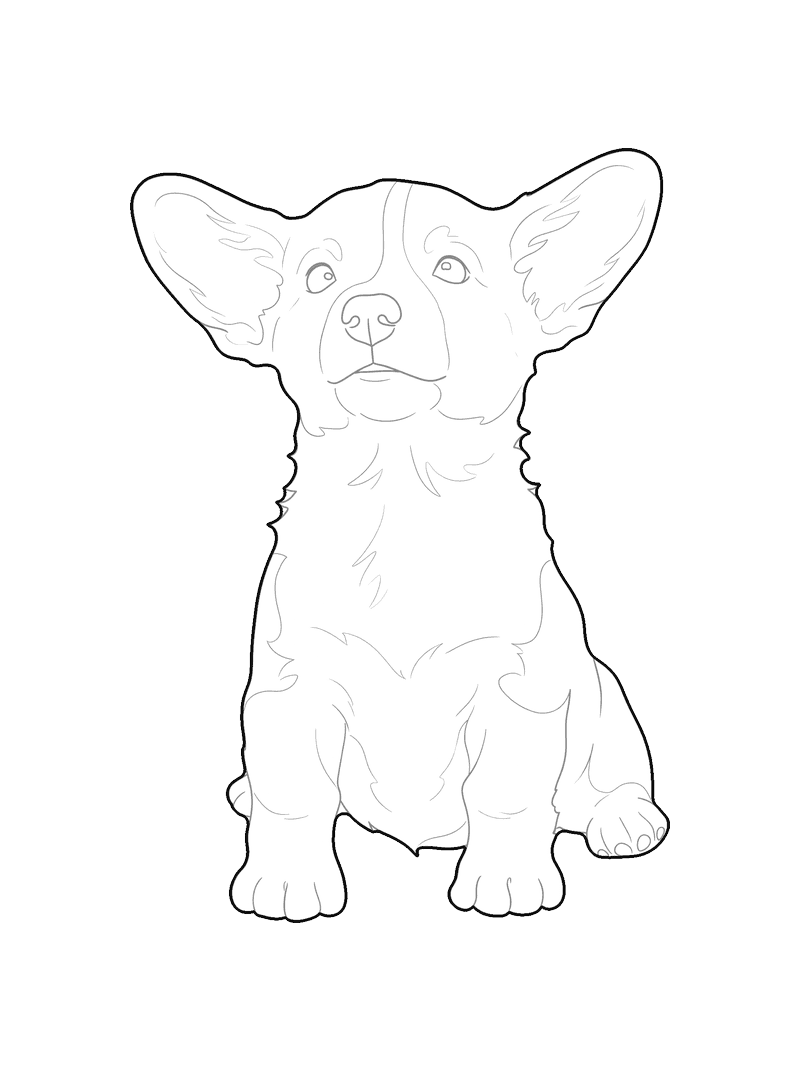
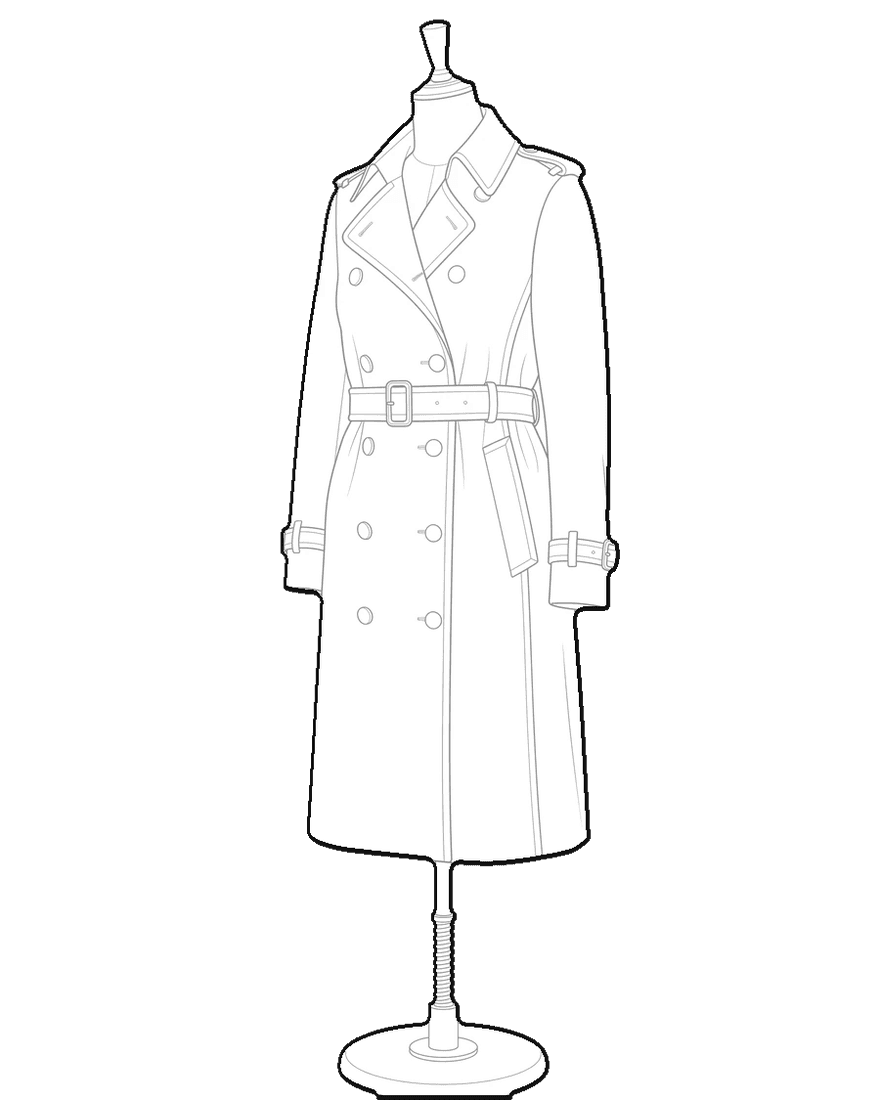
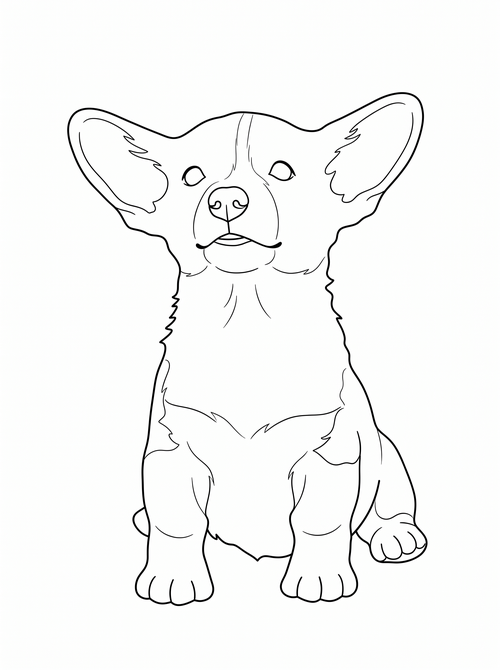
A person, a piece of furniture, an object, a plant, a pet, a car: pic2CAD reduces whatever the picture shows to a line drawing you can use as PNG, SVG or DXF, in whatever CAD or design app you already work in.
Try it with your own picture
How it works
Upload a picture
Any picture works: one you shoot yourself, a reference from a client, or a sketch you already have.
pic2CAD draws the line art
The picture becomes a clean line drawing in about a minute. Generating uses 1 credit, and you get it back if the drawing fails.
Download PNG, SVG, DXF and DWG
Every format, every time; the DWG is under the + button in My drawings. Downloading is always free, however many times you need the file.
How pic2CAD helps
Reference pictures pile up, but none of them are a drawing you can put in a CAD file or an editable vector file. Turning one into the other by hand takes longer than the rest of the job.
pic2CAD isolates whatever you click, a person, a piece of furniture, an object, a plant, an animal or a vehicle, and traces it into line work delivered as PNG, SVG and DXF. The SVG opens as editable paths in Illustrator, the PNG drops straight into a render, and the DXF opens in AutoCAD, Revit, Rhino, ArchiCAD or BricsCAD.
Ideal for
- Designers who need a CAD-ready base from a reference picture
- Illustrators looking for a clean line layer to paint or ink over
- Architecture students converting a reference into a usable block
- Anyone without drafting skills who still needs a vector line drawing
What you can convert
Click the subject and pic2CAD draws it, whatever it is. Each example opens a page about that kind of block.