Turn a fitting picture into a technical flat for your tech pack
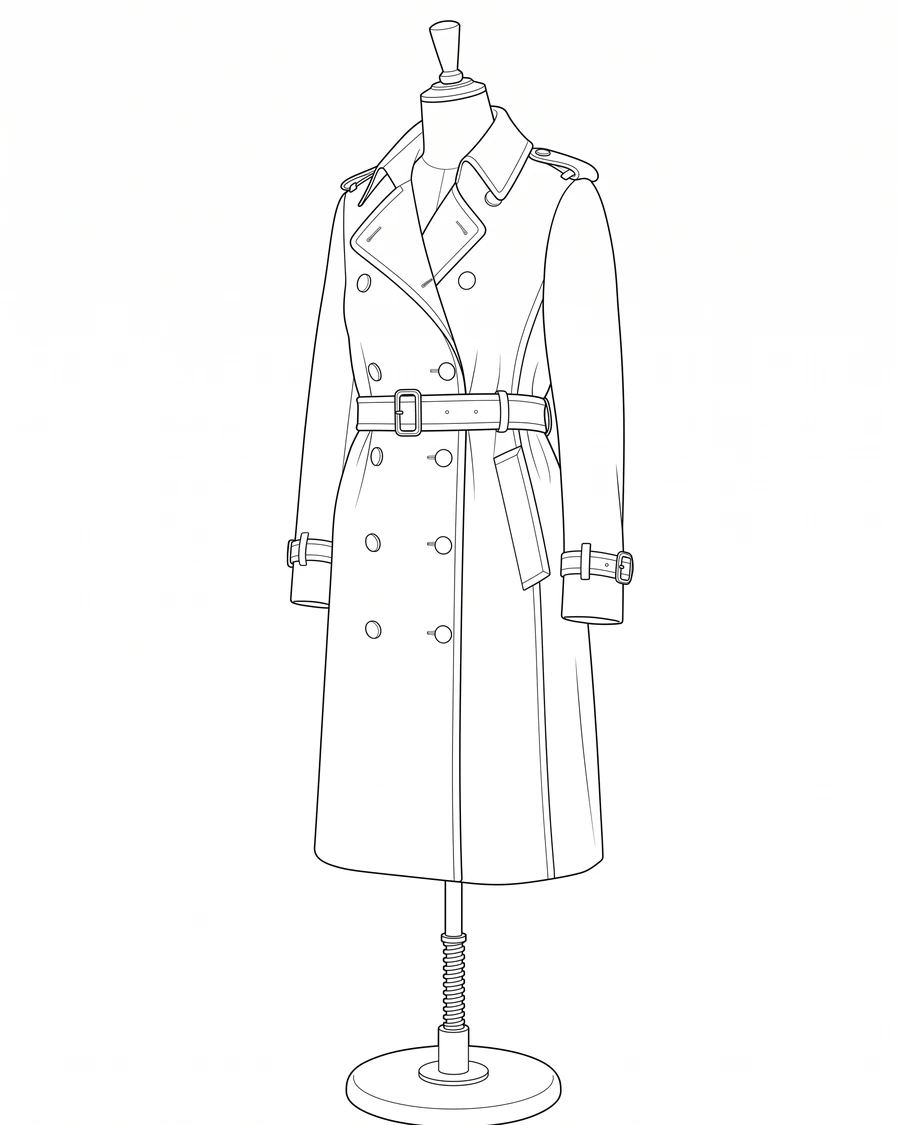
Skip redrawing the garment by hand. A fitting picture or a lookbook shot becomes an editable line drawing ready for a spec sheet.
Try it with your own picture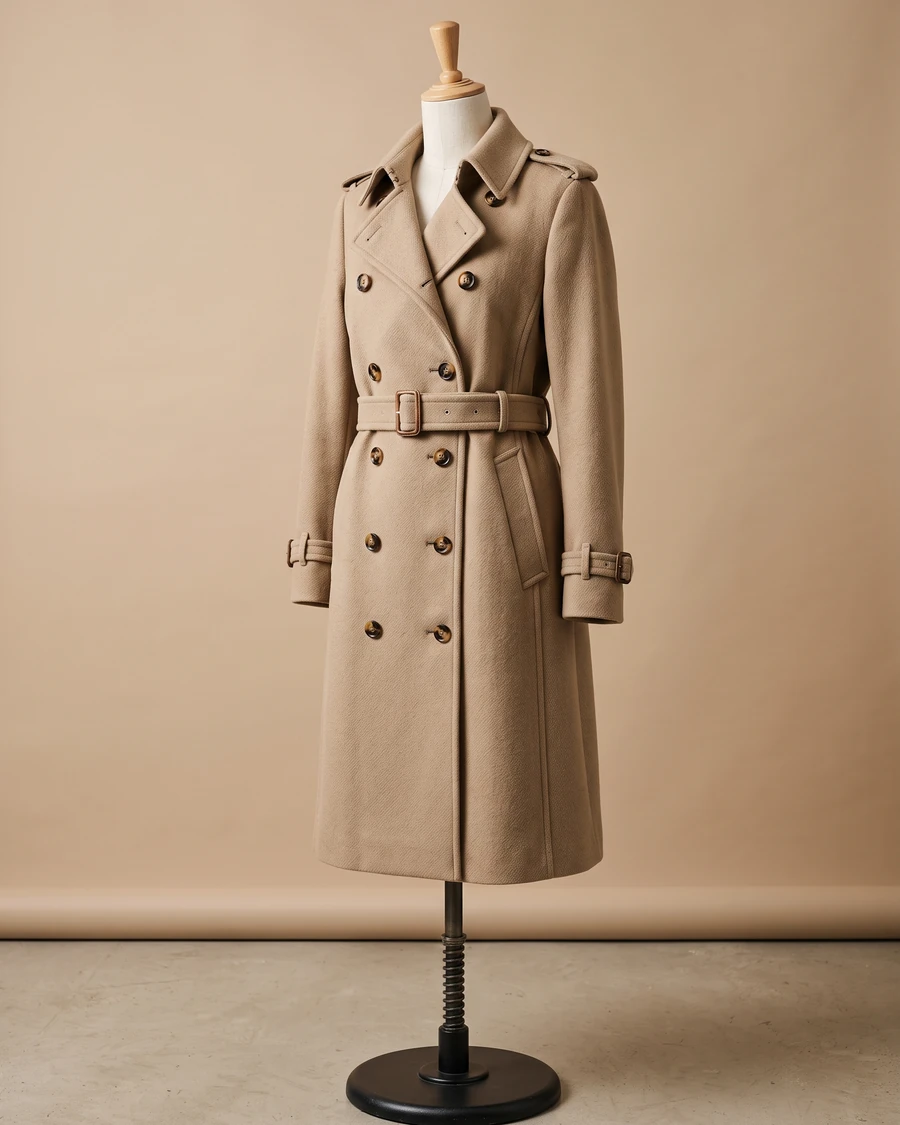
How it works
Upload a picture
Any picture works: one you shoot yourself, a reference from a client, or a sketch you already have.
pic2CAD draws the line art
The picture becomes a clean line drawing in about a minute. Generating uses 1 credit, and you get it back if the drawing fails.
Download PNG, SVG, DXF and DWG
Every format, every time; the DWG is under the + button in My drawings. Downloading is always free, however many times you need the file.
How pic2CAD helps
A tech pack or spec sheet needs a clean technical flat of the garment, and redrawing one by hand from a fitting picture or a lookbook shot takes time a small brand or a freelance designer rarely has to spare.
pic2CAD turns a fitting picture into a clean technical line drawing. The SVG opens straight in Illustrator as editable paths, ready to resize, recolour, or lay next to the pattern pieces.
Ideal for
- Independent designers building a tech pack without a technical illustrator
- Small brands documenting a sample before it goes into production
- Pattern makers who need a flat to lay next to the pattern pieces
- Portfolios and lookbooks that need a clean line version alongside the pictures