Architectural entourage from your own photos
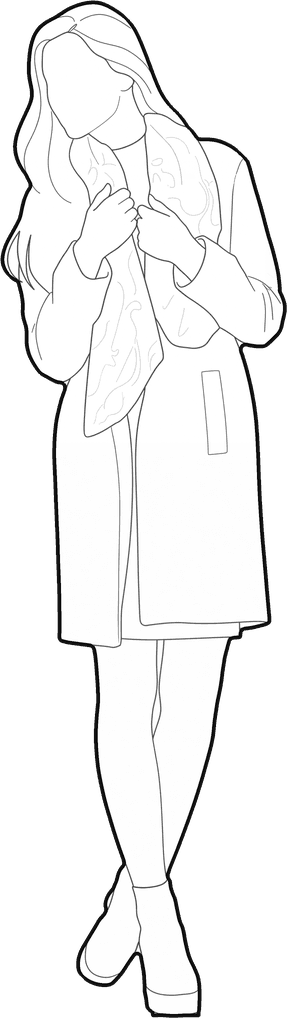
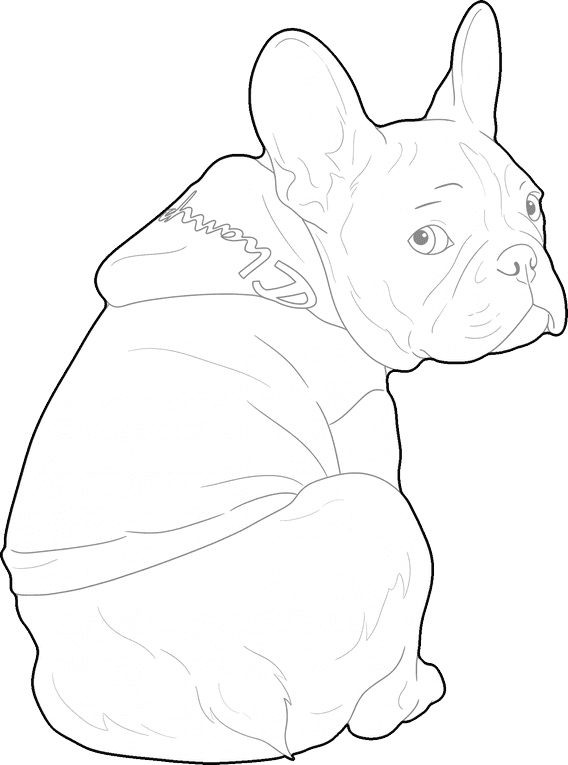
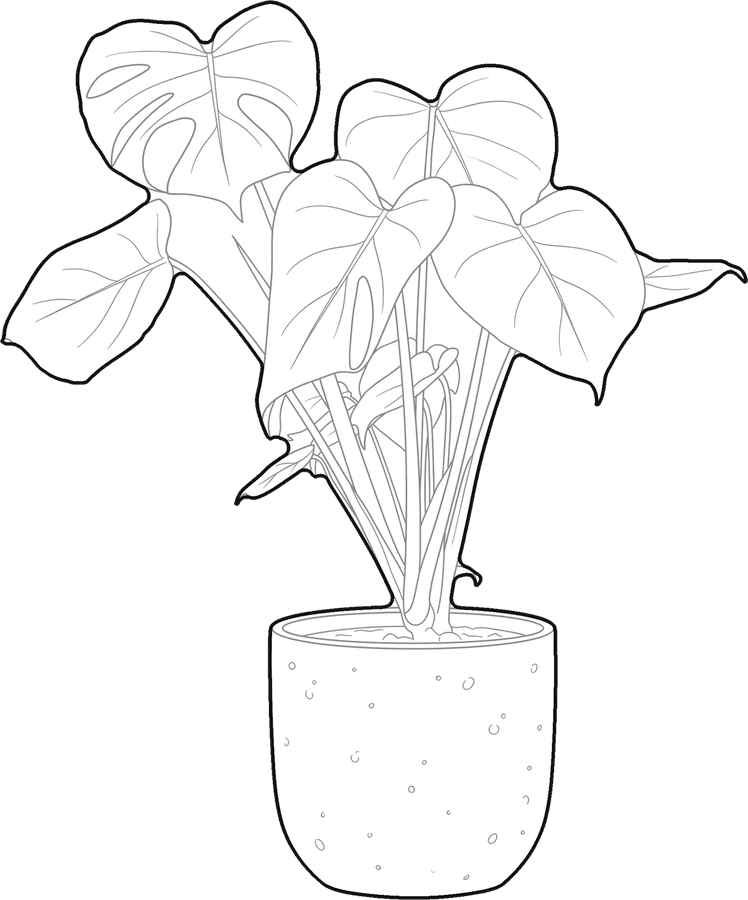
Your classmates, your client, their dog and the plant on the desk, drawn in one line style and ready for your sections, elevations and boards.
Try it with your own picture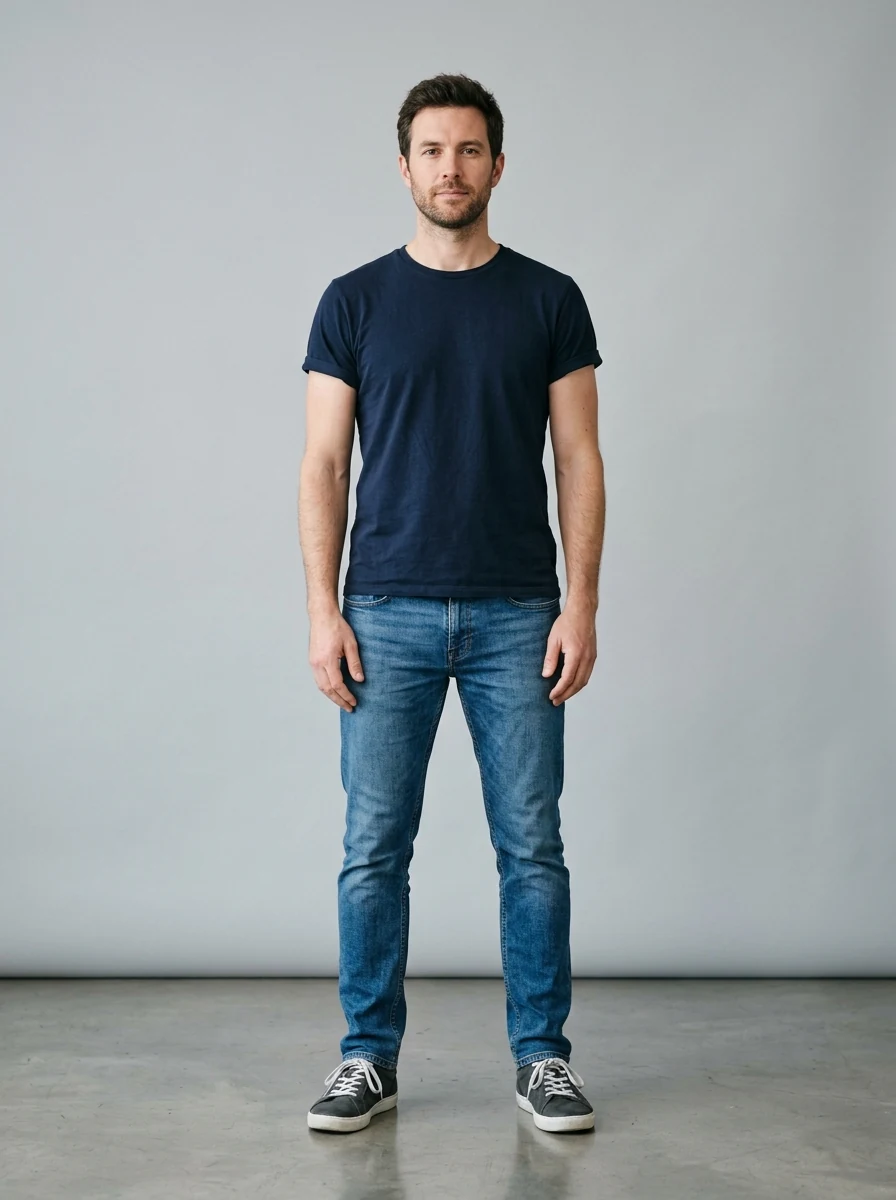
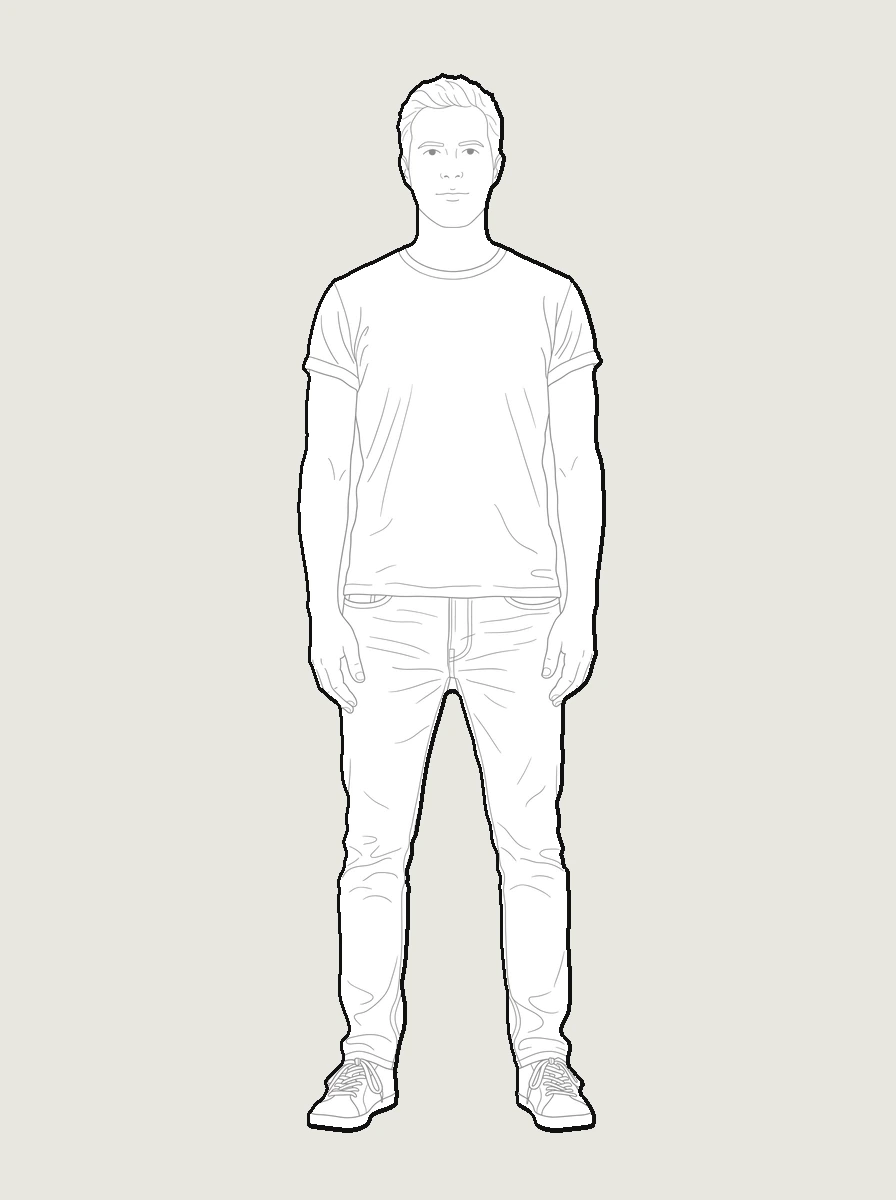
How it works
Upload a picture
Any picture works: one you shoot yourself, a reference from a client, or a sketch you already have.
pic2CAD draws the line art
The picture becomes a clean line drawing in about a minute. Generating uses 1 credit, and you get it back if the drawing fails.
Download PNG, SVG and DXF
All three formats, every time. Downloading is always free, however many times you need the file.
How pic2CAD helps
Stock entourage is anonymous, and figures from different libraries rarely share a line weight or a style. Drawing your own by hand for a single board can take an afternoon.
Take a picture of a person, a pet or a plant and click it. pic2CAD draws each one in the same line style, so a set made from different pictures still reads as one set. Every block comes as PNG, SVG and DXF, and the DXF is in millimetres. For a person, type the real height in Orthographic view and the figure arrives at that height, ready for a 1:50, 1:100 or 1:200 drawing without rescaling. Your own classmates and the client's own dog say more about a project than a stranger from a library.
Ideal for
- Architecture students who want their own people in the sections and elevations of a project
- Studios that draw their team and their client's pets into a presentation
- Landscape and interior designers who need plants and pets in one consistent style
- Anyone who wants an entourage that nobody else has