Back to the 2D Library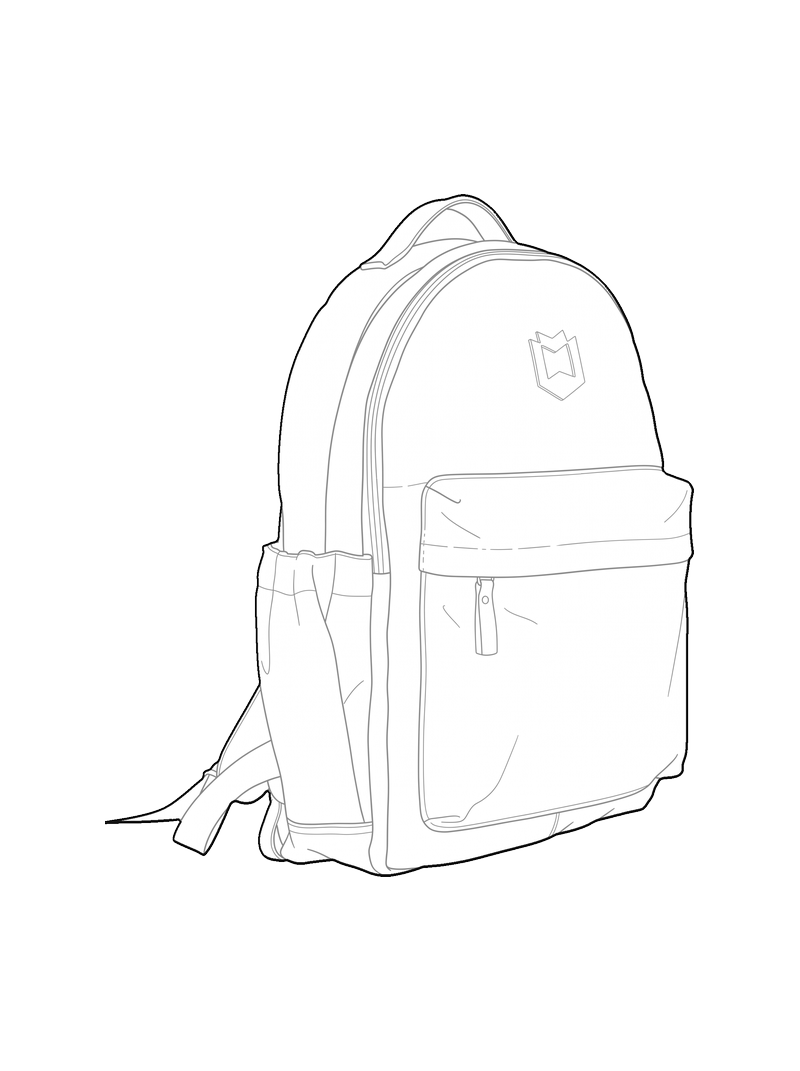
Handbag
- Objects
- other
- Select a subject
Details
- Category
- Objects
- Formats
- PNG, SVG, DXF
- Group
- other
How to use it in CAD
- DXF in millimetres, ready to insert at true scale.
- Three layers: Outer (outline), Inner (detail) and Fill (solid fill).
- Place it in your plan at 1:50 or 1:100 and rescale from there.
- Insert it as a block: INSERT in AutoCAD, Import in Rhino, ArchiCAD or SketchUp.
Handbag is a line-art CAD block in the Objects category of the pic2CAD 2D Library, by Fernando - pic2CAD. Formats: DXF for AutoCAD and other CAD software, SVG for vector work and laser cutting, PNG for printing. Tags: other.
See all Objects blocksMake your own with your picture