
Electronics CAD blocks
Categories
Orthographic views
Sort
electronics
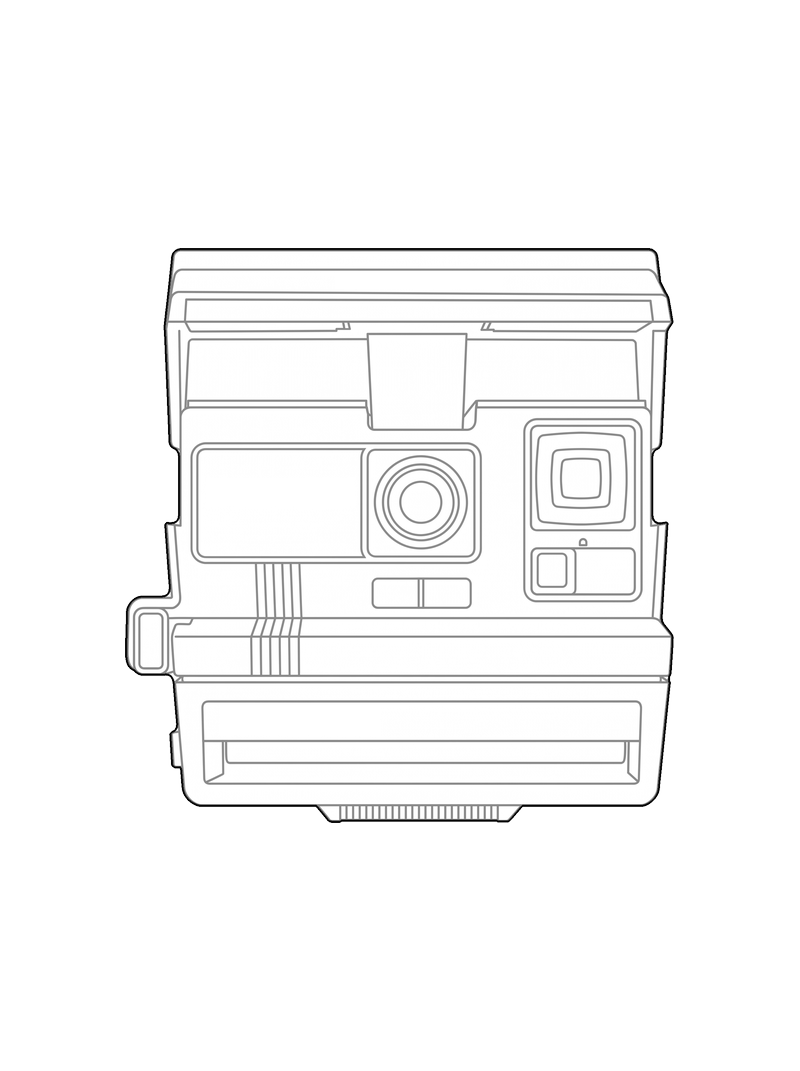


Every electronics block here started as a real picture, redrawn in clean CAD line. Use it in a plan, a section or a laser cut just like the rest of the Objects category. Turn a picture of an object into a block for your own drawings.
Frequently asked questions
Only when the block's own details panel shows a real dimension. Otherwise treat it as a reference shape and rescale it to the real object in your CAD software.
Yes. Every DXF here uses the same Outer, Inner and Fill layers, whatever the group, which is what most laser software expects for a clean cut path.