Back to the 2D Library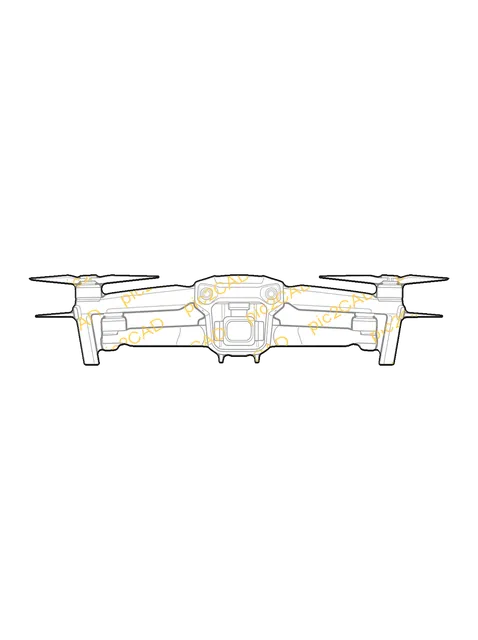
Folding Drone, Front View
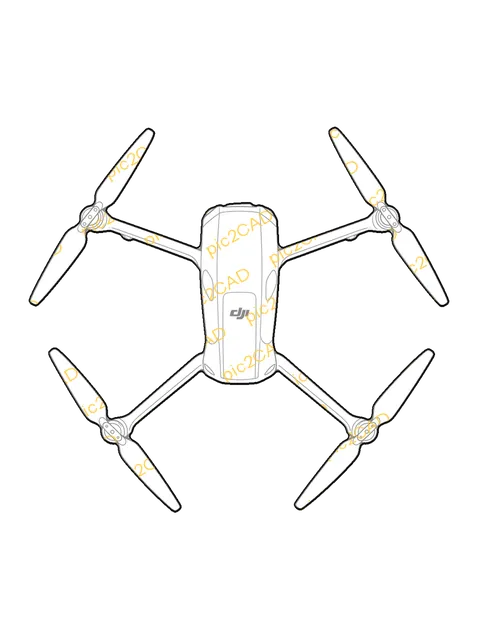
A foldable drone from the front. The drawing is wide and low: a central body with two round sensor eyes at the top and a camera gimbal below, the arms folded down and outward on both sides, and the propeller blades extending horizontally beyond them in two thin layers on each side. A set of short feet at the bottom of the body keeps it off the ground. Because the arms are fully drawn, this is a good view to compare with the rear one when you need to explain how a drone folds. Use it for tech presentations, aerial imaging brochures and product elevation sheets. Block your own gadget from a picture in pic2CAD.
- Objects
- electronics
- Orthographic view
- Front
By Fernando - pic2CAD64
Free, like every block in the Library.
Found it useful? Support the LibraryDetails
- Category
- Objects
- Approximate size
- 9 cm tall × 33 cm wide
- View
- Front
- Formats
- PNG, SVG, DXF
- Group
- electronics
About 9 cm high and 33 cm wide with the blades out. Approximate; rescale to your drone.
Files and formats
- PNG
- Image for printing and presentations.
- SVG
- Vector drawing for vector software and laser cutting.
- DXF
- AutoCAD 2018 format (DXF R2018). Curves are polylines with arcs. Layers: Inner (line detail), plus Outer and Fill when the block has a solid outline.
- ZIP (all)
- PNG, SVG and DXF together with the licence.
Frequently asked questions
Yes, the gimbal with its square lens sits under the body in the centre, between the two sensor eyes above it.
Freeze the Inner layer if your DXF has one, and you keep the silhouette of the body, the arms and the blades.
Some DXFs carry no units. Insert it, measure the width with DIST and use SCALE Reference to match the real wingspan.