pic2CAD for every trade that starts from a line
One picture in, three ready-to-use files out: a DXF in millimetres, an editable SVG, and a transparent PNG. Here's which file fits which job, and how each trade puts it to work.
Architecture & Engineering
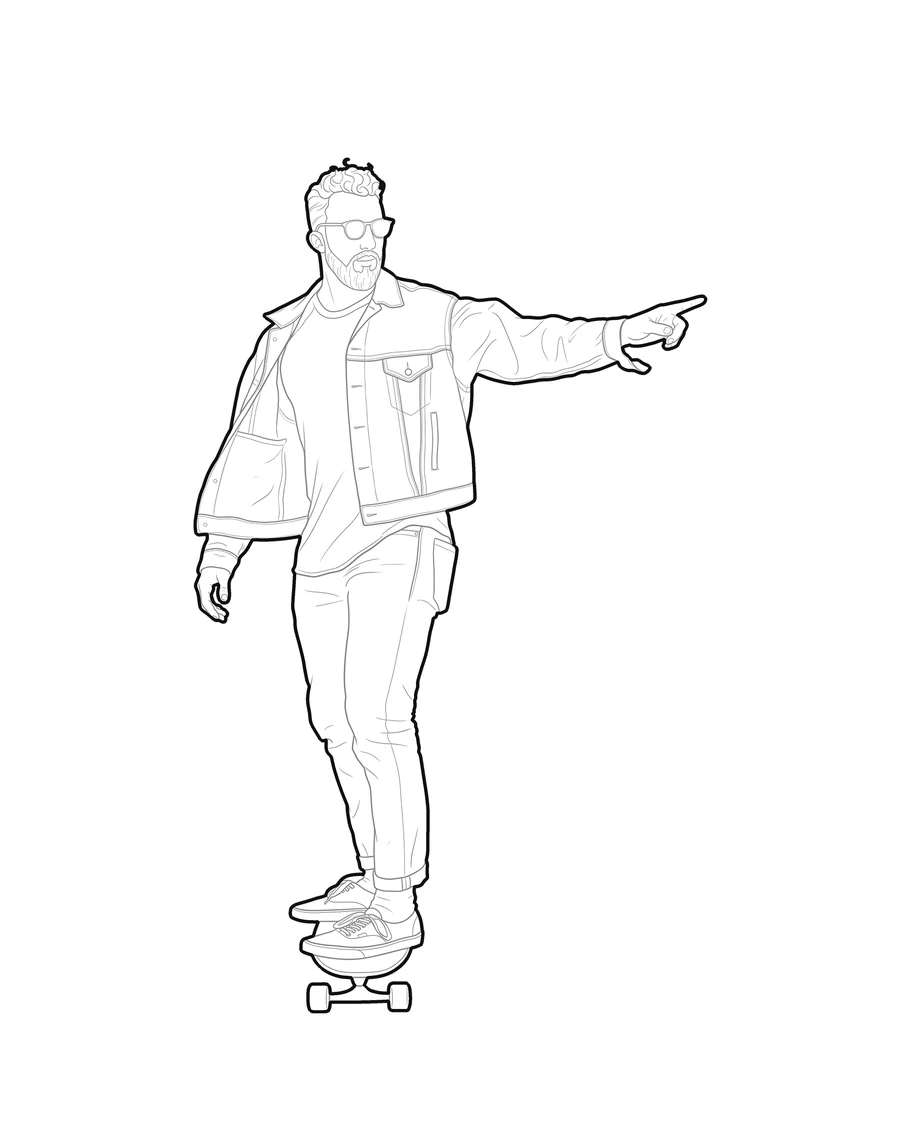
Turn your own site pictures into CAD blocks you actually own
Skip the generic block library. Convert the people, furniture or equipment from your own pictures into a DXF, SVG and PNG at the scale you choose.
See how it works
Laser cutting
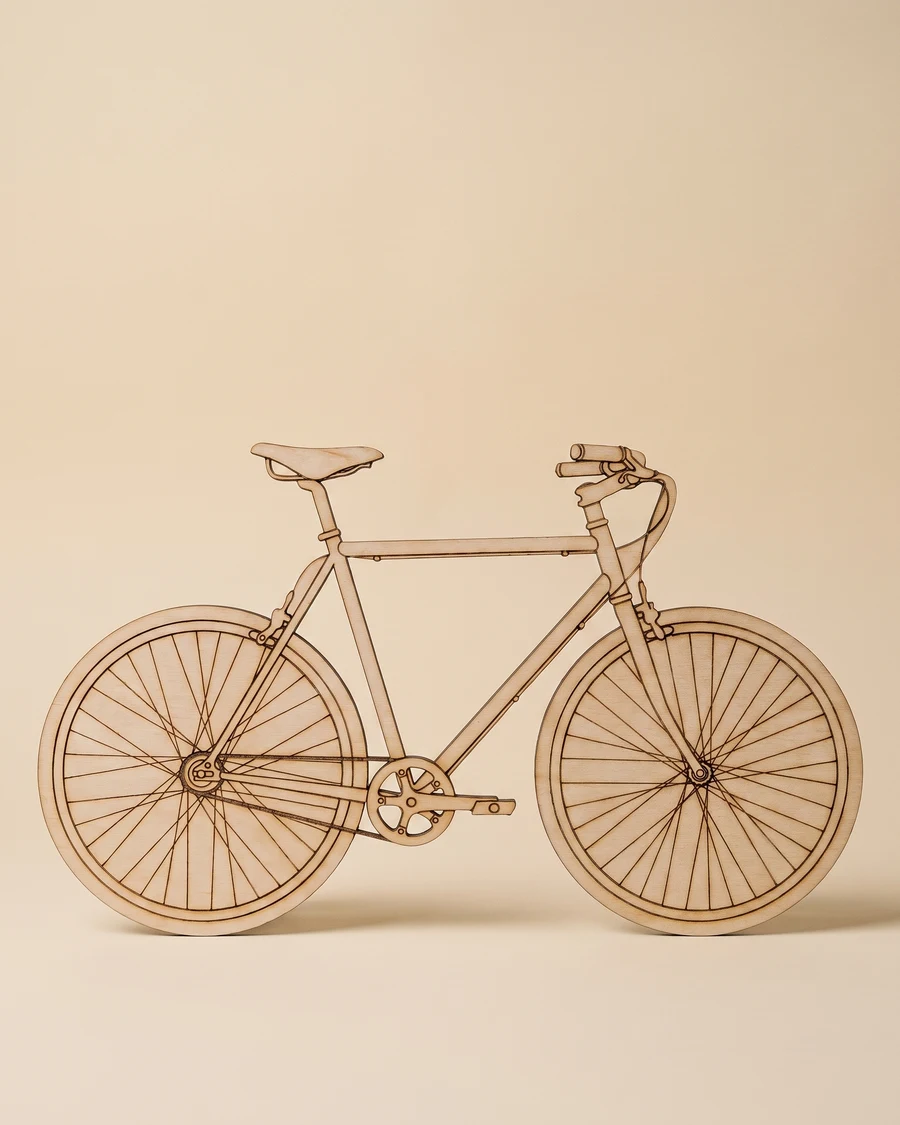
Turn a picture into a DXF your cutter can run straight away
Closed, unambiguous vector paths, without redrawing anything by hand: outer and inner lines already split onto layers.
See how it works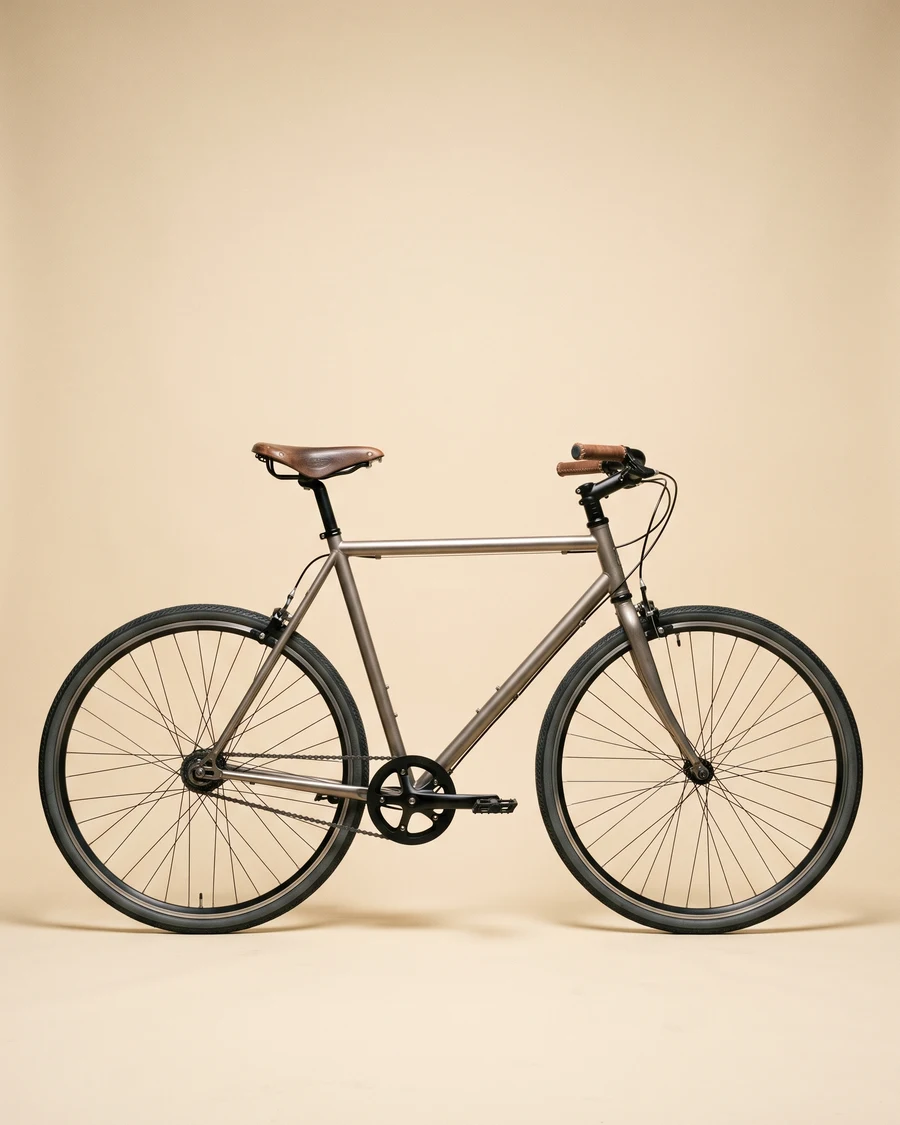
Furniture
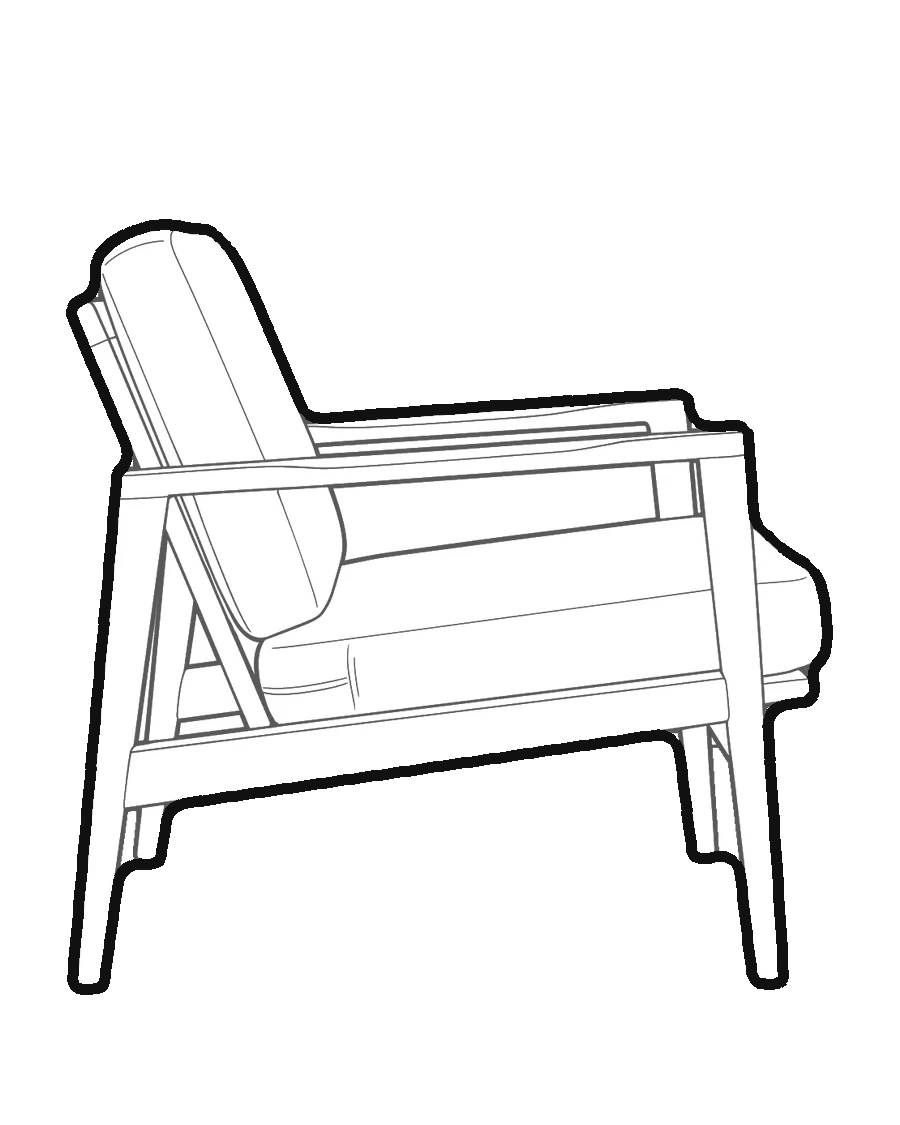
Turn your own furniture into catalogue-ready line drawings
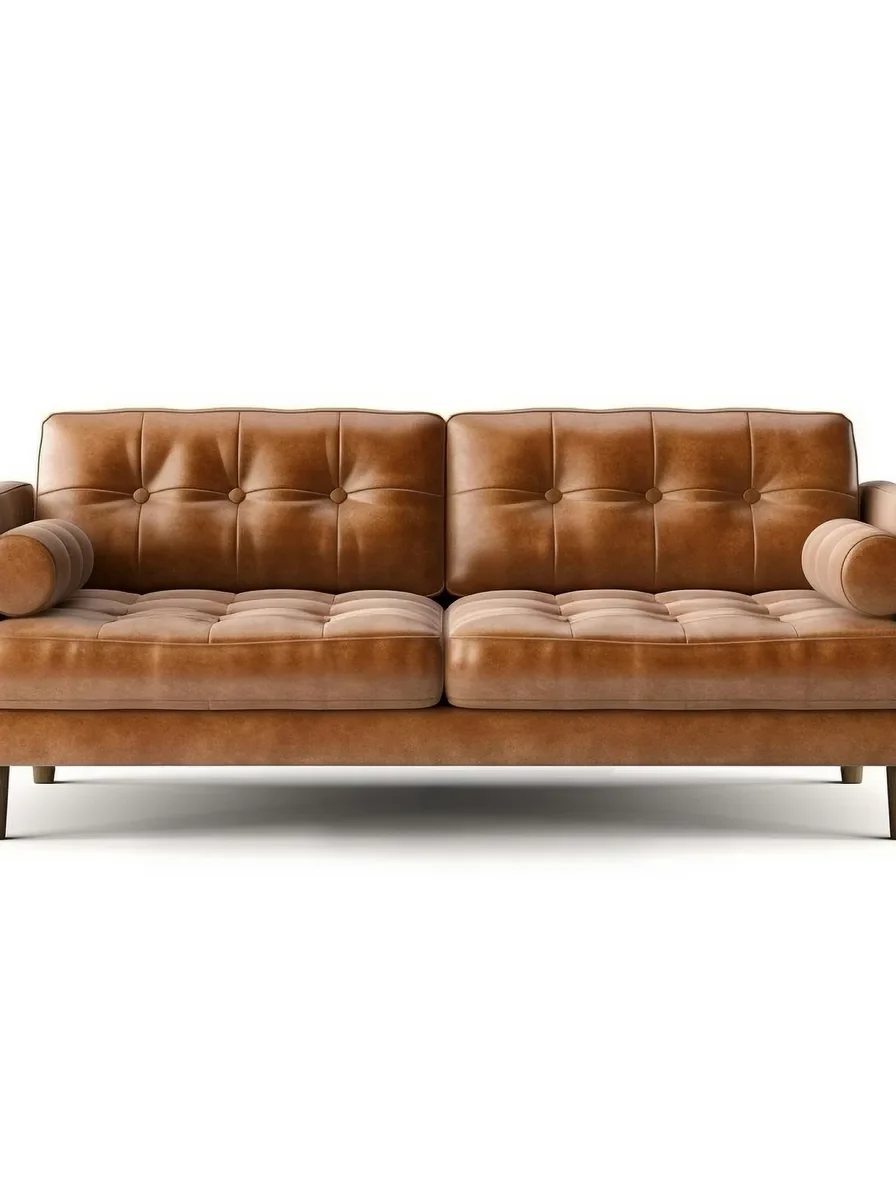
Skip hiring a technical illustrator for every product. A picture of your own piece becomes a clean line drawing for a catalogue, a spec sheet or your website.
See how it works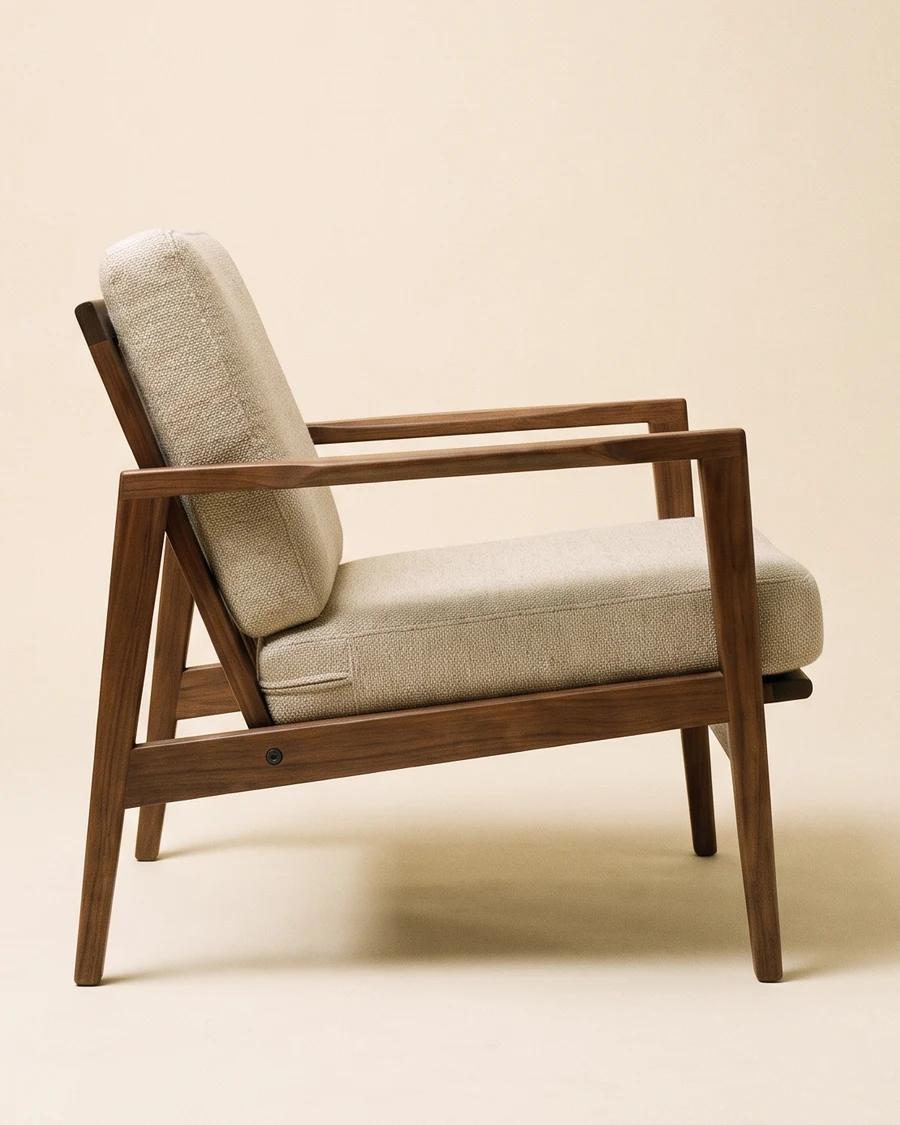
T-shirt embroidery
Turn a picture into the line art your digitizer would otherwise sketch by hand
pic2CAD doesn't export DST or PES, but it gives you the clean vector base an embroidery digitizer starts from.
See how it works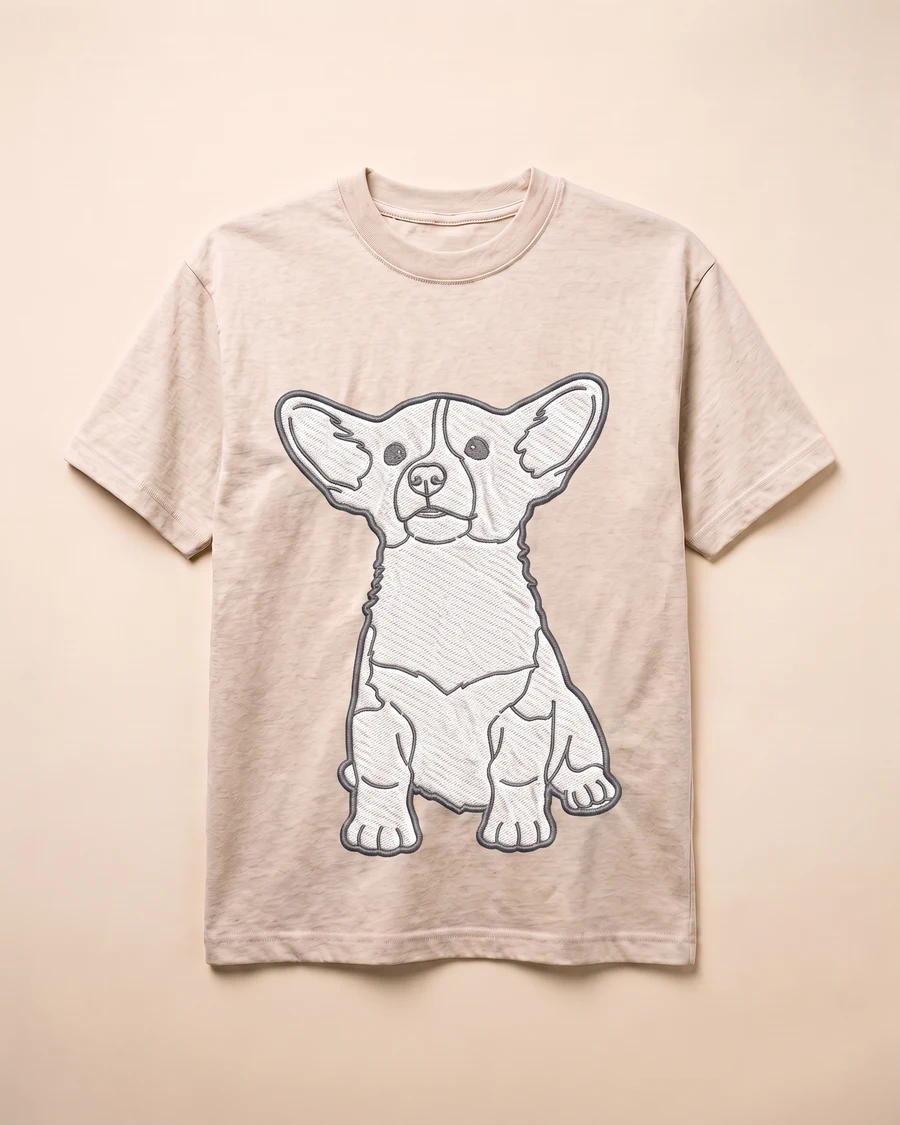
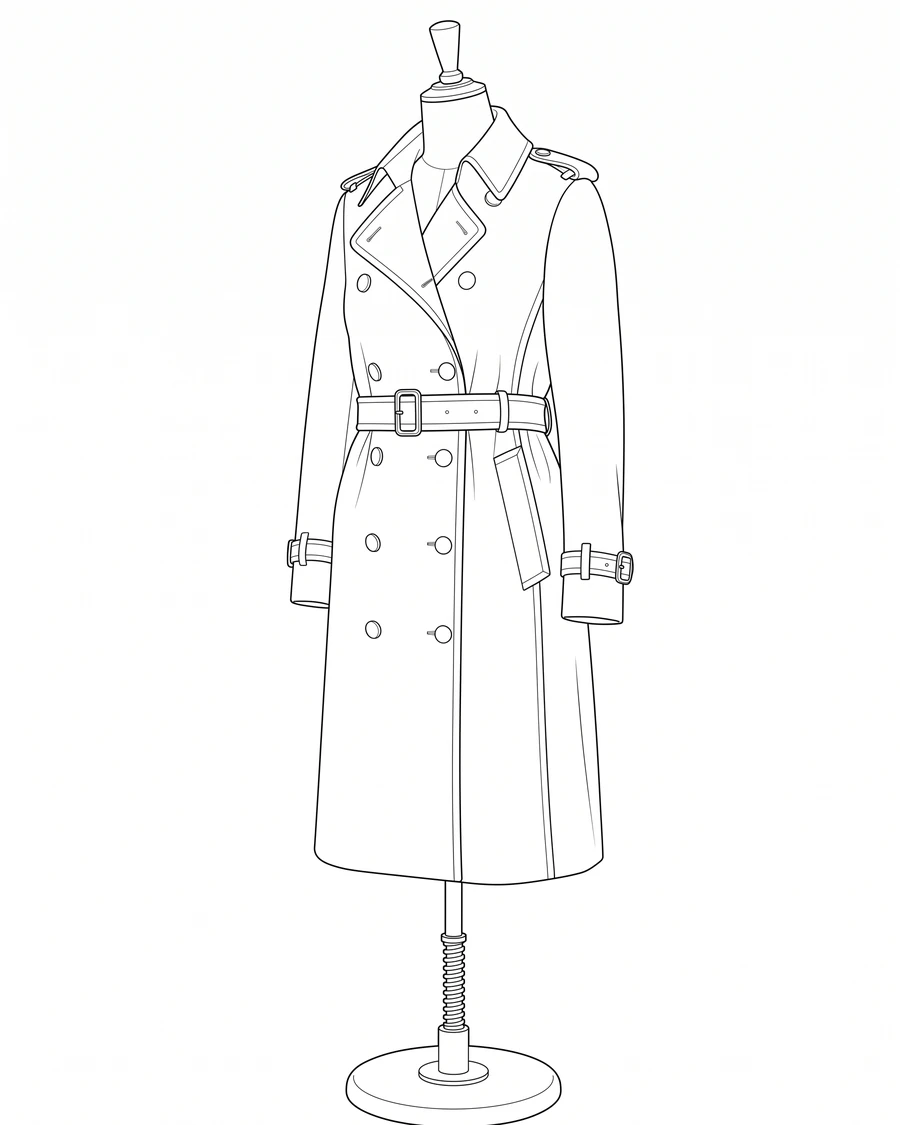
Fashion design
Turn a fitting picture into a technical flat for your tech pack
Skip redrawing the garment by hand. A fitting picture or a lookbook shot becomes an editable line drawing ready for a spec sheet.
See how it works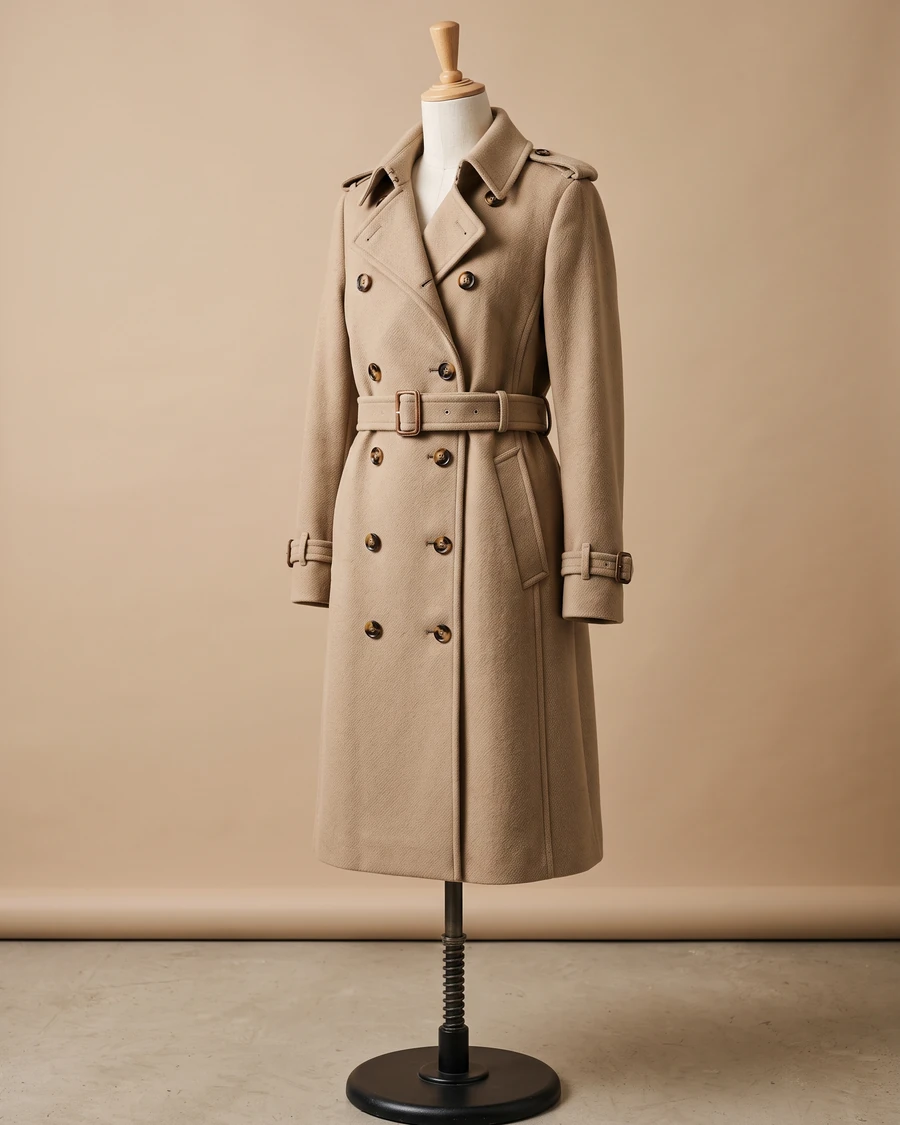
Illustrations
Turn a reference picture into a line art base you can paint over
Skip the slower step between a reference picture and a usable base: pic2CAD traces it, you keep the drawing.
See how it works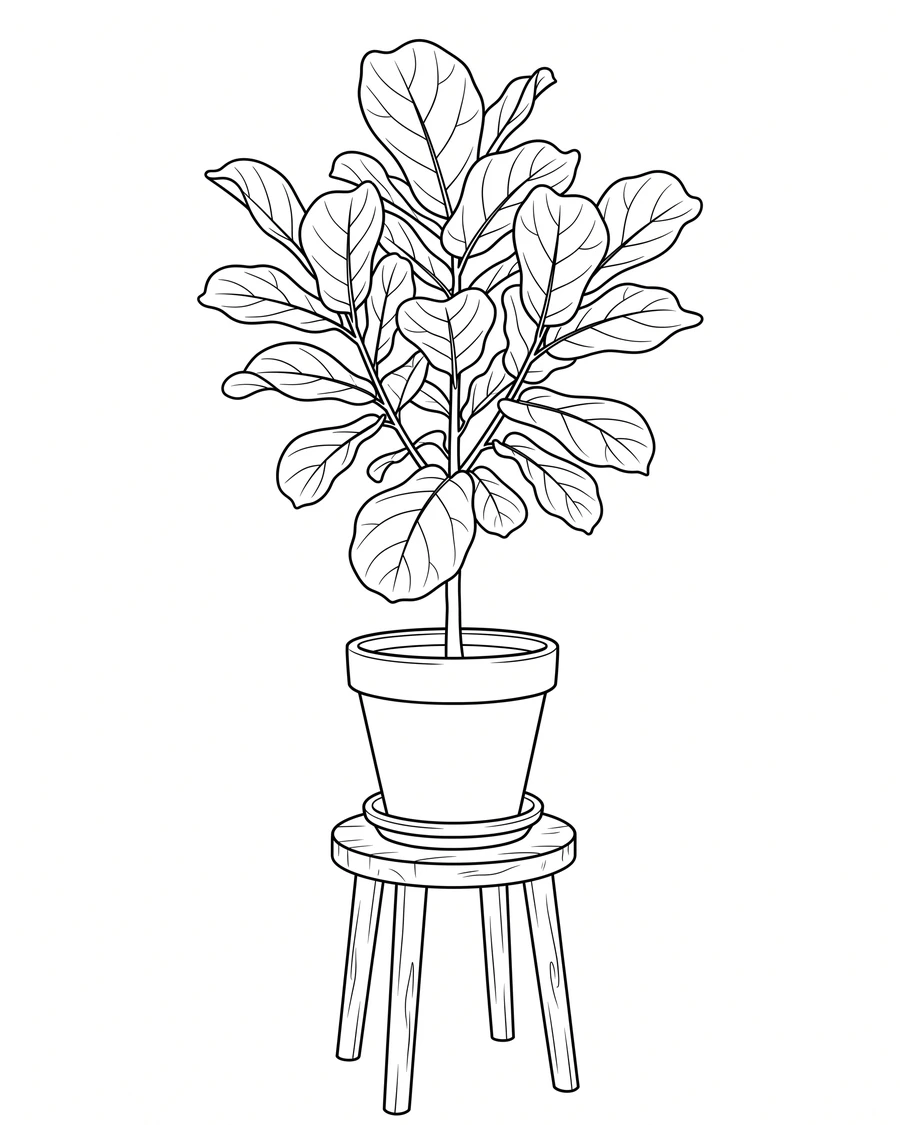
Signs
Turn a picture into a sign that reads at a distance
Signage and pictograms need a bold, simple outline, not a busy illustration full of small lines: pic2CAD draws that outline for you.
See how it works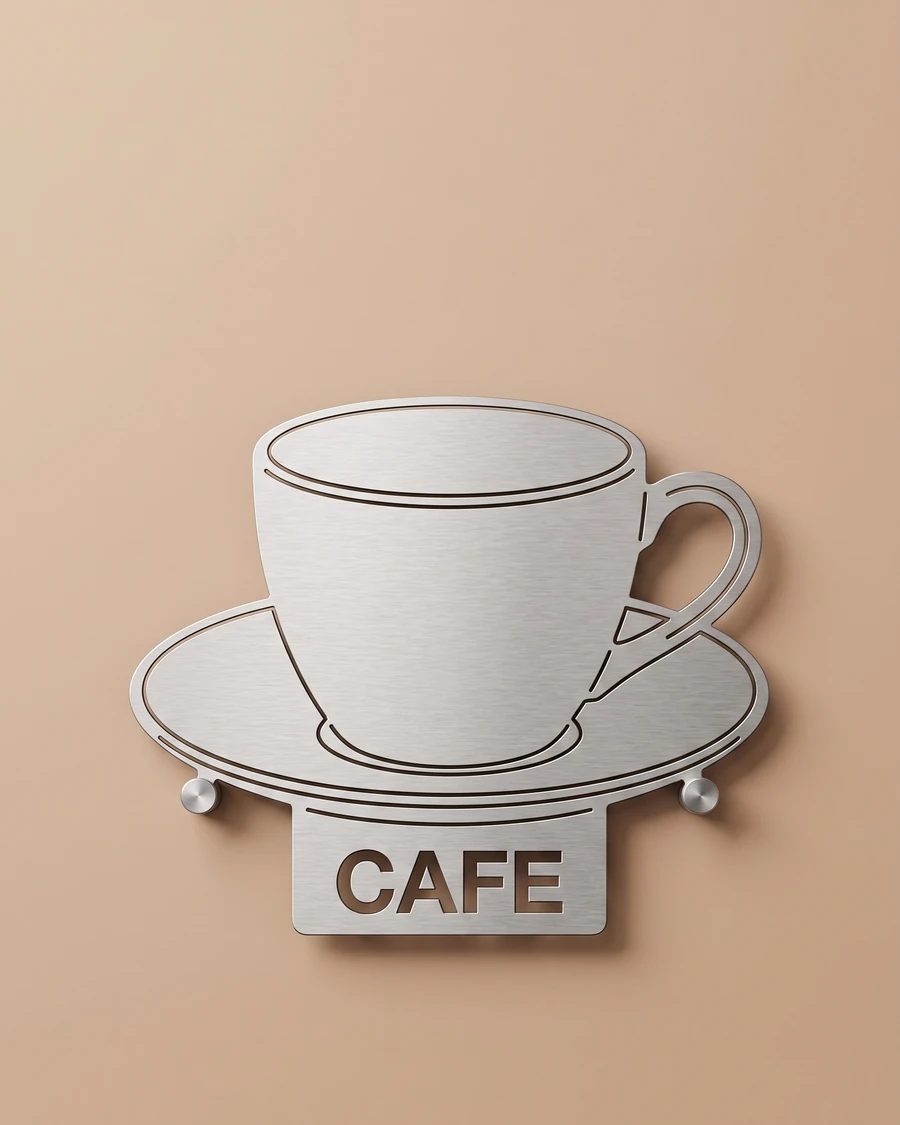
Interior design
Put your client's own furniture into your room elevations
The sofa, the plants and the lamp the client already owns become blocks you can place in an elevation or on a board. All you need is a picture you took on site.
See how it works