Turn a picture into a DXF your cutter can run straight away
Closed, unambiguous vector paths, without redrawing anything by hand: outer and inner lines already split onto layers.
Try it with your own picture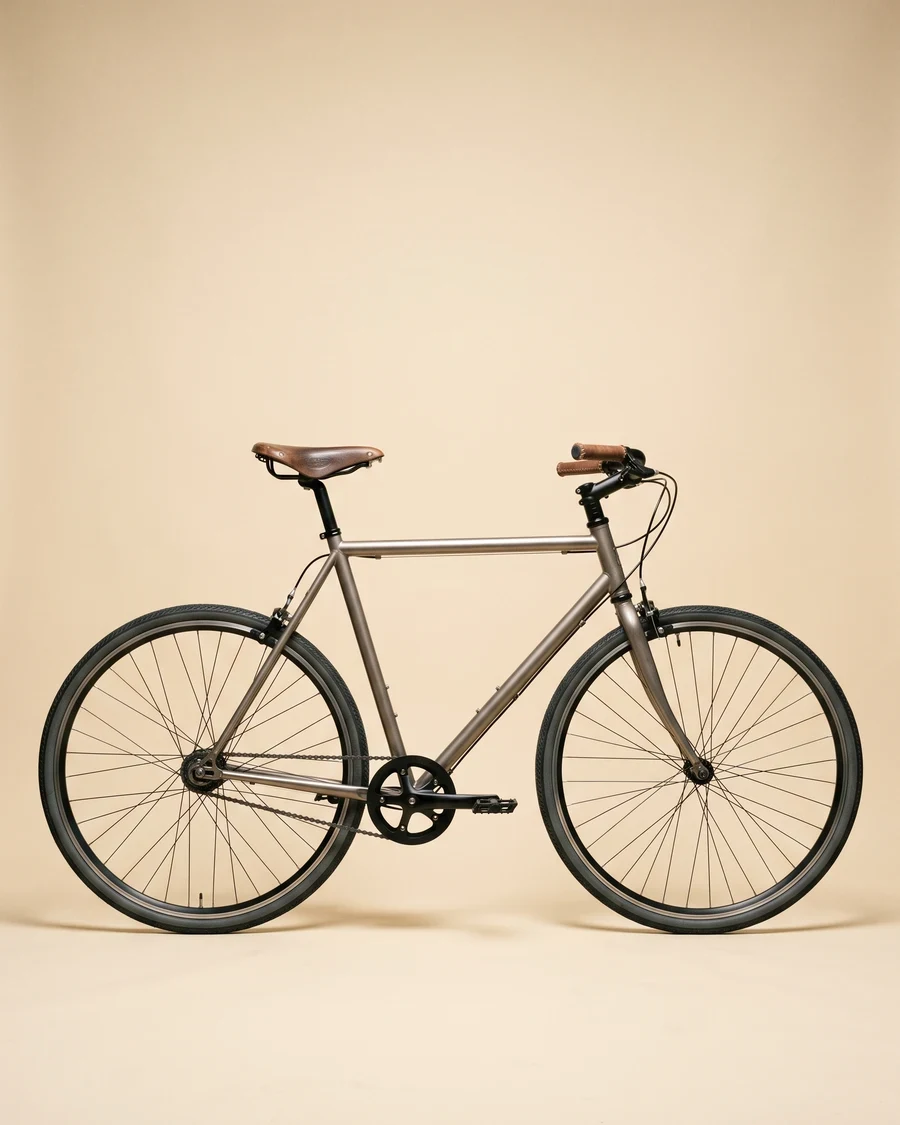
How it works
Upload a picture
Any picture works: one you shoot yourself, a reference from a client, or a sketch you already have.
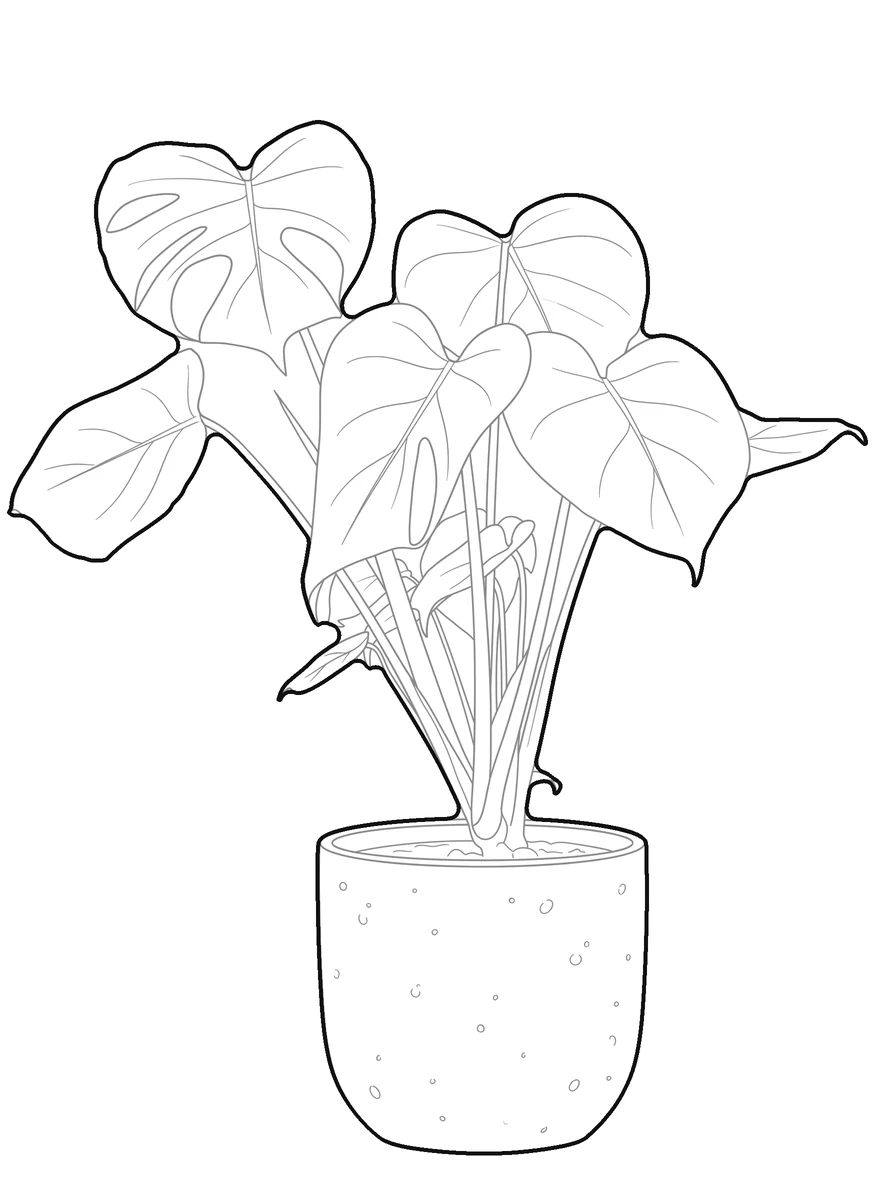
pic2CAD draws the line art
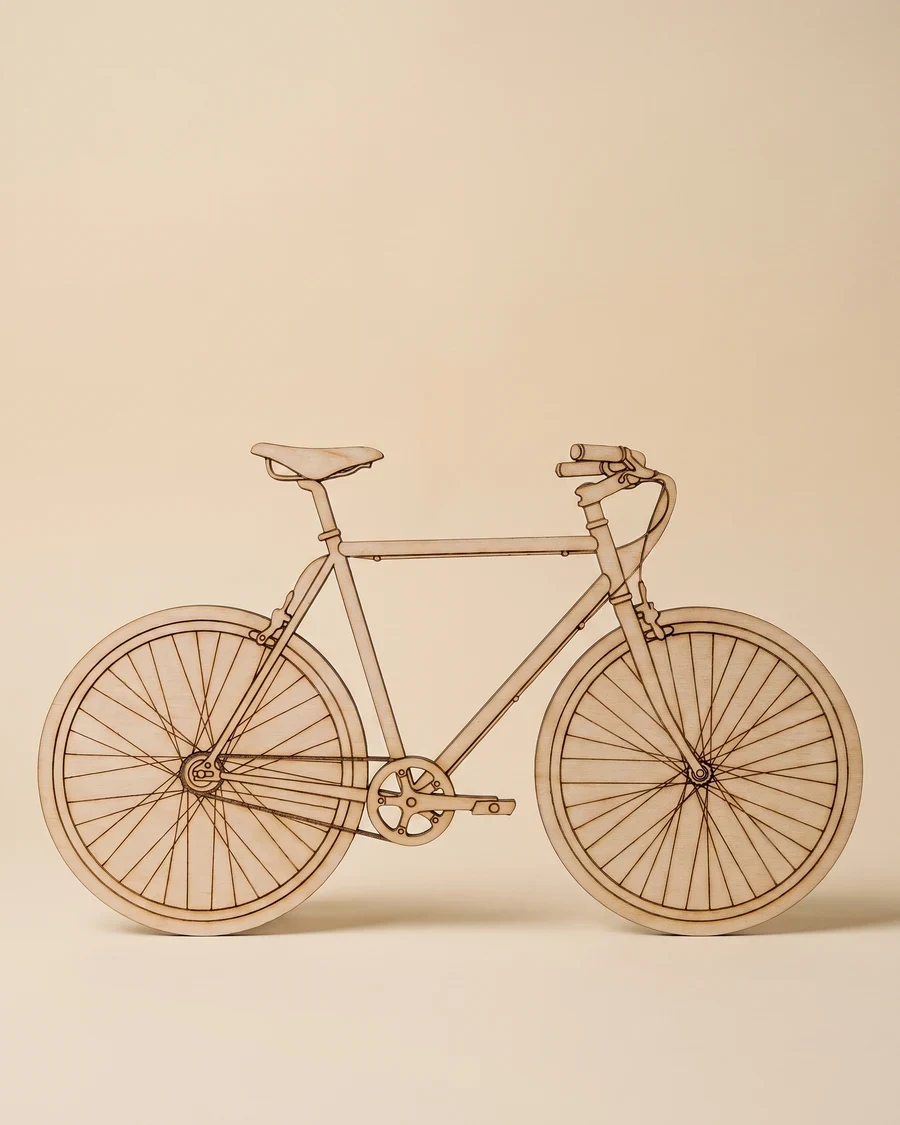
The picture becomes a clean line drawing in a few seconds, ready to check before you spend a credit on it.
Download PNG, SVG and DXF
All three formats, every time. Downloading is always free, however many times you need the file.
How pic2CAD helps
Tracing a picture into clean vector paths by hand is slow, and an ambiguous line (open paths, overlapping strokes) can ruin a cut or jam a laser. Most image-to-vector tools leave that cleanup to you.
pic2CAD exports closed, unambiguous vector paths as a DXF, with outer and inner lines already split onto layers, so cut and engrave passes are one click away. The same file also opens as an SVG if your software prefers that format.
Ideal for
- Signage, pictograms and decorative panels cut on a laser or plotter
- One-off gifts or prototypes from a picture, without redrawing it in a vector editor
- Hobbyists and makerspaces cutting plywood, acrylic or cardboard
- Batches where cut and engrave lines need to live on separate layers