Turn a reference picture into a line art base you can paint over
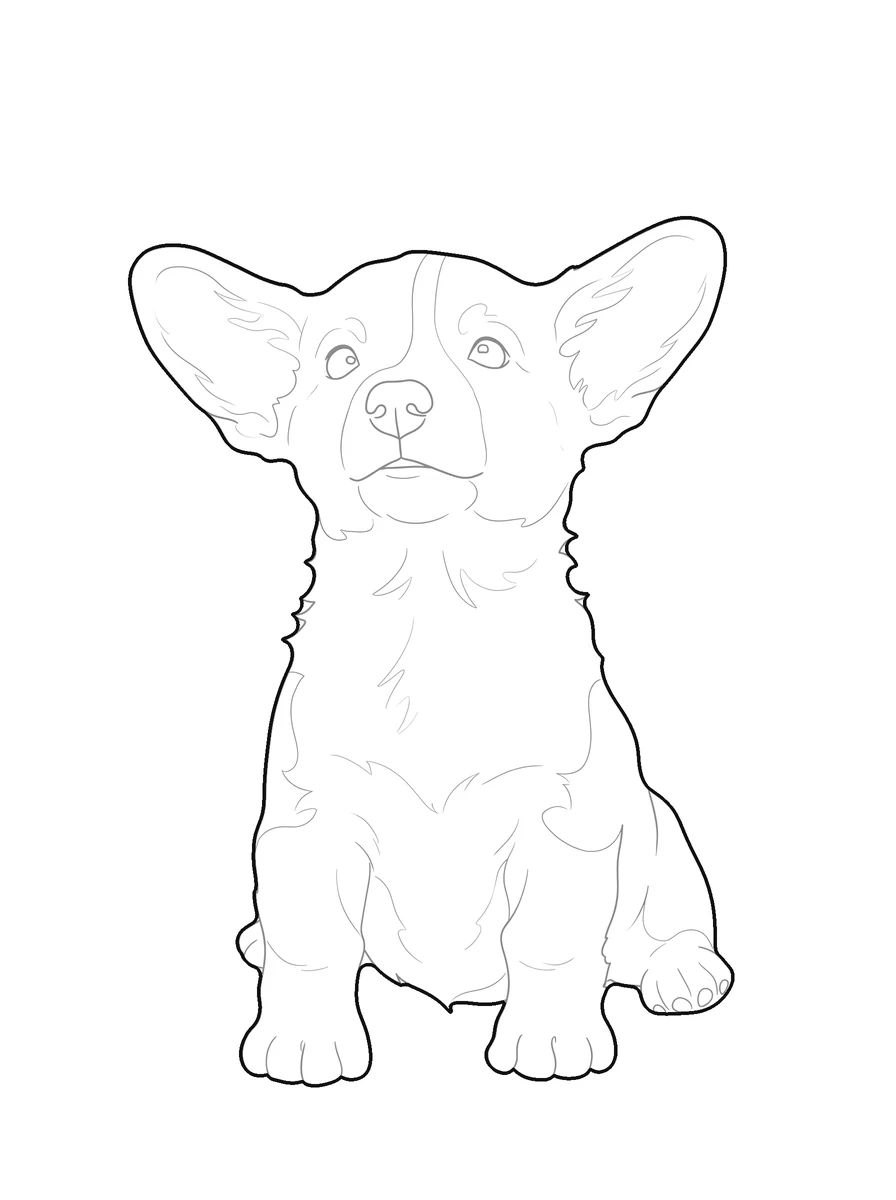
Skip the slower step between a reference picture and a usable base: pic2CAD traces it, you keep the drawing.
Try it with your own picture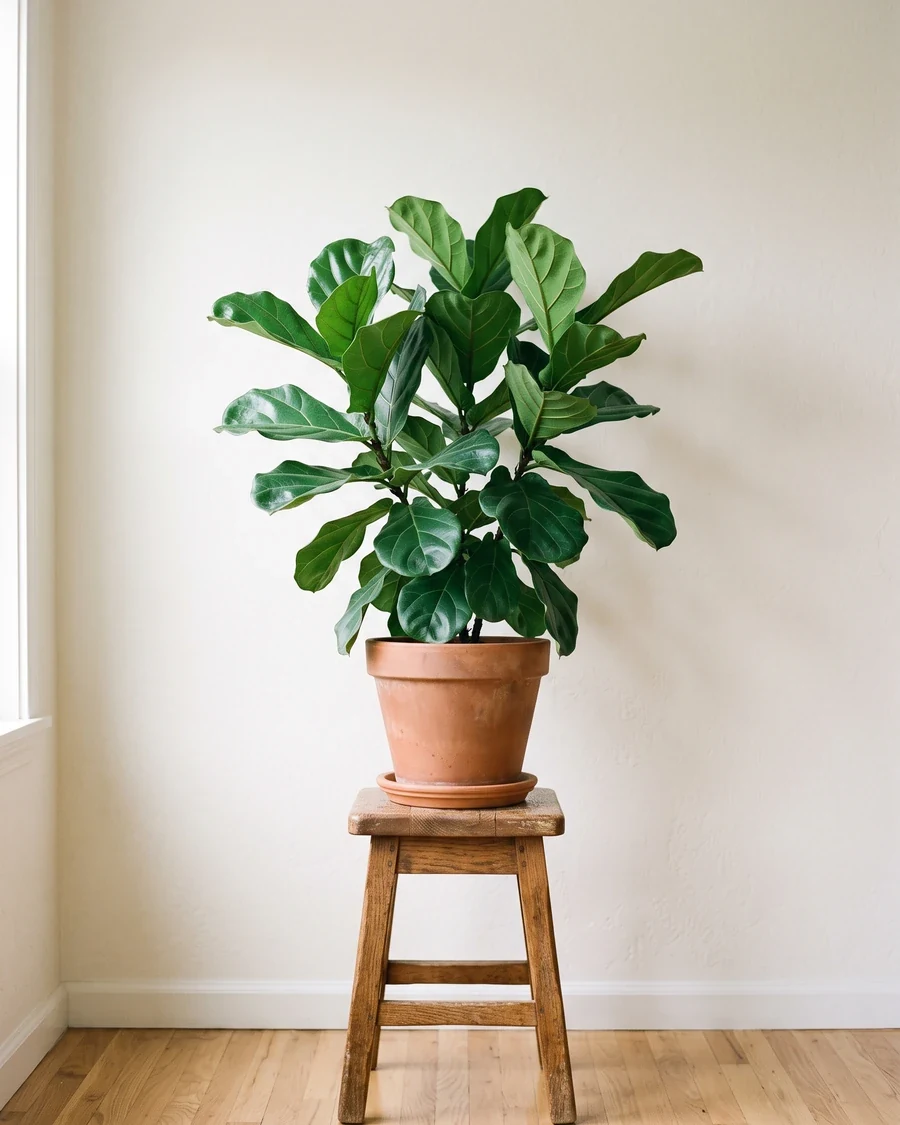
How it works
Upload a picture
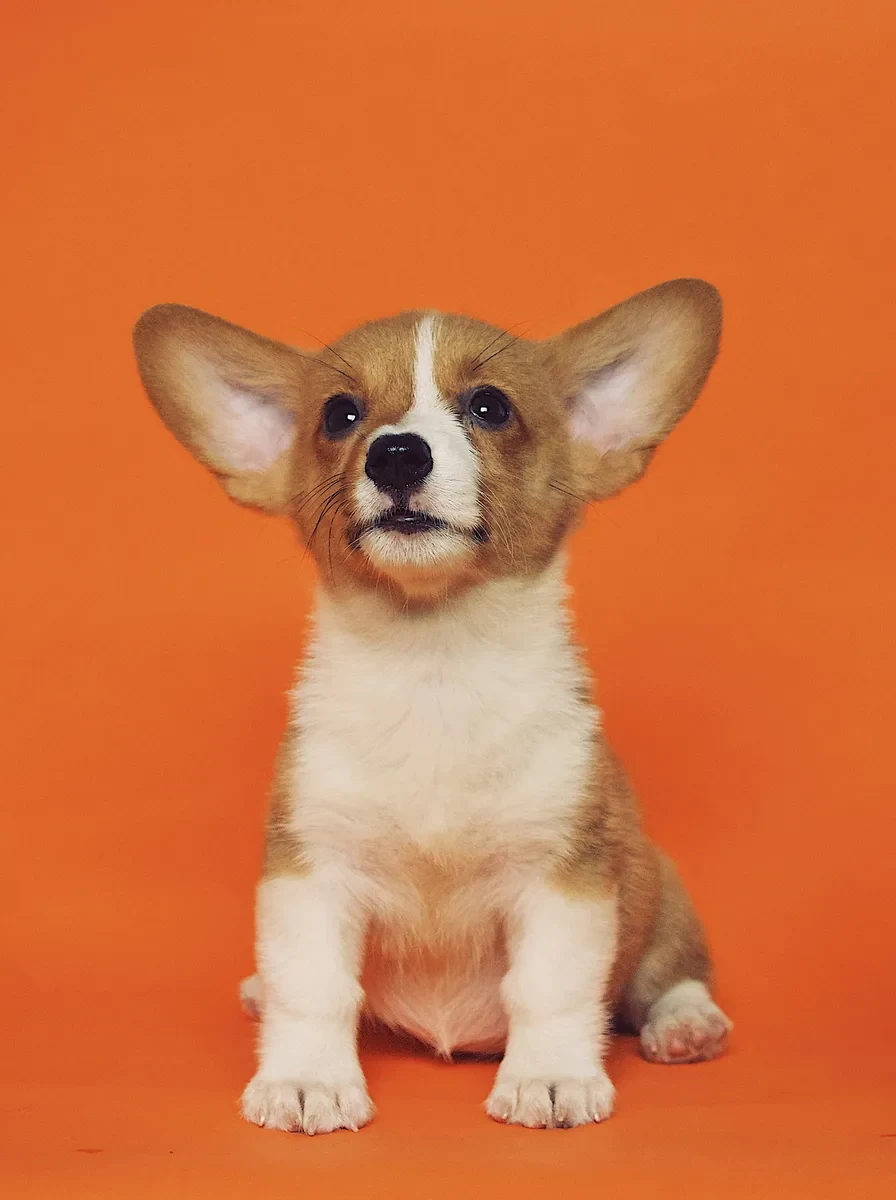
Any picture works: one you shoot yourself, a reference from a client, or a sketch you already have.
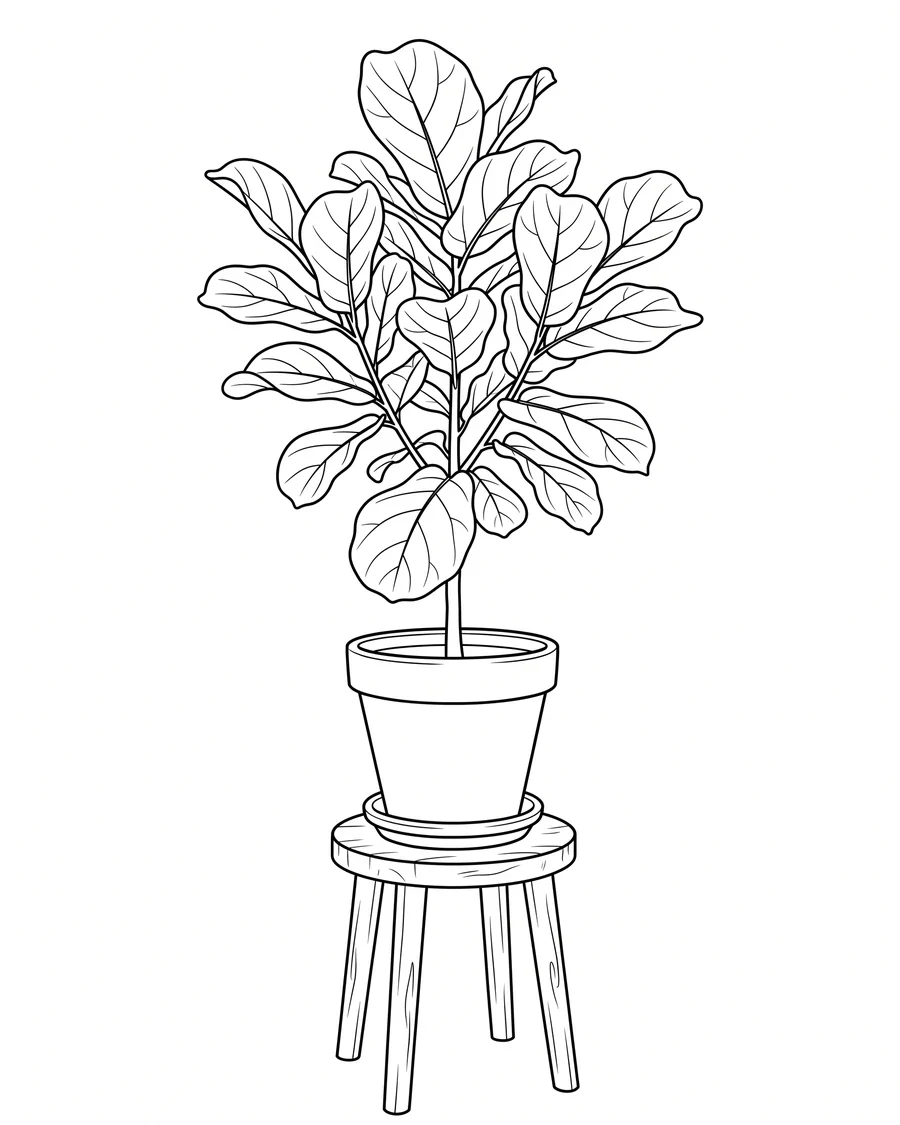
pic2CAD draws the line art
The picture becomes a clean line drawing in a few seconds, ready to check before you spend a credit on it.
Download PNG, SVG and DXF
All three formats, every time. Downloading is always free, however many times you need the file.
How pic2CAD helps
Going from a reference picture to a usable line art base takes time, whether you're sketching it by hand or wrestling a filter-style AI tool that imposes its own art style on the result instead of just tracing what's there.
pic2CAD traces a picture into a clean SVG line drawing, without a fixed art style deciding the outcome for you. It drops into Procreate or Illustrator as a locked layer to paint or ink straight over.
Ideal for
- Illustrators who want a traced base instead of sketching one from scratch
- Studies and life drawing practice from your own reference pictures
- Comics and concept art needing a clean line pass before inking
- Anyone who wants to keep their own art style instead of an AI-imposed one