
Turn the furniture you actually use into a CAD block
Skip the catalogue search for a generic lookalike. A chair, a lamp, a favourite table: your own picture, turned into a block.
Try it with your own picture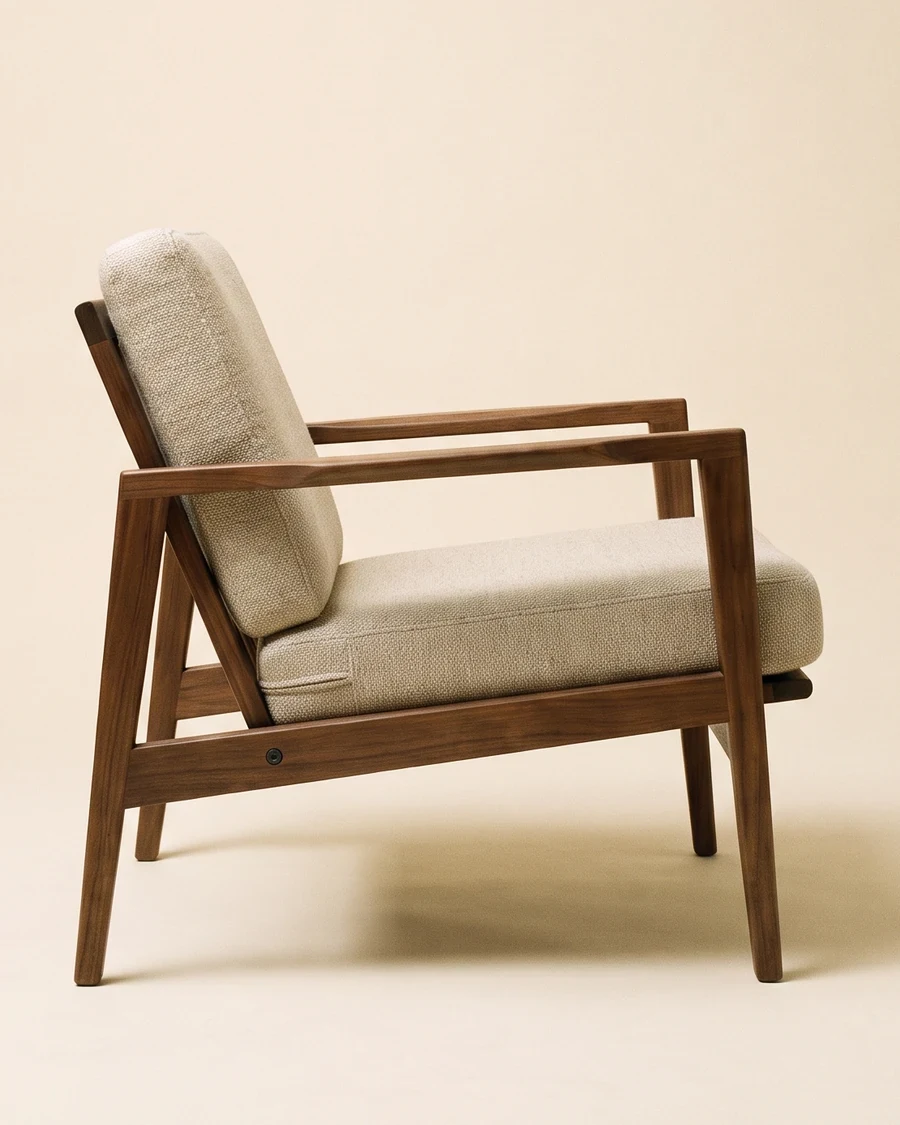
How it works
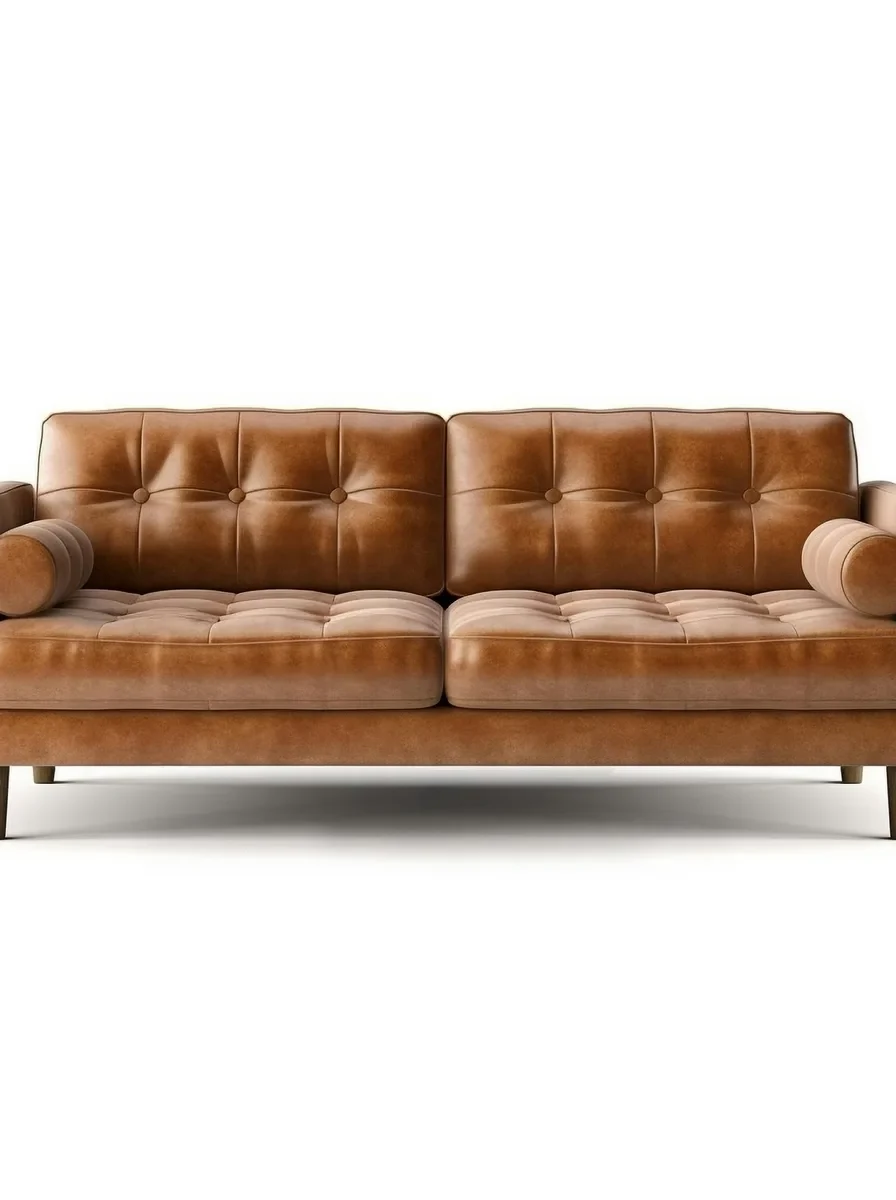
Upload a picture
Any picture works: one you shoot yourself, a reference from a client, or a sketch you already have.
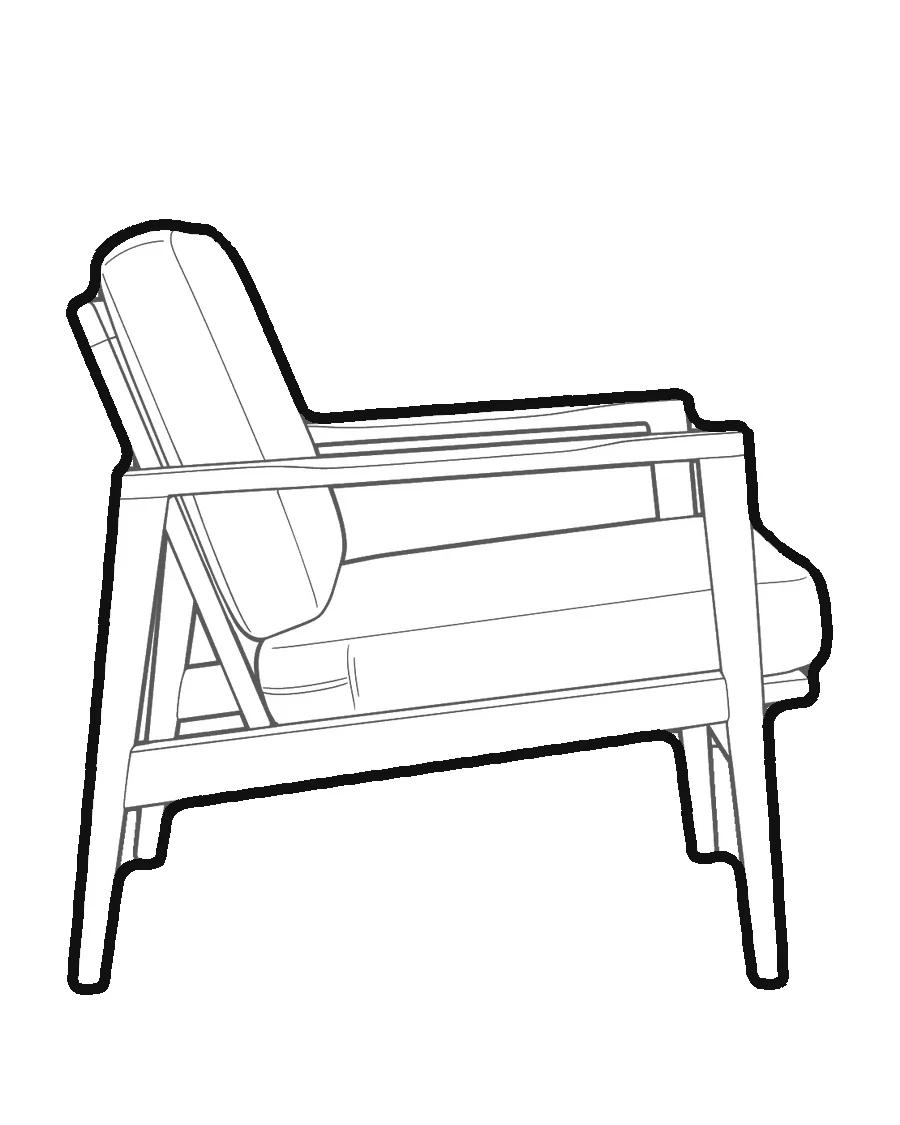
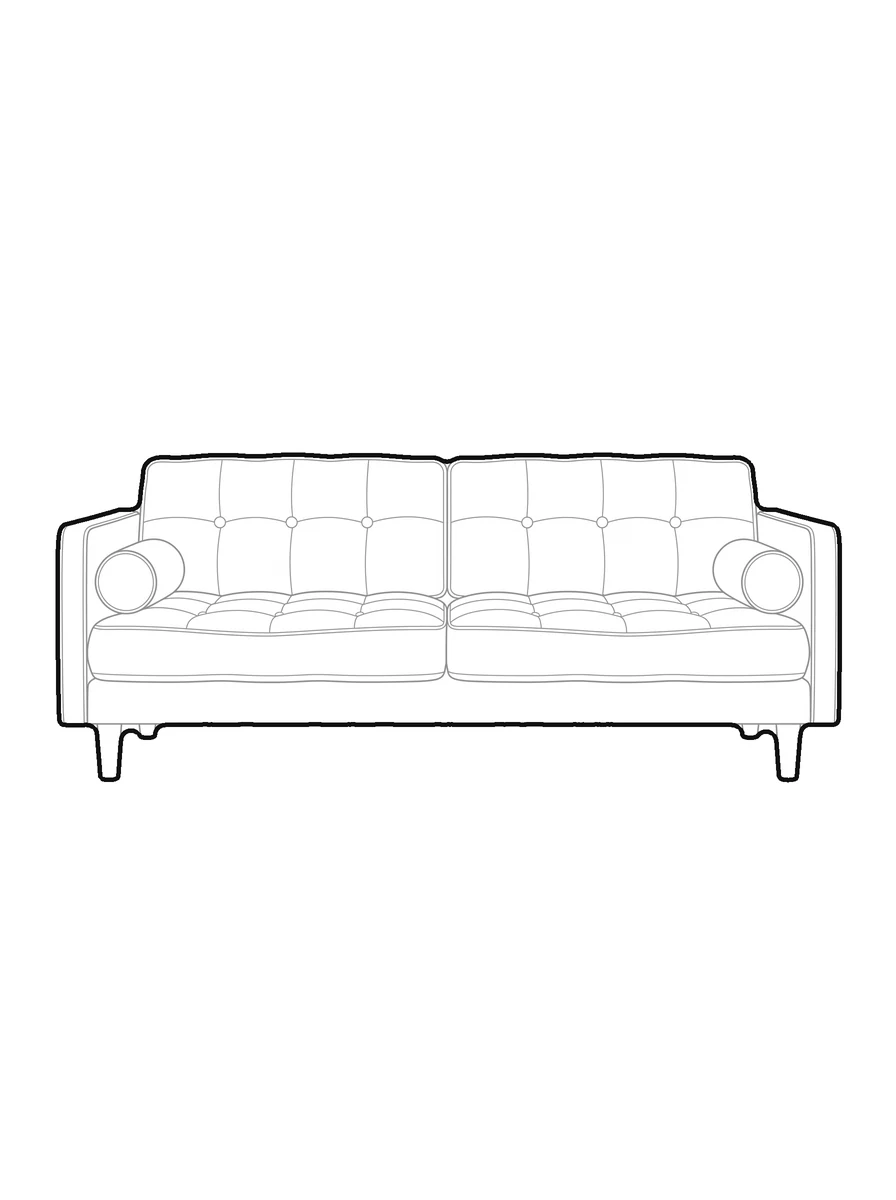
pic2CAD draws the line art
The picture becomes a clean line drawing in a few seconds, ready to check before you spend a credit on it.
Download PNG, SVG and DXF
All three formats, every time. Downloading is always free, however many times you need the file.
How pic2CAD helps
Furniture catalogue blocks rarely match what's actually specified or already owned, and hunting through a library for a close-enough lookalike wastes time you don't have. Redrawing a piece of furniture by hand for one plan isn't much faster.
pic2CAD turns a picture of a chair, a lamp or a table into a line block: white fill inside, a heavy outline outside, in millimetres, ready to drop into a plan or elevation as a DXF, SVG or PNG.
Ideal for
- Interior designers specifying furniture the client already owns
- Studios building a block library from their own furniture stock
- Furniture makers who want a line drawing of a piece for a spec sheet
- Any plan or elevation where a catalogue block doesn't match what's really there