Turn a picture into the line art your digitizer would otherwise sketch by hand
pic2CAD doesn't export DST or PES, but it gives you the clean vector base an embroidery digitizer starts from.
Try it with your own picture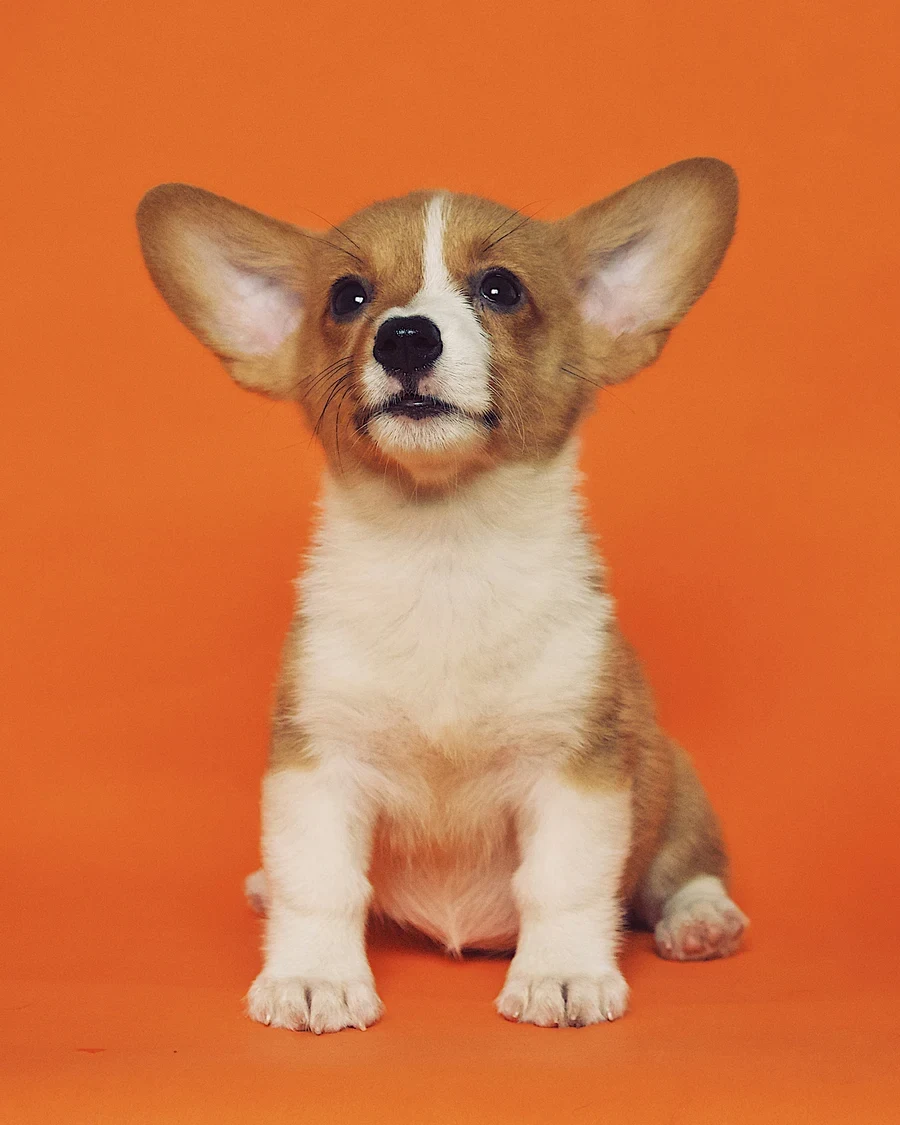
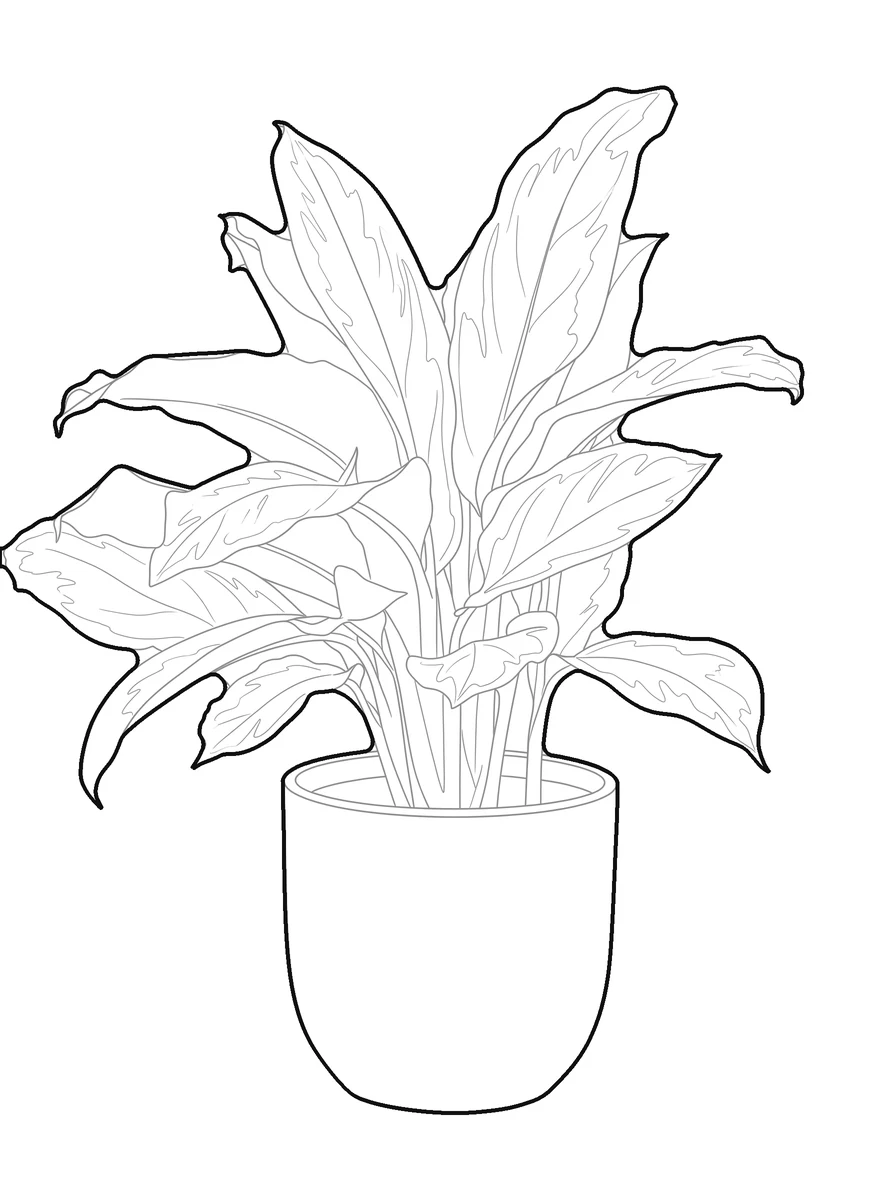
How it works
Upload a picture
Any picture works: one you shoot yourself, a reference from a client, or a sketch you already have.
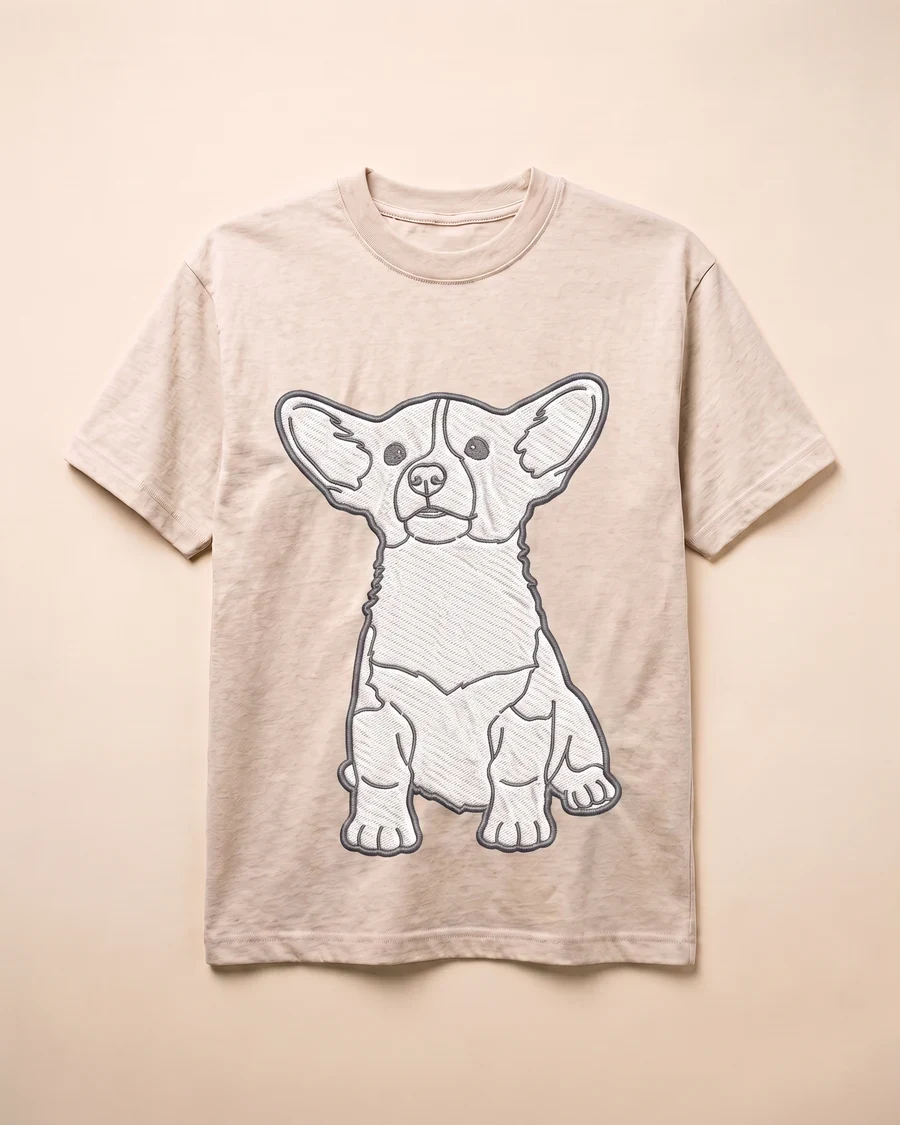
pic2CAD draws the line art
The picture becomes a clean line drawing in a few seconds, ready to check before you spend a credit on it.
Download PNG, SVG and DXF
All three formats, every time. Downloading is always free, however many times you need the file.
How pic2CAD helps
An embroidery digitizer needs clean vector artwork to start from, and sketching that base by hand from a reference picture takes time before the actual digitizing even begins. A blurry picture or a rough sketch usually isn't enough.
pic2CAD turns a picture into a clean SVG line drawing your digitizer can trace into stitches. The same file doubles as a line-color separation for screen printing or a cut file for heat-transfer vinyl, if that's where the design ends up instead.
Ideal for
- Small print shops turning a customer's picture into a stitch-ready design
- Digitizers who want a clean vector base instead of sketching one by hand
- One-off or low-volume embroidery, where a full digitizing service isn't worth it yet
- Designs that also need a screen-print or heat-transfer version from the same artwork