
Image to CAD
Whatever the picture shows, pic2CAD reduces it to clean line work you can use in a CAD file from day one.
Try it with your own picture
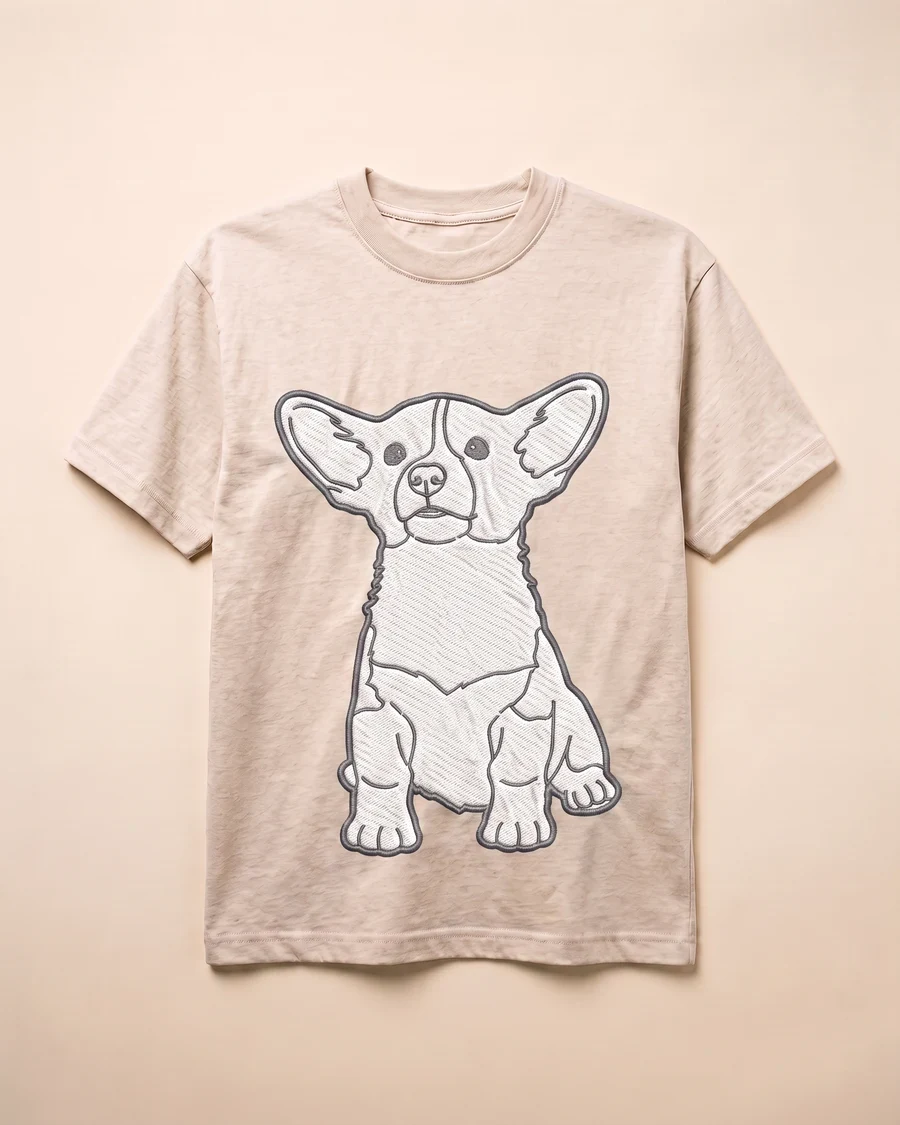


How it works
Upload a picture
Any picture works: one you shoot yourself, a reference from a client, or a sketch you already have.
pic2CAD draws the line art
The picture becomes a clean line drawing in a few seconds, ready to check before you spend a credit on it.
Download PNG, SVG and DXF
All three formats, every time. Downloading is always free, however many times you need the file.
How pic2CAD helps
Reference pictures pile up, but none of them are a drawing you can put in a CAD file or an editable vector file. Turning one into the other by hand takes longer than the rest of the job.
pic2CAD isolates the subject and traces it into line work, with as much or as little interior detail as you choose, delivered as PNG, SVG and DXF. The SVG opens as editable paths in Illustrator; the DXF opens in any CAD package.
Ideal for
- Designers who need a CAD-ready base from a reference picture
- Illustrators looking for a clean line layer to paint or ink over
- Architecture students converting a reference into a usable block
- Anyone without drafting skills who still needs a vector line drawing