
Photo to DXF
Upload a picture and get back a DXF you can actually open and cut, not a raster trace that needs redrawing.
Try it with your own picture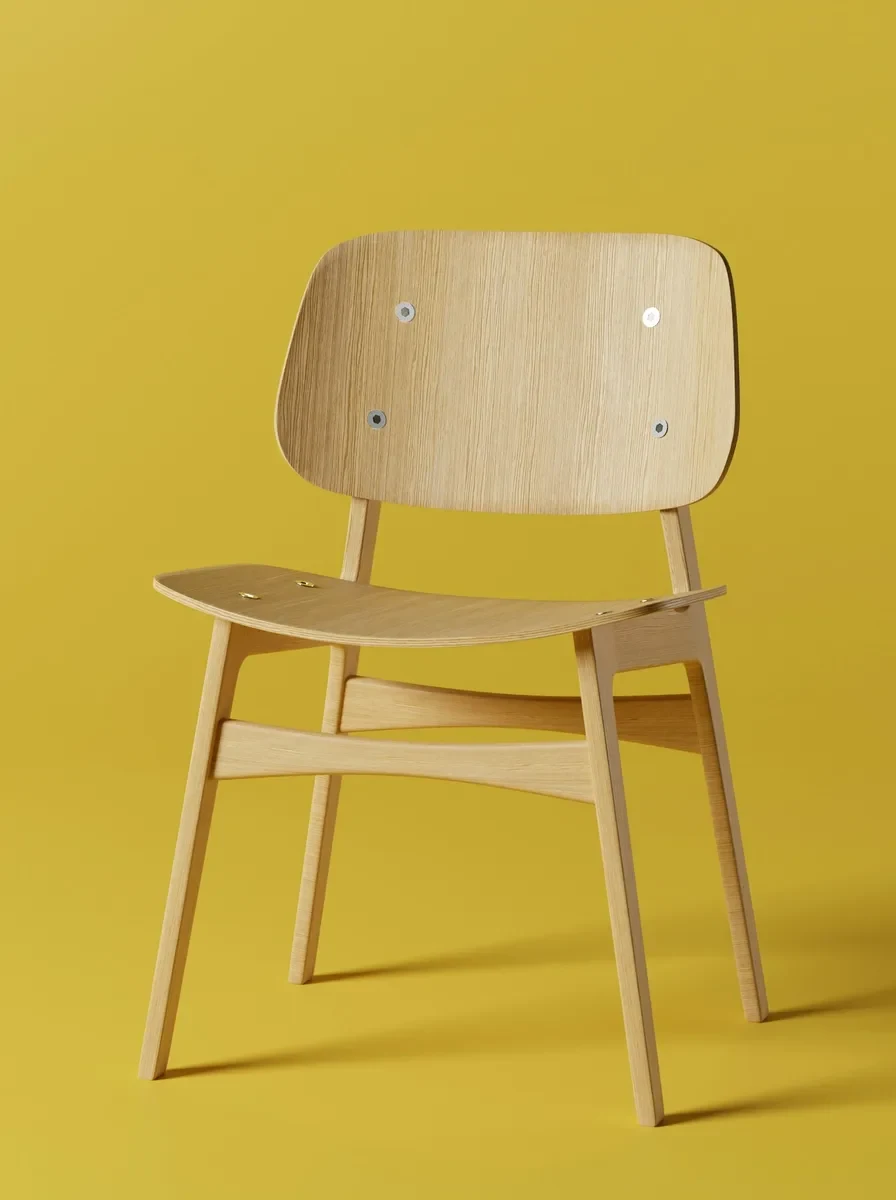
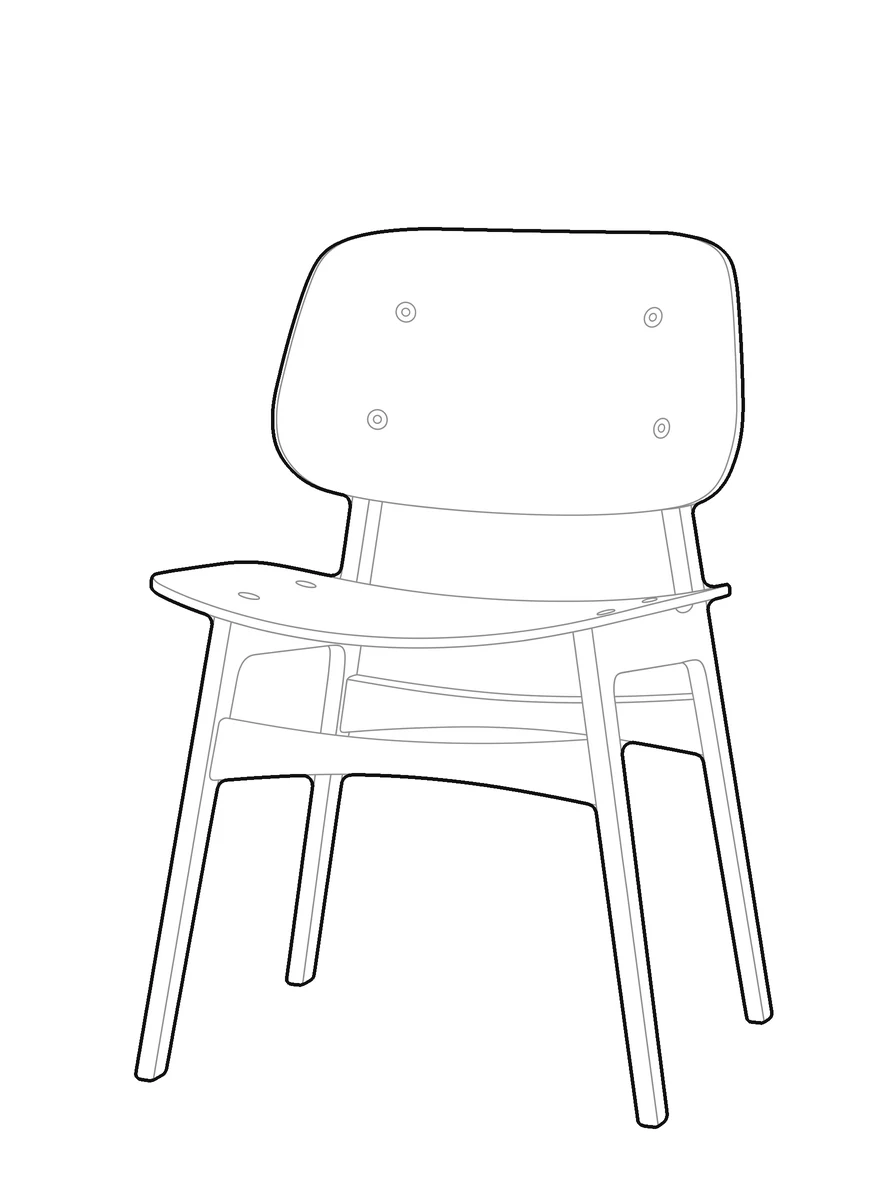

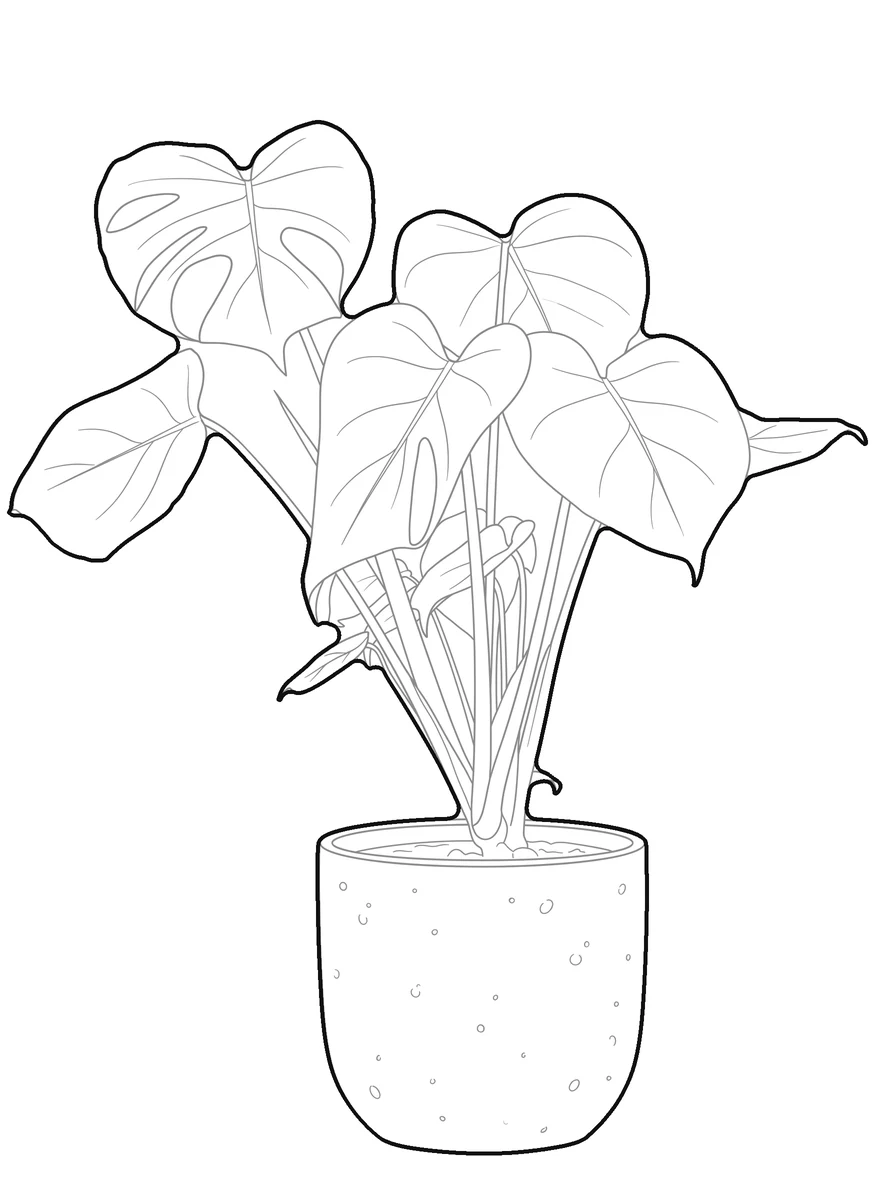
How it works
Upload a picture
Any picture works: one you shoot yourself, a reference from a client, or a sketch you already have.
pic2CAD draws the line art
The picture becomes a clean line drawing in a few seconds, ready to check before you spend a credit on it.
Download PNG, SVG and DXF
All three formats, every time. Downloading is always free, however many times you need the file.
How pic2CAD helps
A picture is not a drawing your CAD software can use. To cut it, draft with it or drop it into a plan, someone still has to trace it into vector lines by hand, layer by layer.
pic2CAD traces the picture for you and writes a DXF with Outer, Inner and Fill on separate layers, drawn with splines instead of jagged polylines, dimensioned in millimetres. It opens straight in AutoCAD, Rhino, ArchiCAD or BricsCAD.
Ideal for
- Laser and router operators who need closed, unambiguous cut paths
- Architecture students who need a DXF block for a plan or a board, fast
- Anyone drafting who does not want to trace a picture by hand
- Sign and stencil makers cutting from a reference picture