

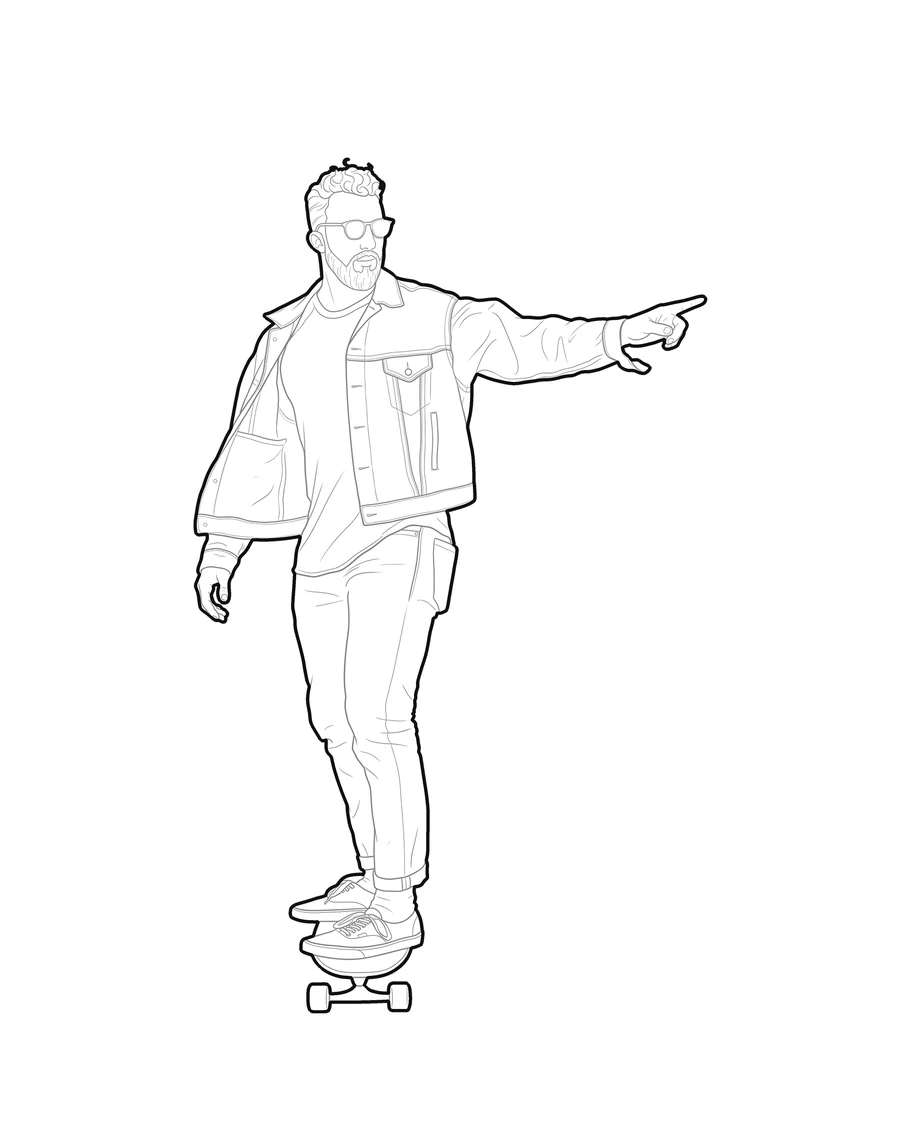
One picture in, three ready-to-use files out: a DXF in millimetres, an editable SVG, and a transparent PNG. Here's which file fits which job, and how each trade puts it to work.
01 / 07
Convert your own site pictures, your team, or your clients into scale figures you actually own, not another generic download from a block library. Each one exports as a DXF in millimetres that drops straight into AutoCAD, Revit, or ArchiCAD, at the height you set in Orthographic view or as a 1 m reference block in Picture accurate.
Try it with your own picture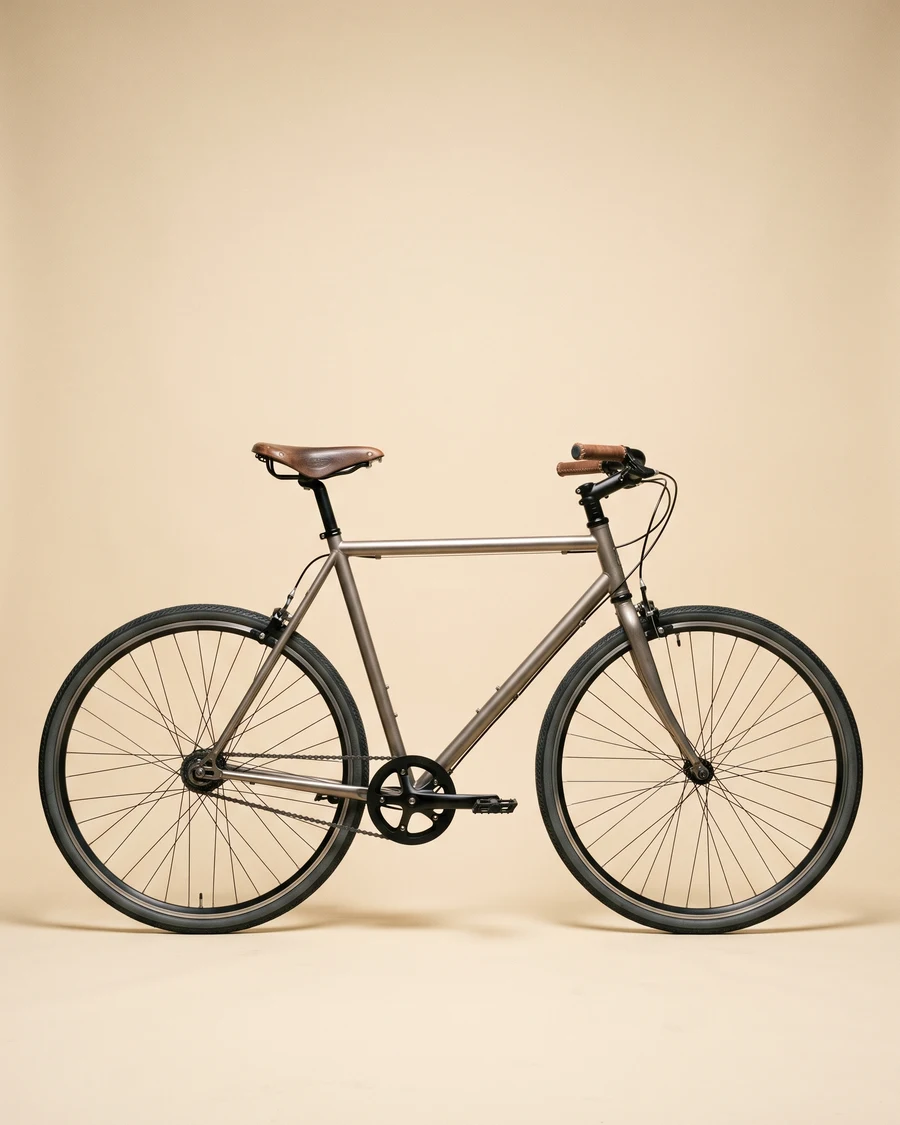

02 / 07
Turn a picture into closed, unambiguous vector paths ready for the cutter, without redrawing anything by hand. The DXF comes with outer and inner lines already split onto layers, so cut and engrave passes are one click away.
Try it with your own picture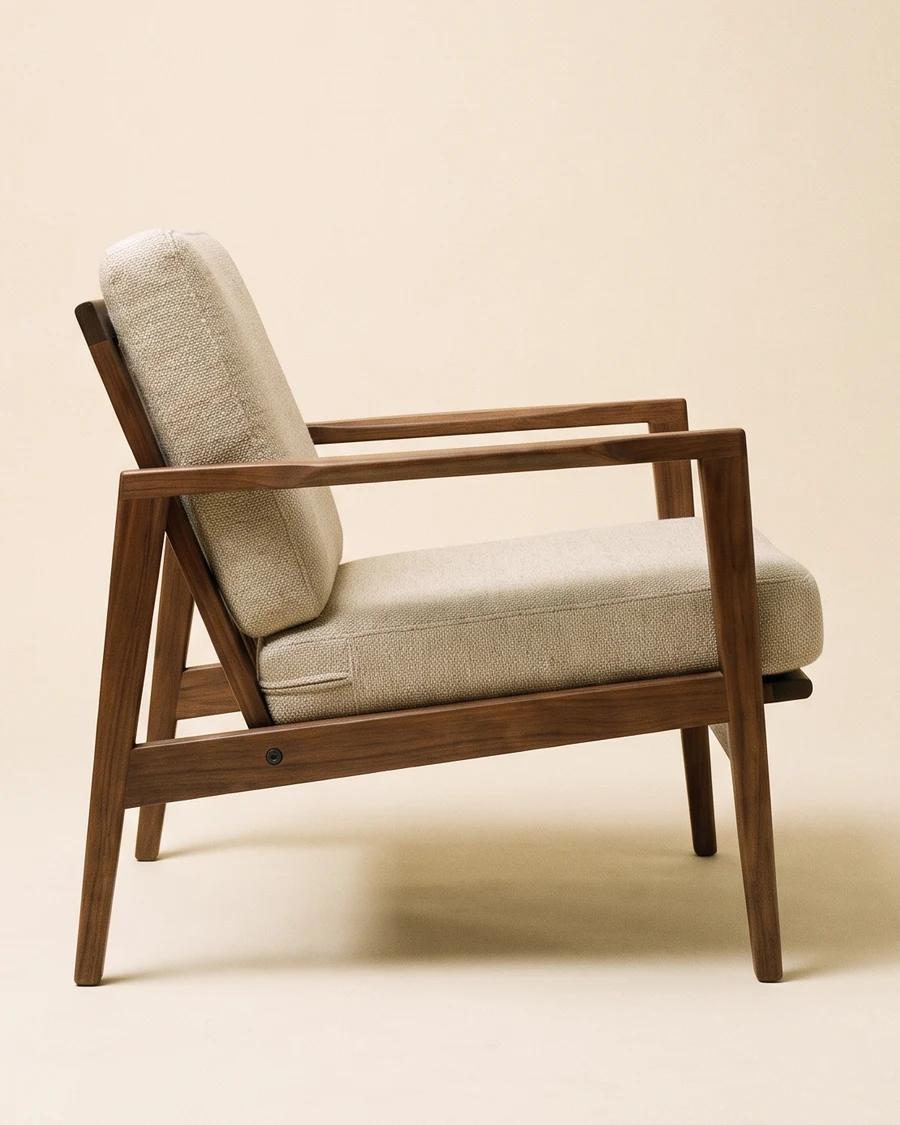
03 / 07
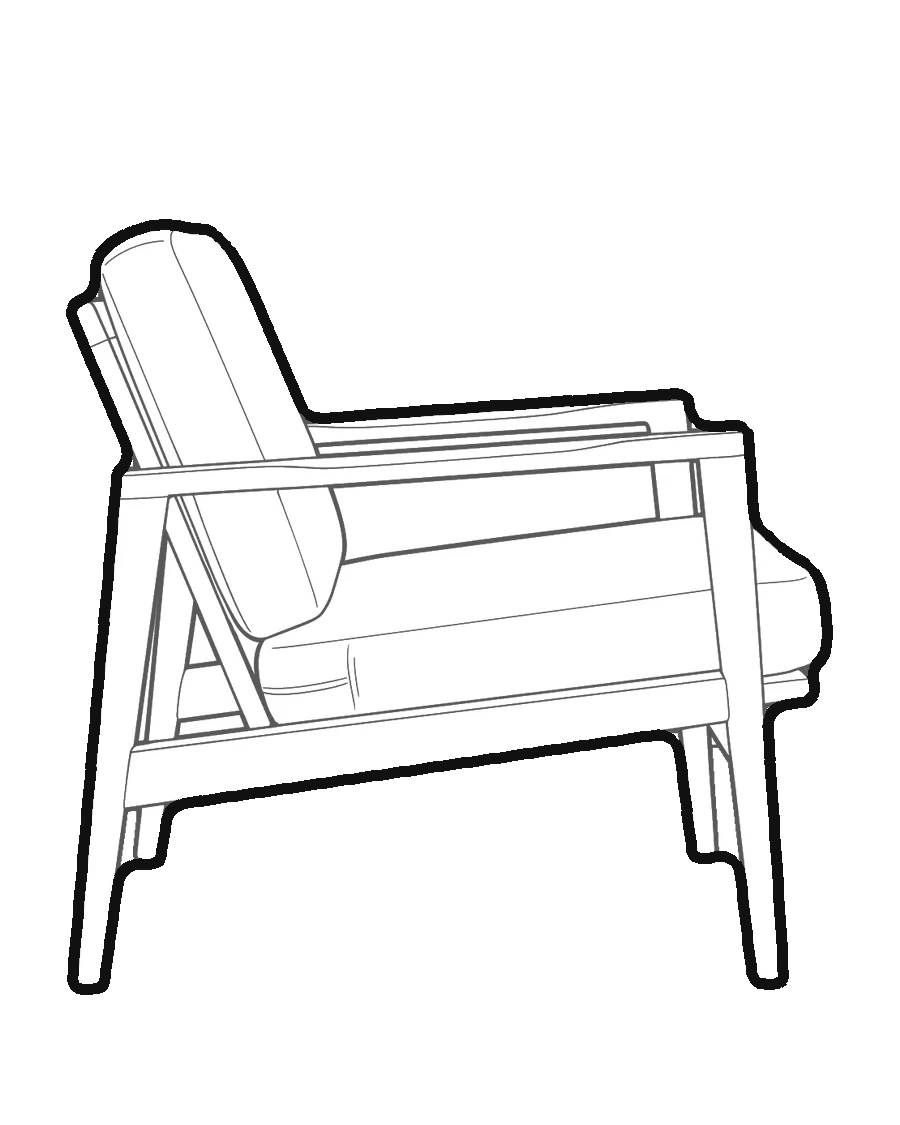
A chair, a lamp, a favourite table: turn the furniture you actually use into a block instead of hunting for a generic catalogue match. White fill inside, heavy outline outside, in millimetres, ready to drop into a plan or elevation as a DXF.
Try it with your own picture
04 / 07
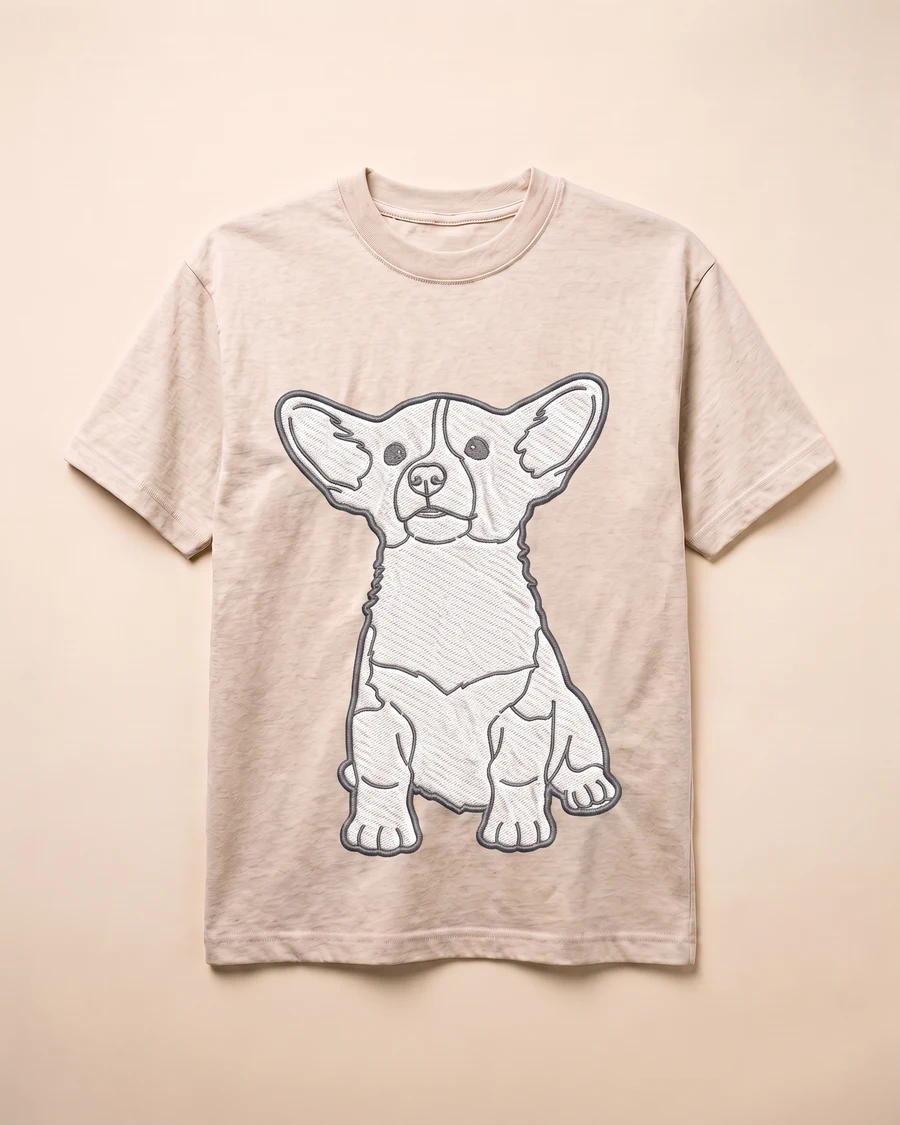
pic2CAD does not export DST or PES, but it gives your digitizer the clean vector artwork they'd otherwise sketch by hand. The same SVG doubles as a line-color separation for screen printing or a cut file for heat-transfer vinyl.
Try it with your own picture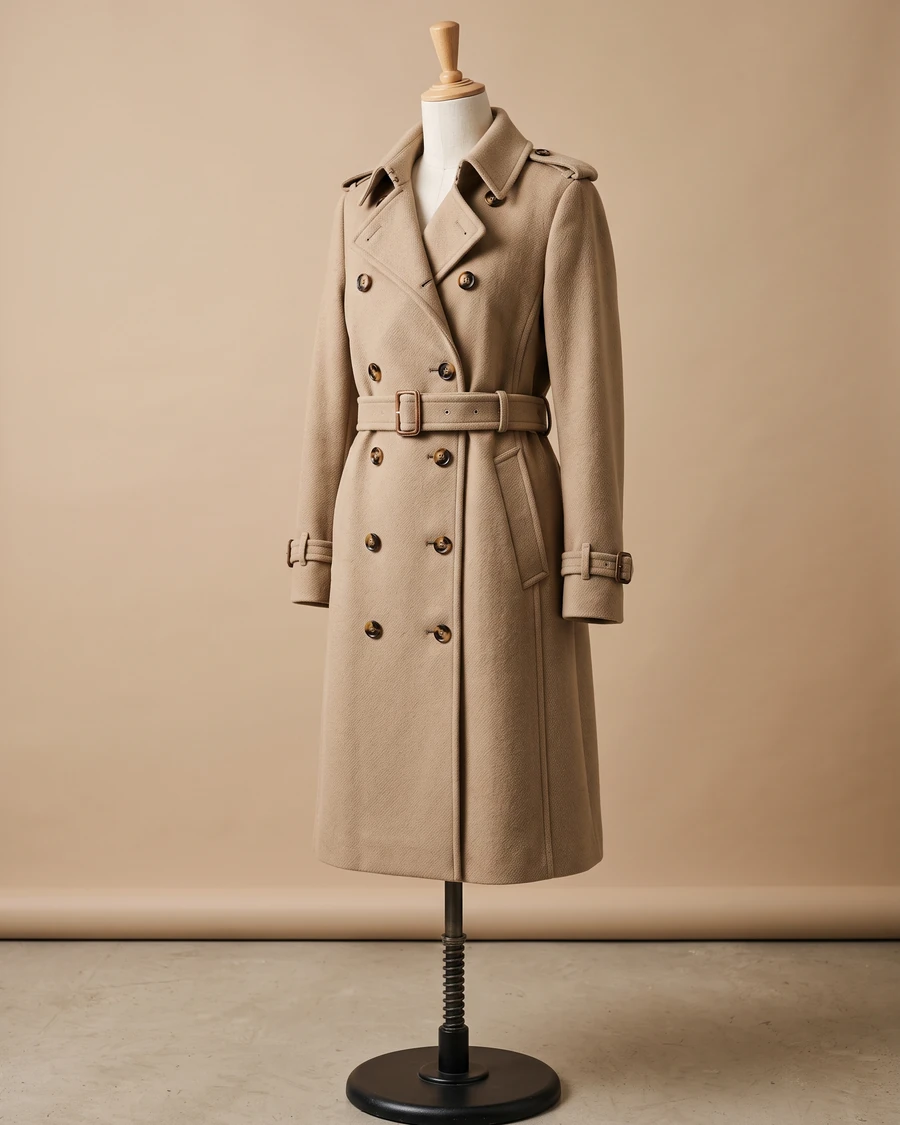
05 / 07
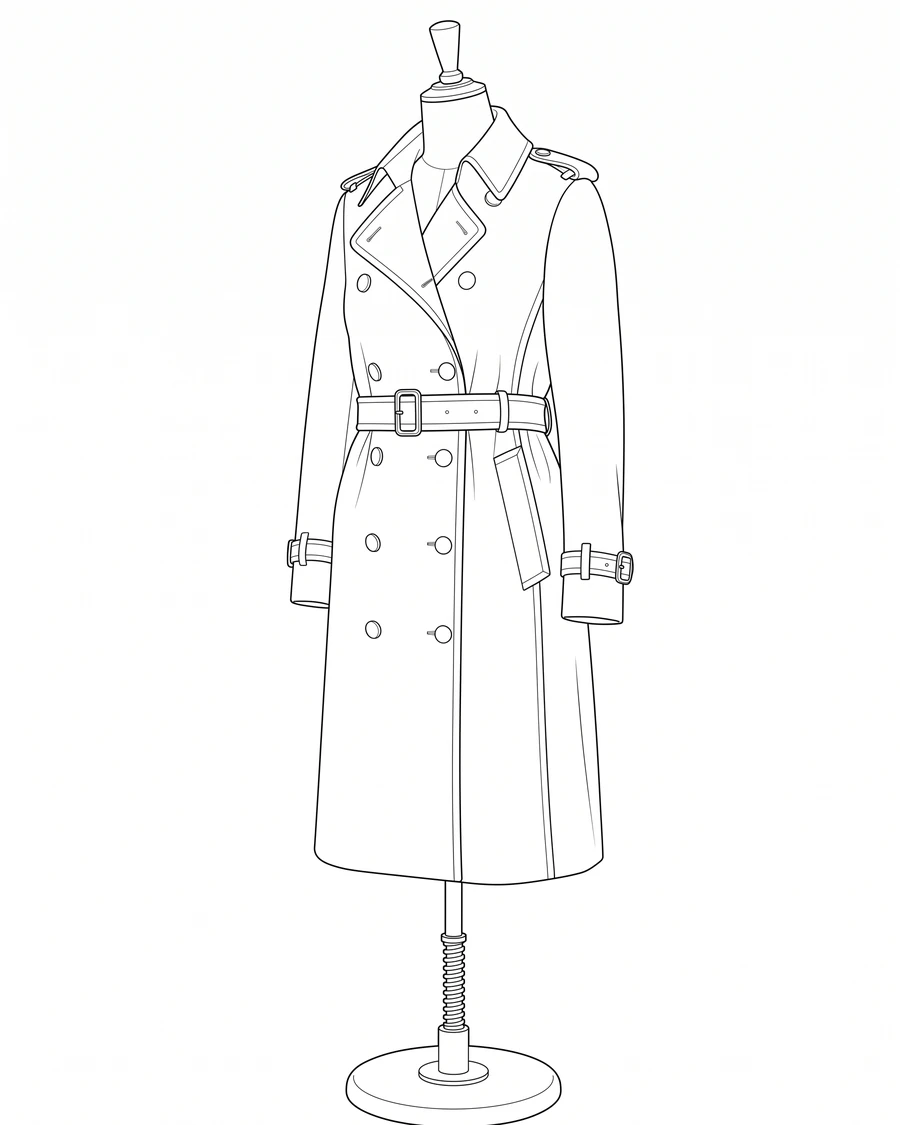
Turn a fitting picture or a lookbook shot into a clean technical flat for a tech pack or spec sheet, without redrawing the garment by hand. The SVG opens straight in Illustrator as editable paths, ready to resize, recolour, or lay next to your pattern pieces.
Try it with your own picture
06 / 07
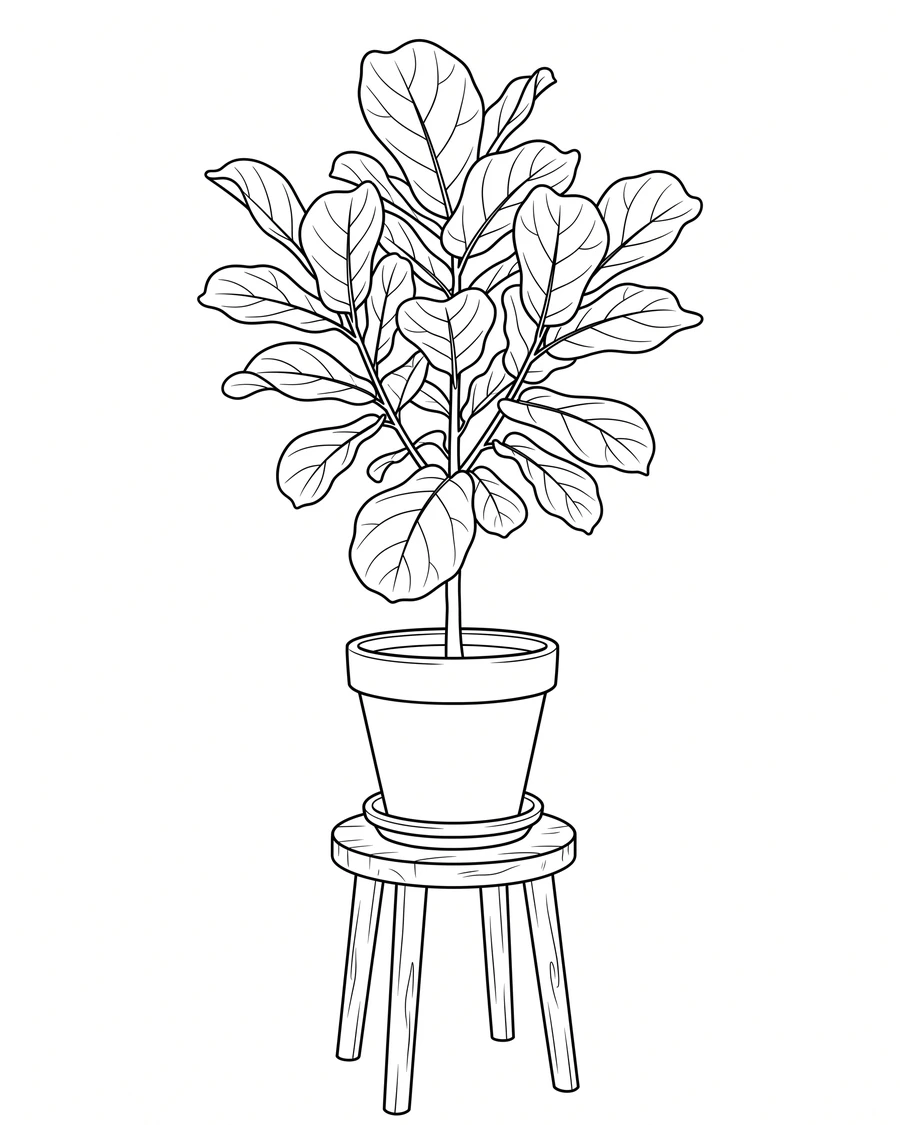
Skip the slower step between a reference picture and a usable line art base, without a fixed art style deciding the drawing for you. The SVG drops into Procreate or Illustrator as a locked layer to paint or ink straight over.
Try it with your own picture

07 / 07
Signage and pictograms need a bold, simple outline that still reads at a distance, not a busy illustration full of small lines. Cut it from the DXF on a plotter or router, or reach for the SVG if your workflow runs through a design app instead.
Try it with your own picture